

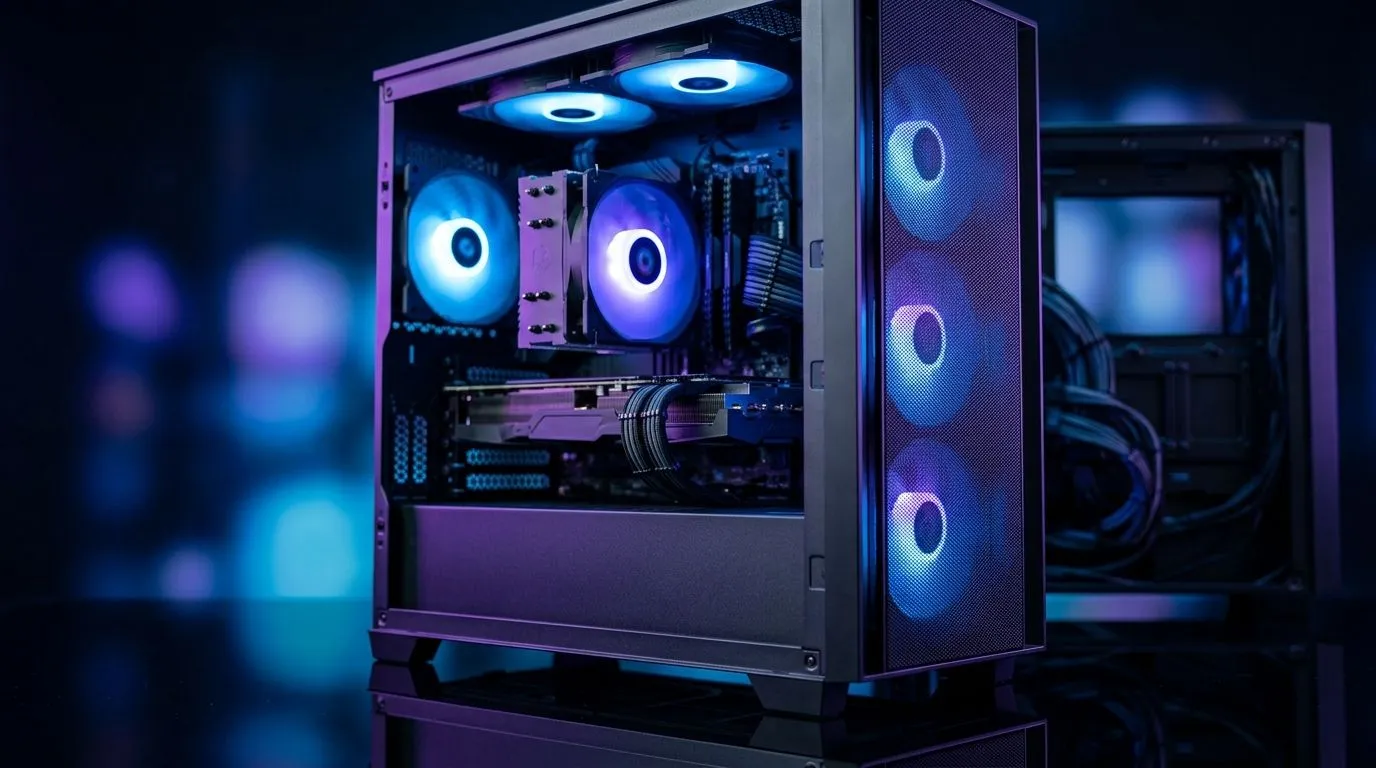
PC Running Hot With Multiple Fans? Airflow Mistakes Explained
If your PC has three, four, or even more fans and still runs hot, you’re not alone. Many South African gamers assume more fans automatically mean better cooling. In reality, poor airflow can trap heat, make your system louder, and even hurt performance during long gaming sessions or load-shedding recovery sprints. 🔧 The good news? Most airflow mistakes are easy to fix once you know what to look for.
PC Running Hot With Multiple Fans? Airflow Mistakes Explained in Simple Terms
The biggest mistake is assuming fan count matters more than fan direction. A case full of fans can still recirculate warm air if the front intake is blocked, the top exhaust is fighting the rear exhaust, or cables are sitting in the airflow path. Air needs a clear route in and out.
Common airflow mistakes that raise temperatures
1. Front panel restrictions
Some cases look sleek but breathe badly. A solid front panel can choke intake airflow, especially if the case uses small side vents. If your fans are working harder but temps stay high, the front design may be the bottleneck. Evetech’s computer cases range makes it easier to compare styles and airflow-focused options: https://www.evetech.co.za/components/computer-cases-70
2. Too much exhaust, not enough intake
A system with more exhaust than intake can create negative pressure. That sounds efficient, but it can pull dust through every gap and reduce controlled cooling. Balanced intake and exhaust usually performs better for everyday gaming PCs.
3. Fan placement that fights itself
Top fans are not always the answer. If you install them without considering CPU cooler direction and rear exhaust, you can create swirling hot air instead of moving it out. Think of airflow like traffic... smooth lanes beat chaos every time.
4. Cable clutter
Loose PSU cables, RGB hubs, and front-panel wires can block airflow around the GPU and CPU cooler. Tidy cable management is not just for looks. It helps hot air move away from components faster.
Cooling Pro Tip ⚡
Before buying more fans, test your current setup. Run a game, watch CPU and GPU temperatures, then briefly remove the side panel. If temperatures drop noticeably, your case airflow is the real issue... not your cooler.
PC Running Hot With Multiple Fans? Airflow Mistakes Explained by Case Design
Case choice matters a lot more than many buyers expect. A well-designed chassis gives fans room to work and leaves space for hot air to escape. That is why airflow-friendly cases are so popular with gamers building around hot GPUs and high-core CPUs.
If you want a clean, premium look with smart ventilation, Fractal Design cases are worth a look: https://www.evetech.co.za/PC-Components/fractal-design-pc-cases-346
If you’re shopping on a tighter budget, there are also affordable options that still support practical cooling layouts. Gamdias cases can be a solid starting point for many first-time builders: https://www.evetech.co.za/PC-Components/gamdias-gaming-cases-293?max-price=1500
For more choice across different builds and budgets, this Gamdias gaming cases collection is also useful: https://www.evetech.co.za/PC-Components/gamdias-gaming-cases-293
How to fix airflow without overspending
Start with the basics. Make sure front fans are pulling cool air in. Rear and top fans should usually push hot air out. Keep dust filters clean. Raise the PC off carpet. Leave breathing room behind the case. These small changes often help more than adding another fan.
If your CPU cooler is already decent, case airflow may be the missing piece. That matters in South Africa, where warmer room temps can make a marginal setup feel much hotter during summer.
PC Running Hot With Multiple Fans? Airflow Mistakes Explained for smarter upgrades
Before buying more hardware, check whether your current case supports the cooler you already have. A stronger airflow case can improve temps, noise, and long-term comfort without pushing your budget too far. That’s the kind of upgrade South African gamers feel every day... especially when marathon sessions start heating up.
Ready to Find Your Perfect Match? The Mac vs Windows debate is complex, but for maximum power, choice, and value in South Africa, Windows is hard to beat. Explore our massive range of laptop specials and find the perfect machine to conquer your world.











