

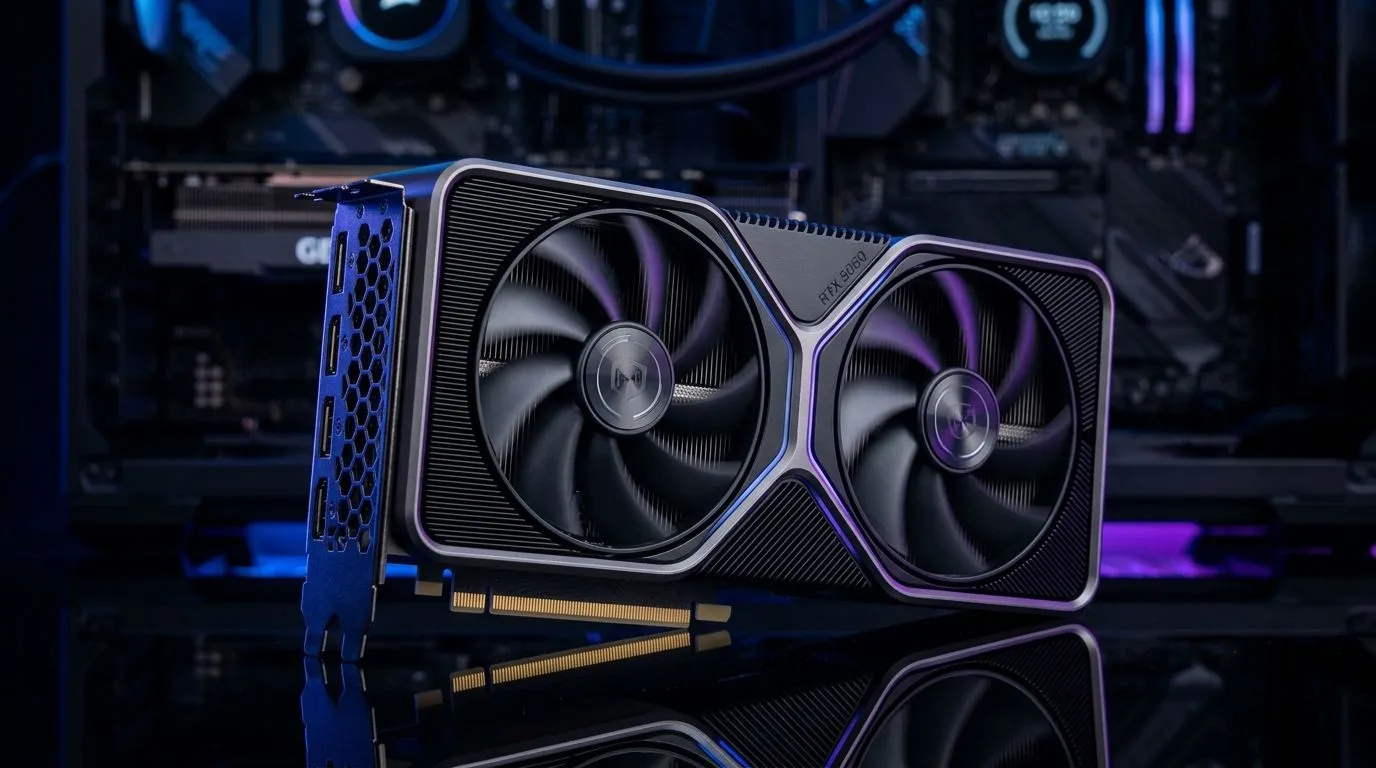
PCIe Gen 5 and RTX 5060: Does It Actually Improve Performance? (Performance Pulse)
South African gamers love squeezing value out of every rand... and new hardware headlines can sound tempting. But the real question is simple: will PCIe Gen 5 and RTX 5060: Does It Actually Improve Performance? in day-to-day gaming, or is it mostly a spec-sheet flex? 🔧
Let’s break it down in plain terms, with practical checks you can do before you spend. Because in 2026, “future-proof” is only useful if it improves your FPS, your frame pacing, or your upgrade path.
What PCIe Gen 5 Does (and What It Doesn’t) for GPU Performance
PCIe (Peripheral Component Interconnect Express) is the link between your CPU and your graphics card. Newer generations (like Gen 5) can move more data. In theory, that helps when the GPU needs to exchange lots of information with the rest of the system.
In practice, most gaming workloads usually aren’t limited by PCIe bandwidth. That means the jump from PCIe Gen 4 to Gen 5 often shows up more in edge cases than in mainstream games. The bigger “feels faster” difference is usually your GPU model, CPU tier, RAM speed, and whether you’re hitting the limits of your settings.
So where might Gen 5 matter?
- Highly data-heavy scenarios, like certain streaming or asset-heavy workloads
- Very fast storage + GPU pipelines in specific configurations
- Benchmarks that are designed to stress the bus
But for typical 1080p and 1440p gaming, you should expect most improvements to come from the GPU itself, not the PCIe generation. ⚡
The RTX 5060 Angle: The GPU Matters First
If you’re asking about the RTX 5060, you’re really asking whether that card’s compute, memory, and cooling design translate into higher FPS and better stability.
PCIe Gen 5 can remove a potential bottleneck, but it cannot replace a stronger GPU. Think of it like upgrading a road. If the traffic is mainly caused by trucks (the GPU), widening the lanes (PCIe) won’t magically double your speed.
The Real-World Checks You Should Do Before You Buy
Let’s make this buyer-friendly, because South African builds often involve careful budgeting and planned upgrades.
1) Confirm your motherboard’s slot support (and BIOS maturity)
Even if a motherboard “supports Gen 5,” not every early BIOS behaves the same. Update your BIOS if the board vendor recommends it, and then check your PCIe link speed in BIOS or with system tools inside your OS.
2) Test with the settings that actually match your gaming
If you play competitively, your FPS goal is usually high and your GPU load may differ from ultra settings. If you play single-player titles, texture streaming and heavier scenes can behave differently.
Run a quick benchmark or a repeatable benchmark loop before and after any changes. Don’t trust vibes... trust numbers.
3) Don’t ignore CPU and RAM balance
A fast GPU paired with a weaker CPU can cause CPU-bound situations. And with modern titles, RAM configuration can affect stutters and minimums.
Productivity Pro Tip ✨
Your fastest win before spending is to measure. Run a quick in-game benchmark (or a repeatable benchmark tool), note your 1% lows, then tweak only one variable at a time. If you’re upgrading hardware, record the PCIe link speed and GPU clocks after the change. It helps you spot whether PCIe is actually the bottleneck, or if it’s the CPU, RAM, or settings.
Where Performance Differences Actually Show Up (and Why Players Notice “Lows” More)
Most players don’t notice raw bandwidth. They notice “smooth” or “stutter.” When PCIe is a bottleneck, you might see inconsistent frame delivery or occasional hiccups during heavy streaming.
But again, many GPUs are designed to handle the transfer needs effectively even on Gen 4. That’s why you’ll often see similar gaming results across PCIe generations, with the strongest differences appearing in carefully constructed tests rather than typical play.
If you’re buying an RTX 5060 today, the smarter approach is:
- Make sure your motherboard is reputable and supports stable PCIe operation
- Prioritise GPU performance within your budget
- Use Gen 5 as an upgrade insurance policy, not a guarantee of doubled FPS 🔥
Finding the Right RTX 5060 and PCIe Gen 5-Capable Build in South Africa
Want to compare options quickly? Start with a broad shortlist, then match it to your motherboard’s capabilities and your monitor resolution.
If you’re hunting for NVIDIA cards, you can browse options here: Explore NVIDIA graphics cards at Evetech 🚀
Prefer MSI specifically? MSI graphics cards lets you narrow down cooling and factory clock variants.
Thinking Radeon might be a better fit for your games or budget? Browse Radeon graphics cards for a wider performance-versus-price view.
And if you’d rather compare everything in one place: Shop NVIDIA and Radeon graphics cards here.
Before you lock a cart, ask yourself: do you need the performance now, or are you planning a platform upgrade later? If it’s later, PCIe Gen 5 can be a good long-term bet… but the GPU still has to carry your current games. ⚡
Ready for a Smarter Upgrade? Choose Performance Over Guesswork
When you’re building in South Africa, you need confidence. Not just in specs, but in compatibility, availability, and support.
If you want help choosing an RTX 5060 (or a different GPU) that fits your motherboard and your target games, we can guide you. That’s the difference between “I think it’ll work” and “I know it’ll perform.”
Ready to Find Your Perfect Match? The Mac vs Windows debate is complex, but for maximum power, choice, and value in South Africa, Windows is hard to beat. Explore our massive range of laptop specials and find the perfect machine to conquer your world.











