

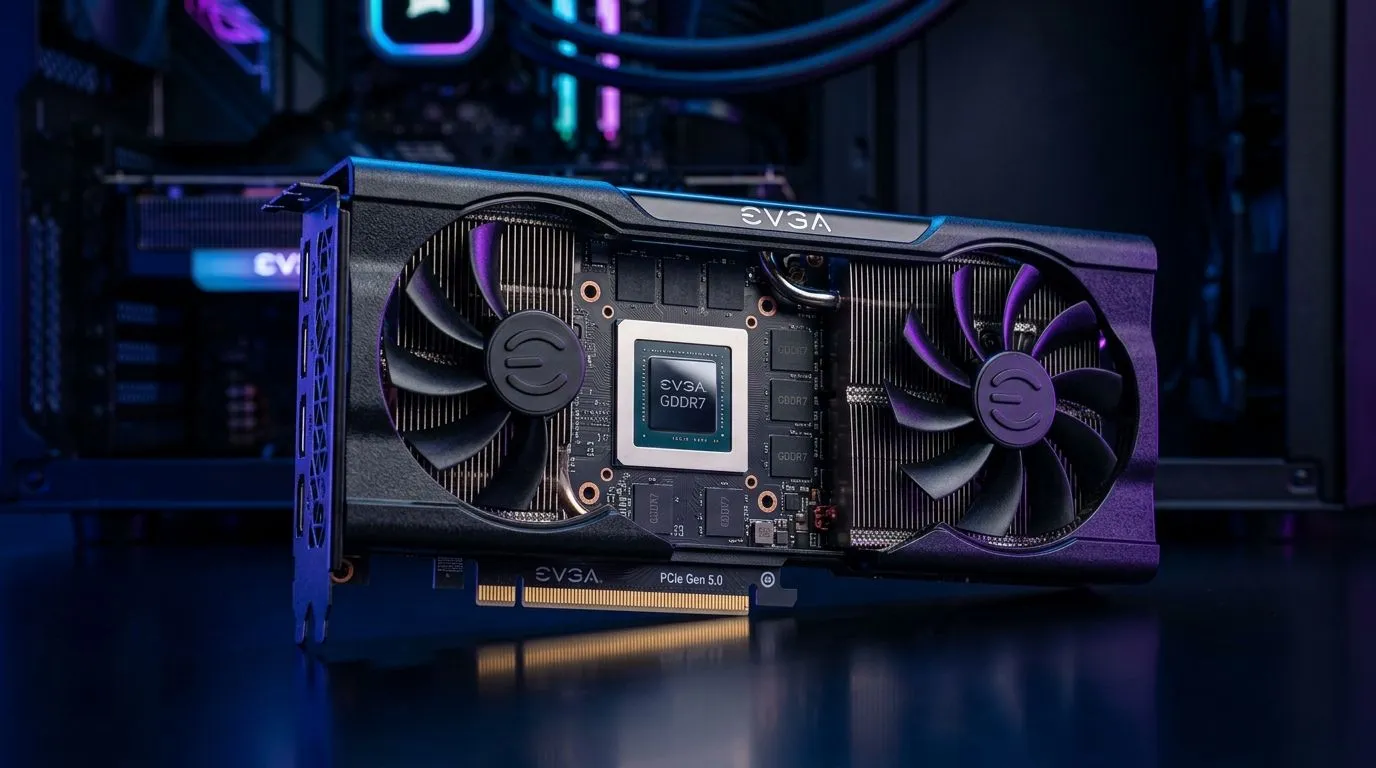
PCIe Gen 5 and GDDR7: Why Mid-Range GPUs Are Faster Than Ever… and Easier to Shop ⚡
If you’ve been gaming in South Africa on a tight-ish budget, you’ve probably noticed something… mid-range GPUs are punching way above their weight lately. That’s not just marketing. PCIe Gen 5 links, faster memory (like GDDR7), and smarter cache behaviour all help games load quicker, stutter less, and hold higher frame rates at 1080p and 1440p.
But here’s the real question: are you buying the right mid-range card for your setup, or just chasing benchmarks you can’t even reproduce? Let’s break down what’s actually improving, what to watch for in real-world play, and how to shop smarter locally. 🚀
How PCIe Gen 5 + GDDR7 Improve Mid-Range Performance (Without the Hype) 🔧
Mid-range GPUs used to feel “fine” until you hit heavier scenes: open worlds, big particle effects, or streaming assets in and out as you move. Newer platforms reduce that bottleneck by improving two things at once:
PCIe Gen 5: Faster data movement between CPU and GPU
PCIe is the highway between your CPU and GPU. With PCIe Gen 5, the link bandwidth increases, which helps when the GPU needs to fetch data quickly. In practice, this matters most for:
- Streaming textures and geometry during gameplay
- Feeding the GPU with enough data to avoid idle pockets
- Reducing “pipeline wait” when the CPU is keeping up
Many mid-range systems now come with PCIe Gen 4 or Gen 5 support depending on your motherboard and CPU. If you’re already on a newer AM5 or Intel platform, your GPU can actually flex properly.
GDDR7: More bandwidth where games feel it
GDDR7 boosts memory bandwidth, which helps when shaders and textures need to be processed fast. That’s why the “sweet spot” card today can outperform older generations even at the same tier. With higher bandwidth:
- Texture-heavy scenes load and update more smoothly
- Frame pacing improves because the GPU spends less time waiting on memory
- Higher settings at 1080p/1440p become more consistent
Important note: the exact uplift depends on the specific GPU model, memory bus width, and game. So it’s best to compare real benchmarks across the titles you actually play.
What to Check Before You Buy (SA Gamer Edition) ✨
Let’s make this practical. If you’re shopping for a mid-range GPU today, don’t only look at “GB of VRAM”. Look at the whole chain:
1) Match your motherboard and CPU to PCIe Gen support
If your system is older and only supports PCIe Gen 3/4, the GPU still works, but you may not see the same benefit from Gen 5-era designs. If you’re building new, check:
- Motherboard PCIe version support
- CPU support for those lanes
- Whether the GPU slot runs at the expected speed
2) Choose a GPU tier based on your monitor
- 1080p high: mid-range often shines
- 1440p: look for strong memory bandwidth and good cooling
- Competitive shooters: you’ll benefit from steadier frame pacing more than ultra-heavy settings
3) Cooling and power delivery matter more than you think
Even with great specs, poor thermals can throttle performance. Mid-range cards are especially sensitive because they’re often tuned for value. Choose models with solid coolers and good reviews.
Productivity Pro Tip ⚡
Windows, use Evetech’s preferred workflow: before you buy, shortlist 2–3 GPUs and then benchmark the exact games you play using the same in-game presets. Set your graphics presets the same, run the same map, and record 1% lows. That’s how you avoid getting tricked by cherry-picked benchmarks.
Where to Find the Right Mid-Range Options at Evetech 🛒
Want to see options from multiple brands and price points without starting from scratch? Here are good places to browse, compare, and shortlist fast:
- If you want MSI options specifically, check out MSI graphics cards at Evetech.
- Prefer Radeon options? Browse Radeon Graphics Cards at Evetech.
- After something NVIDIA focused? Explore GeForce Graphics Cards at Evetech.
- Not sure where you’ll land yet? Start broad with all Nvidia and ATI graphics cards at Evetech.
Quick Buying Checklist (So You Don’t Regret It Later) 🚀
Before you click “add to cart”, confirm these four things:
- Your monitor resolution (1080p vs 1440p).
- Your CPU and PCIe capability (don’t assume Gen 5 without checking).
- Cooling quality (look for reviews or strong cooler designs).
- Power supply headroom (mid-range cards still draw meaningful watts under load).
If you want a clean upgrade path, aim for a card that matches your target FPS and settings, then keep an eye on thermals and driver stability. That’s where the “real” experience lives.
CALLTOACTION
Ready to Find Your Perfect Match? PCIe Gen 5 and GDDR7 can make mid-range builds feel surprisingly premium, but the best results come from choosing the right card for your system and games. Get your shortlist right with local stock, real pricing, and friendly recommendations. Explore our massive range of graphics cards and find the perfect GPU to power your next upgrade in South Africa.











