

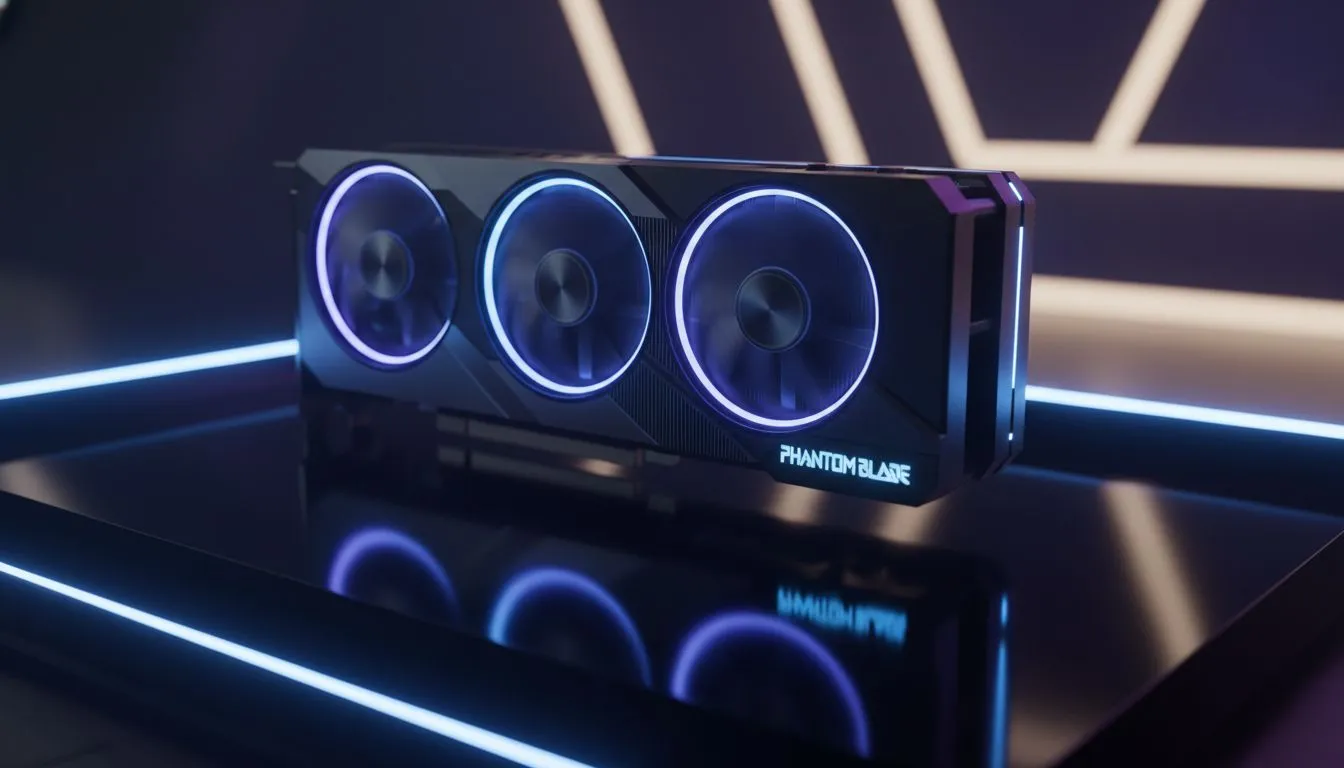
Achieving Fluid Combat with Phantom Blade Optimized Settings 2026
Tired of your frame rate dropping faster than the power grid during a Stage 6 alert? If you are diving into the high-octane world of Phantom Blade, stuttering is the last thing you want. Achieving a fluid experience in 2026 requires more than just clicking "Ultra". We have tested the best configurations to ensure your South-African gaming rig stays cool and consistent. ⚡
The Zero Stutter Guide for Local Hardware
Phantom Blade is a visual masterpiece, but its fast-paced action demands a stable frame time. To get the most out of your setup, you need to look beyond the basic presets. Start by adjusting your Shadow Quality and Volumetric Fog... these are often the biggest resource hogs in the game. Setting these to "Medium" can provide a significant boost without sacrificing the dark, moody aesthetic of the world.
For those looking to upgrade their internal components to meet these demands, browsing the latest NVIDIA graphics cards is a great place to start. Many of these modern cards support advanced upscaling technologies that are essential for maintaining high frame rates at 1440p or 4K resolutions.
Balancing Visual Fidelity and Frame Rates
If you are using a mid-range build, the "Phantom Blade Optimized Settings 2026" usually involve a mix of High and Medium values. Texture quality should remain at the highest level your VRAM allows, as this has the most impact on visual clarity. However, Post-Processing effects like Motion Blur and Depth of Field can often be dialed back to reduce the strain on your GPU.
If you are a fan of specific hardware ecosystems, checking out MSI graphics cards can offer excellent thermal management, which is vital during our hot South African summers. Keeping your hardware cool ensures that thermal throttling doesn't cause those annoying micro-stutters during intense boss fights. 🔧
Performance Pro Tip ⚡
Always ensure your Windows Power Plan is set to "High Performance" and that you have cleared your DirectX Shader Cache before launching Phantom Blade for the first time after a patch. This simple step often resolves the initial stuttering seen when entering new zones for the first time.
Future-Proofing Your Rig for 2026 Titles
While many gamers stick to the traditional big players, the market has expanded significantly. For instance, AMD Radeon graphics cards have become incredibly competitive in terms of raw rasterization performance and value for money in ZAR.
Even the newer entries in the market, such as Intel Arc graphics cards, are seeing massive driver improvements that help them handle modern engines with much greater stability than at launch. For professional users who game on the side, some workstation graphics cards can also be configured to handle the game, provided you use the correct enterprise-to-gaming driver paths. 🚀
By following this Zero Stutter Guide, you ensure that your focus remains on the combat, not the lag. Keep your drivers updated, manage your thermals, and enjoy the smooth ride. ✨
Ready to Eliminate the Lag? Finding the right balance for Phantom Blade is easier with the right hardware. For the best deals on performance components and expert advice in South Africa, we have you covered. Explore our wide range of graphics cards and upgrade your gaming experience today.











