

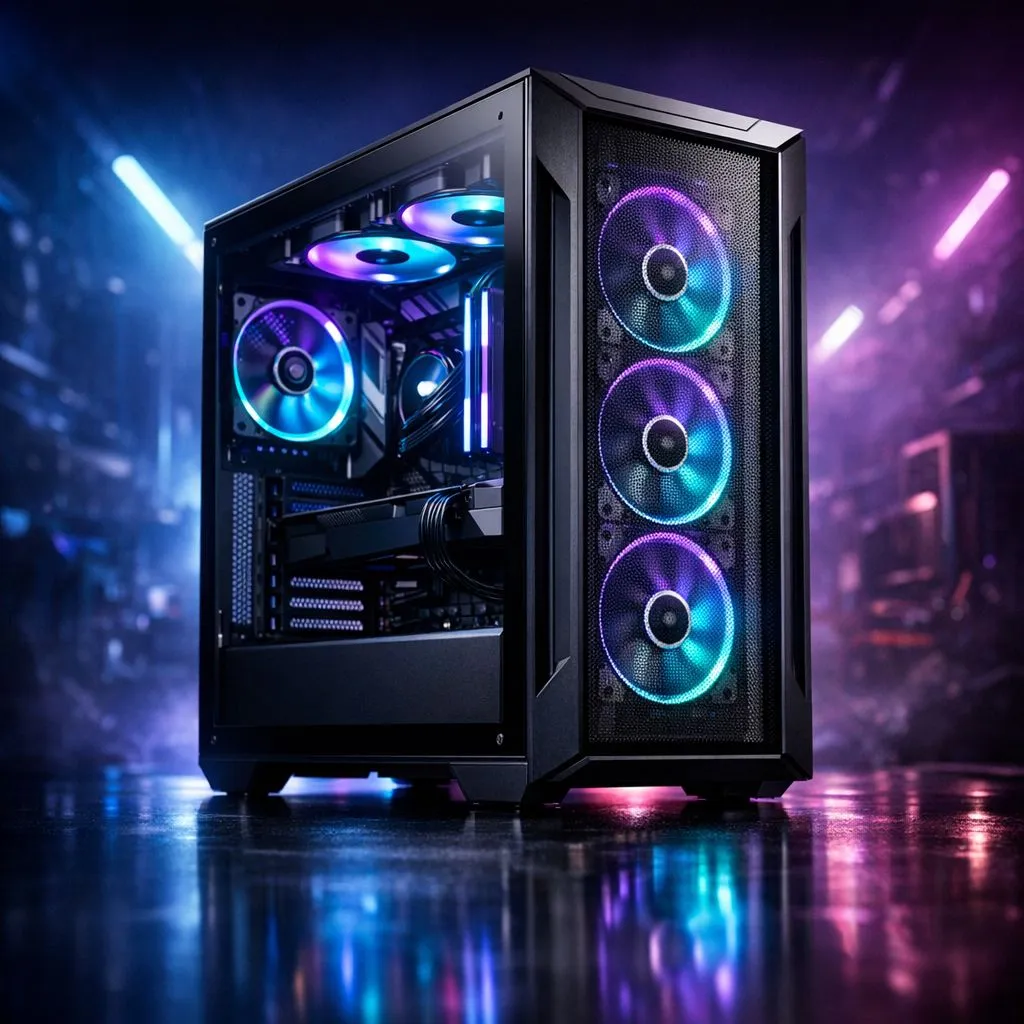
Finding the Sweet Spot for Your Airflow
You have just picked out your dream GPU and a beastly CPU, but then you look at your chassis and wonder: how many pre-installed fans for gaming case airflow are actually enough? It is a classic dilemma for every South African builder. You want to keep your components icy during those intense load-shedding-free gaming sessions without turning your study into a wind tunnel. Let’s break down the science of cooling your rig properly. 🔧
The Basics of Case Ventilation
Most entry-level enclosures come with one or two fans, but is that sufficient? Usually, you want at least two intake fans at the front and one exhaust fan at the rear to create a balanced pressure system. If you are browsing our computer cases collection, check if the included fans match your thermal needs. A high-end GPU often demands a bit more help to push hot air out, especially during long sessions in our hot summer months. ⚡
Quality Over Quantity
It is not just about stuffing as many fans as possible into your build. The quality of the airflow path matters more than the raw count. If you are looking for premium build quality and excellent fan mounting options, the Fractal Design PC cases are widely considered the gold standard for silence and thermal efficiency. They are designed to make the most of every fan slot, ensuring your hardware stays cool even under heavy load.
Airflow Pro Tip ⚡
Always aim for positive pressure by having more intake fans than exhaust fans. This helps prevent dust from being sucked into every tiny gap in your case, keeping your filters cleaner for longer.
Budget-Friendly Cooling Solutions
If you are building on a strict budget, you don't need to break the bank to get decent thermals. There are plenty of Gamdias gaming cases that come with RGB fans pre-installed, offering great value for money. You can even find Gamdias gaming cases under R1500 that provide all the mounting points you need to expand your cooling setup later if you decide to upgrade to a more powerful processor. 🚀
Final Thoughts on Your Setup
Ultimately, three fans are the "magic number" for most mid-tower builds. It provides a reliable baseline for air to move across your motherboard and GPU. If your case comes with fewer, consider grabbing a few extra fans to ensure your internal temperatures stay within safe limits. Investing in airflow now saves you from thermal throttling when the action gets intense. ✨
Ready to Find Your Perfect Match? Building a PC is an investment in your gaming future, and proper airflow is the secret to longevity. Explore our massive range of gaming cases and find the perfect home for your components to conquer the competition.











