

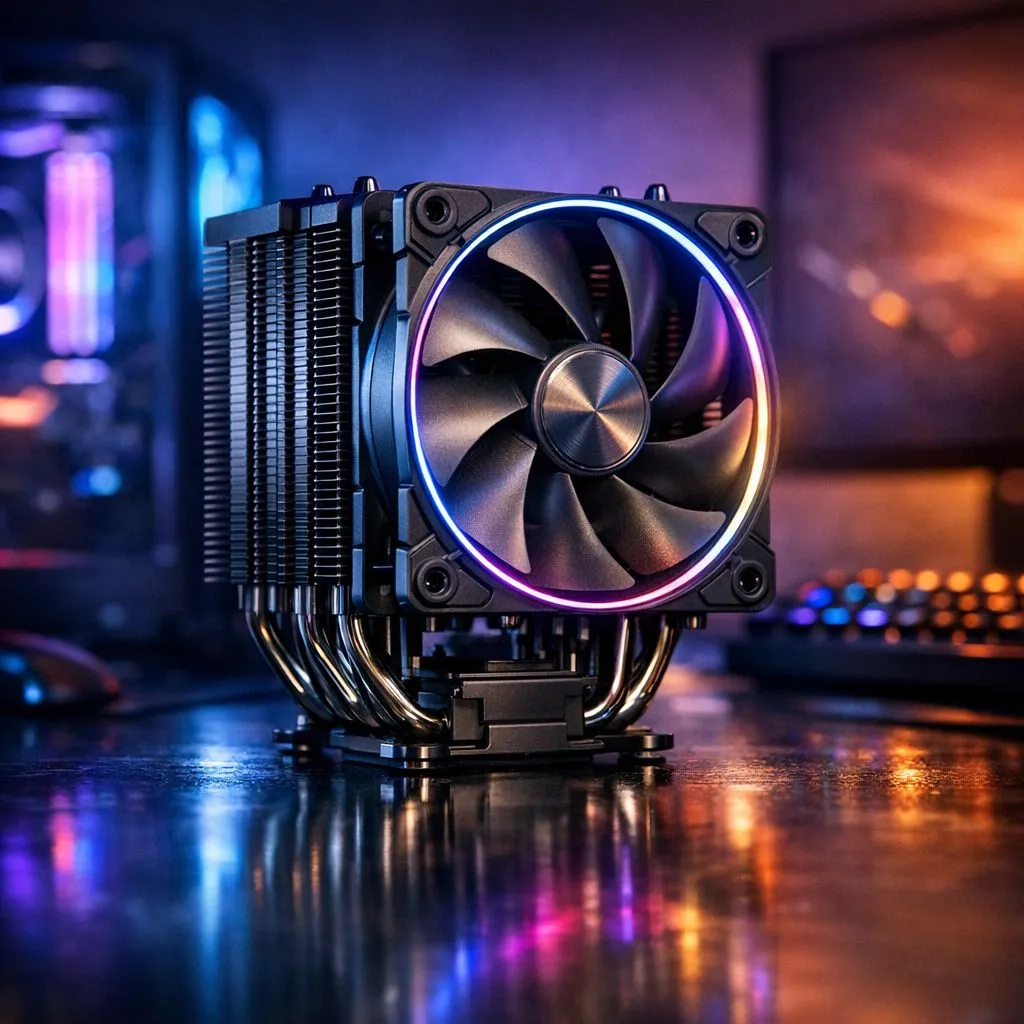
Why Our Climate Demands Better Thermal Management
South African summers are brutal, and your PC feels every degree of that heat. When ambient temperatures hit 30°C in Durban or Pretoria, your processor fights a losing battle against thermal throttling. To prevent CPU overheating, you need more than just a standard fan... you need a strategy tailored for our climate. High temperatures don't just slow down your frame rates; they shorten the lifespan of your expensive hardware 🔧.
Upgrade Your Cooling Hardware for Local Conditions
The first step to stability is ensuring your thermal solution is up to the task. Standard stock coolers often fail when the mercury rises. Upgrading your CPU coolers is the most effective way to drop temperatures instantly and reclaim your performance.
Many local enthusiasts are moving toward Liquid Cooler (AIO) setups. These closed-loop systems move heat away from the chip more efficiently than traditional air towers. This is especially vital during long gaming sessions in the afternoon heat.
Finding the Right Size for Your Case
Radiator size is the biggest factor in how much heat your system can dissipate. If you have a high-end i9 or Ryzen 9, a 360mm Radiator is the gold standard for keeping things frosty. It offers the largest surface area for cooling. For mid-range builds or smaller chassis, a 240mm Radiator usually fits more cases while still providing excellent thermal headroom ⚡.
Maintenance Pro Tip ⚡
In South Africa, dust is the silent killer of PCs. Every three months, use a can of compressed air to blow out your radiator and fans. This simple habit can lower your CPU temperatures by 5°C to 10°C without spending a cent on new hardware.
Reliable Brands for South African Gamers
Reliability matters when you are investing thousands of Rands. We often recommend CORSAIR liquid coolers for their industry-leading software control and long warranties. If you are looking for value, Deepcool AIO units offer incredible performance-to-price ratios for budget-conscious Saffa gamers 🚀.
Optimise Your Airflow and Settings
Hardware is only half the battle. Ensure your case fans are positioned to create a clear path for air. Cool air should enter from the front and bottom... hot air should exit through the top and back. You should also check your BIOS settings. Sometimes, a slight undervolt can significantly reduce heat without losing any noticeable speed. This is a pro move for keeping your room cooler during those February heatwaves ✨.
Ready to Keep Your Cool? Don't let the South African heatwave melt your high scores. Whether you need a massive radiator or a budget-friendly air cooler, we have the stock to keep you running at peak performance. Explore our massive range of CPU coolers and find the perfect thermal solution for your rig.











