

Master Your Connection Stability
We have all been there: you are deep into a competitive match, your team is about to secure the objective, and suddenly, your ping spikes to 400ms. In South Africa, where fibre infrastructure is solid but household bandwidth is often shared, the culprit is usually congestion. Learning how to prioritise gaming traffic on your home network with QoS (Quality of Service) is the single most effective way to reclaim your connection. ⚡
Understanding Traffic Prioritisation
QoS acts like a digital traffic officer for your router. By default, your network treats a Netflix stream, a large file download, and your game data as equals. When a family member starts a 4K video, your game packets get stuck in a queue. You need to access your router settings—usually via 192.168.0.1 or similar—to enable QoS rules. This allows you to tag your gaming PC or console as "High Priority," ensuring your latency-sensitive data skips the line.
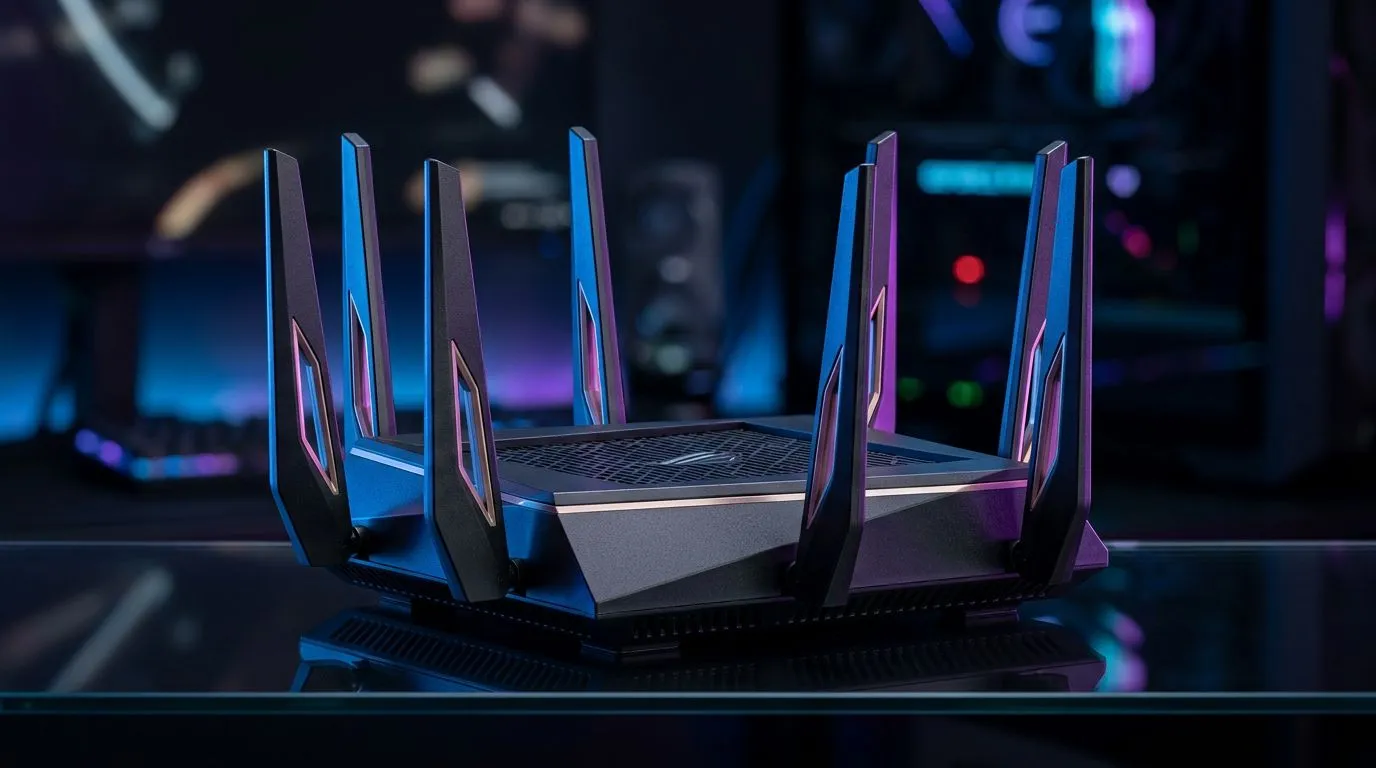
If your current hardware is struggling to handle multiple streams, it might be time to upgrade your fibre routers to a model that supports robust traffic management.
Hardware Matters for Low Latency
Even with perfect QoS settings, your physical connection is the foundation. If you are relying on an ageing signal, consider browsing our wireless networking solutions to ensure your backbone can handle modern speeds. For gamers on a desktop, a dedicated wireless adapter with Wi-Fi 6 support can drastically reduce interference compared to basic integrated chips. 🔧
Pro-Level Latency Tip 🚀
you are struggling with dead zones in your home, don't just rely on a standard signal booster. Investing in [wireless range extenders](https: www.evetech.co.za PC-Components wireless-range-extenders-140.aspx) can help maintain a stable handshake between your gaming rig and the router, preventing those frustrating packet drops during intense firefights.
Fine-Tuning Your Setup
Once your hardware is sorted, look for "Application-Based QoS" in your settings. Many modern routers allow you to select "Gaming" as a primary traffic category. If your router is older and lacks these features, it is definitely worth looking at our latest wireless routers that offer granular control over bandwidth allocation. By assigning your IP address the highest priority, you ensure that even when the house is busy, your game stays responsive. ✨
Ready to Dominate the Leaderboards? A stable connection is the difference between a win and a rage-quit. Don't let lag hold you back from your true potential. Explore our premium range of networking gear at Evetech and equip your setup for total victory today.











