

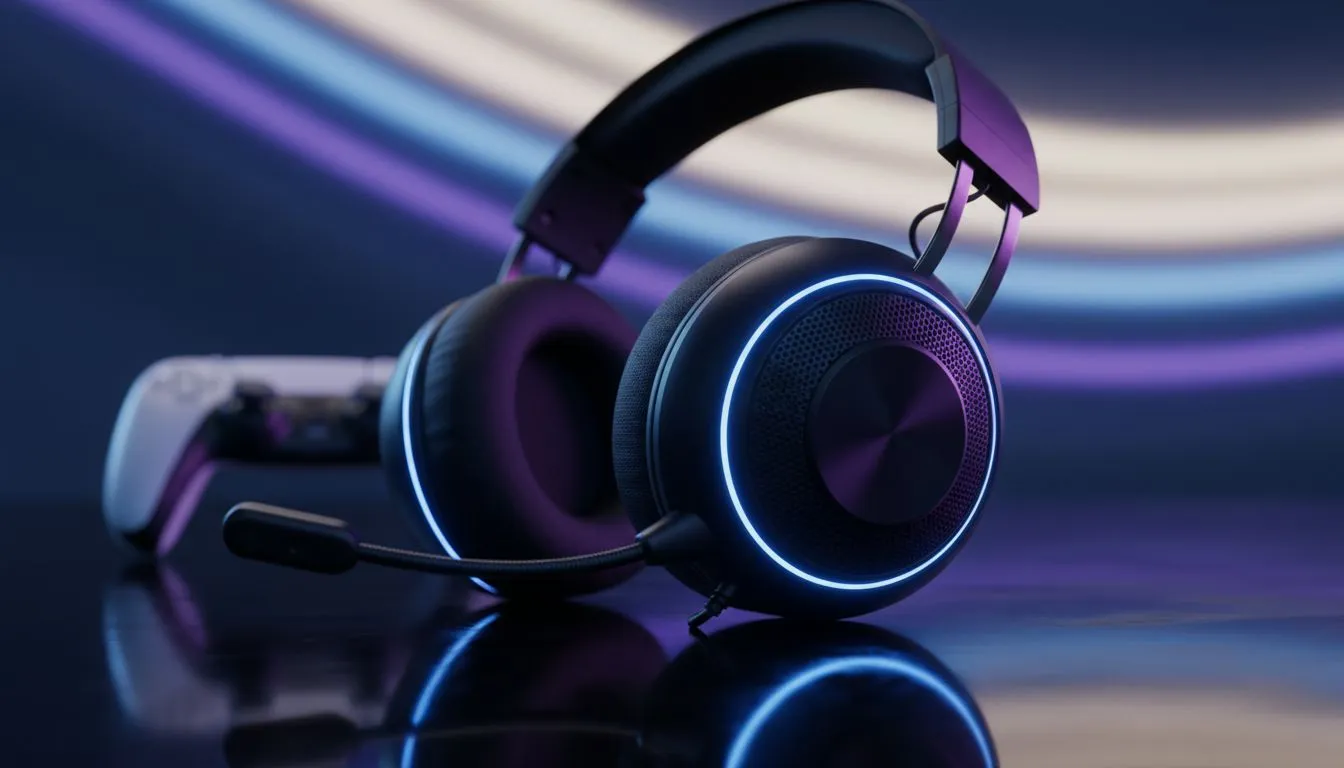
Master Your Immersion with the Right PS5 Audio Configuration
Ever felt like the sounds of the Forbidden West were just... flat? You have spent thousands of Rands on your setup, but your audio is not pulling its weight. Getting your PS5 wireless gaming headset settings right is the secret to total single-player immersion. Whether you are hunting machines or exploring Norse realms, the right configuration makes every footstep and orchestral swell feel real. 🎮
Enable Tempest 3D Audio for Depth
The PlayStation 5 features a dedicated engine for 3D audio. This tech creates a sphere of sound around you. To start, navigate to Settings and then Sound. Select Audio Output and ensure "Enable 3D Audio for Headphones" is toggled on. This is the foundation for any single-player experience.
Not all ears are the same. Sony provides five different 3D audio profiles. You should test each one while listening to a familiar game scene. Choose the level that sounds closest to your ear level. This ensures that a dragon flying overhead actually sounds like it is above you... not just louder.
Fine-Tuning Your Hardware
Hardware choice plays a massive role in how these settings translate. For instance, the Razer Barracuda X Chroma Wireless Headset offers a clean frequency response. This makes it easier to hear subtle environmental cues in quiet RPG moments.
If you prefer a different aesthetic or fit, exploring the wider range of Razer headphones can help you find a set that balances comfort with acoustic clarity. Single-player marathons often last hours... comfort is just as important as decibels.
Audio Pro Tip ⚡
When playing single-player titles, try lowering the music volume to 80% while keeping sound effects at 100%. This small tweak allows the environmental details... like wind rustling through grass or distant water... to stand out without being drowned by the score.
Custom EQ Profiles for Narrative Games
Most modern headsets allow for custom Equalizer (EQ) settings. For cinematic games, you want a "V-shaped" curve. This boosts the bass for explosions and the treble for crisp dialogue. However, do not overdo the bass. Too much low-end can muddy the beautiful orchestral tracks found in Sony first-party titles.
If you are looking for a variety of options, Evetech has a massive selection of headsets and headphones to suit any budget. Finding a pair that supports high-fidelity wireless audio is key. Standard Bluetooth often has lag... which breaks the immersion when a character’s lips do not match the sound. 🚀
Balance Game and Chat Volume
Even in single-player, the "Chat Balance" setting matters. Ensure your slider is pushed all the way to "Game" audio. This prevents any background system noises or accidental party notifications from ruining a climactic cutscene. Your focus should be on the story... nothing else.
Ready to Find Your Perfect Match? Elevating your audio experience is the fastest way to upgrade your gaming setup. For the best deals on premium gear in South Africa, we have you covered. Explore our massive range of headset specials and find the perfect pair to lose yourself in your next adventure.











