

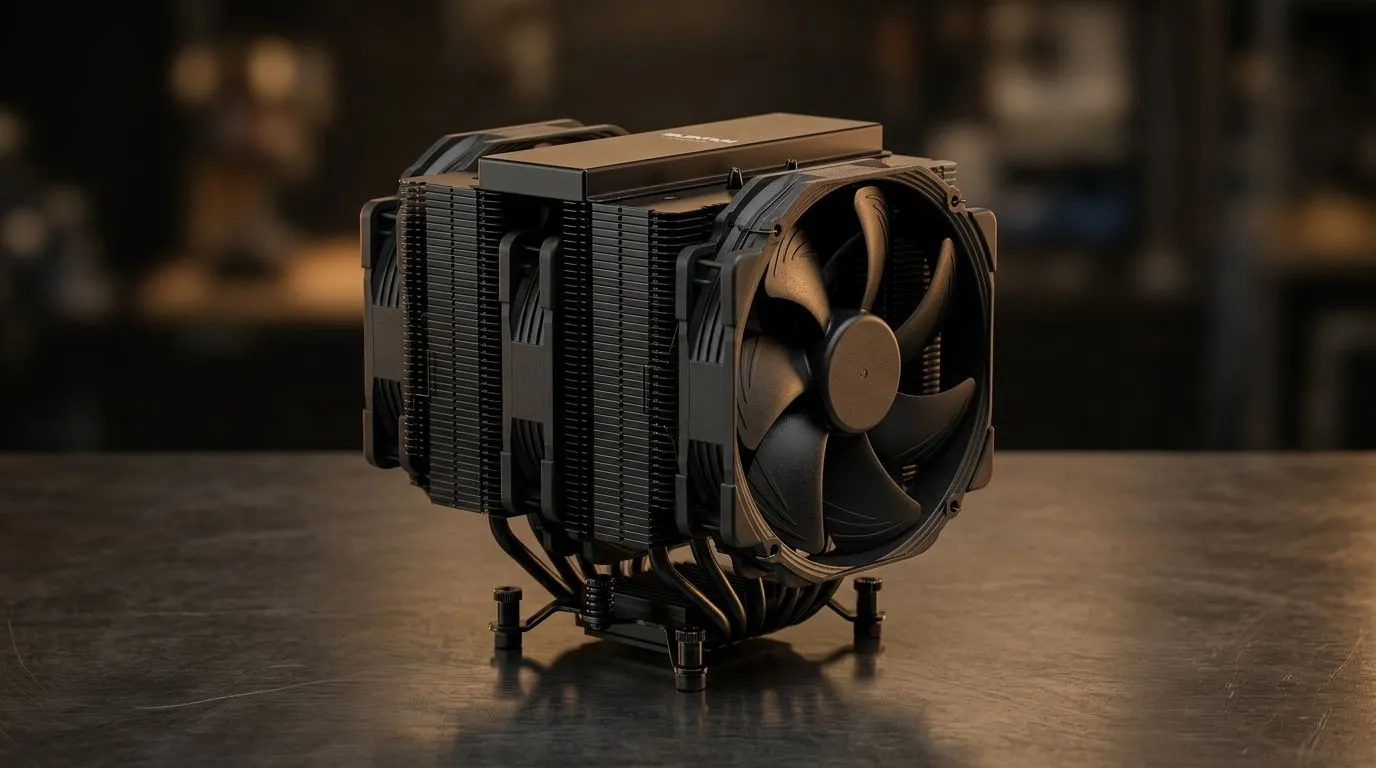
Quiet PC Cooling Setup in South Africa Without Losing Performance: Start With the Real Bottleneck
South African gaming sessions are loud enough already... so why should your PC sound like a vacuum cleaner? If you’re trying to keep temps down during Warzone, Apex, or Fortnite (and still boost clocks), your cooling strategy matters more than the “loud fan RGB” look. 🔧
A good quiet setup isn’t about starving your system. It’s about matching airflow, fan curves, and case layout to how your hardware actually behaves in local conditions. In this guide, you’ll learn how to get a quieter PC in South Africa without losing performance.
Quiet airflow is a system, not a single fan
Quiet cooling usually comes down to four things: correct fan sizes, clean intake paths, sensible fan curves, and targeted upgrades. Most modern gaming PCs run hotter when airflow is blocked by dust or restrictive front panels.
Choose the right fan sizes for your case
If you’re replacing fans, start with the size your case supports. Smaller fans often spin faster to move the same air, which can increase noise. Larger fans typically move more air at lower RPM, which helps both silence and temperatures.
You can browse fan options here at Evetech:
- {{/* Anchor distribution across paragraphs */}}
120mm case fans for cases that support them (often a sweet spot for quiet airflow). If your chassis supports them, 140mm case fans can be even easier to run quietly.
Quiet tuning without performance loss: airflow direction first
Even the best fans won’t save you if your airflow path is backwards or blocked. Aim for a clean intake from the front/bottom and an exhaust at the rear/top. Dust filters are helpful, but they reduce airflow. So check them regularly, especially if you live near roads or do lots of garage desk gaming.
You’ll also want to think about balancing. Too much intake can pressurise the case and push hot air where you don’t want it. Too much exhaust can starve intake and raise CPU/GPU temps.
Fan curves: the “quiet sweet spot”
Set curves so fans stay low during desktop and ramp up only when temperatures demand it. Your goal is to keep the ramp steep enough to protect components, not so aggressive that the PC becomes an annoying leaf blower.
Productivity Pro Tip ⚡
On Windows, use the PowerToys FancyZones utility to create custom snap layouts for your windows. It's a lifesaver for managing multiple apps on an ultrawide monitor, letting you organise your timeline, preview window, and asset folders perfectly for video editing.
Pick fans by noise and control, not just looks
If you care about silence, lighting is optional. RGB fans can still be good, but noise comes from airflow resistance, bearing quality, and the fan speed you run.
If you want full control without worrying about flashing, browse fans including non-RGB options: Non-RGB / no lighting effects fans
If you do want RGB, make sure your motherboard or controller can manage the curve well: RGB lighting effects fans
Brands matter too for consistency. For example, you can start with:
And if you’d rather compare across everything in one place, use: all case fans
How to avoid “quiet but throttling” after upgrade day
One common mistake is installing quiet fans, then leaving BIOS fan settings on “silent” profiles too aggressively. Do a quick test:
- Boot into BIOS and confirm fan headers are detected.
- Run a 10–15 minute game benchmark or stress test.
- Watch CPU and GPU temps and fan RPM.
- Adjust curves so fans spin up slightly earlier, not later.
If you hear noise spikes, it’s usually because fans are hitting a higher RPM band often. Smoother curves, more consistent airflow, and dust maintenance solve a lot of it.
Choose your quiet cooling parts with confidence
A truly quiet PC in South Africa is achievable... but you need the right airflow plan and fan selection. 🔥 If you’re building or upgrading this week, don’t guess. Choose fans that fit your case and run them at a sensible curve for your hardware.
Ready to Find Your Perfect Match? The Mac vs Windows debate is complex, but for maximum power, choice, and value in South Africa, Windows is hard to beat. Explore our massive range of laptop specials and find the perfect machine to conquer your world.











