

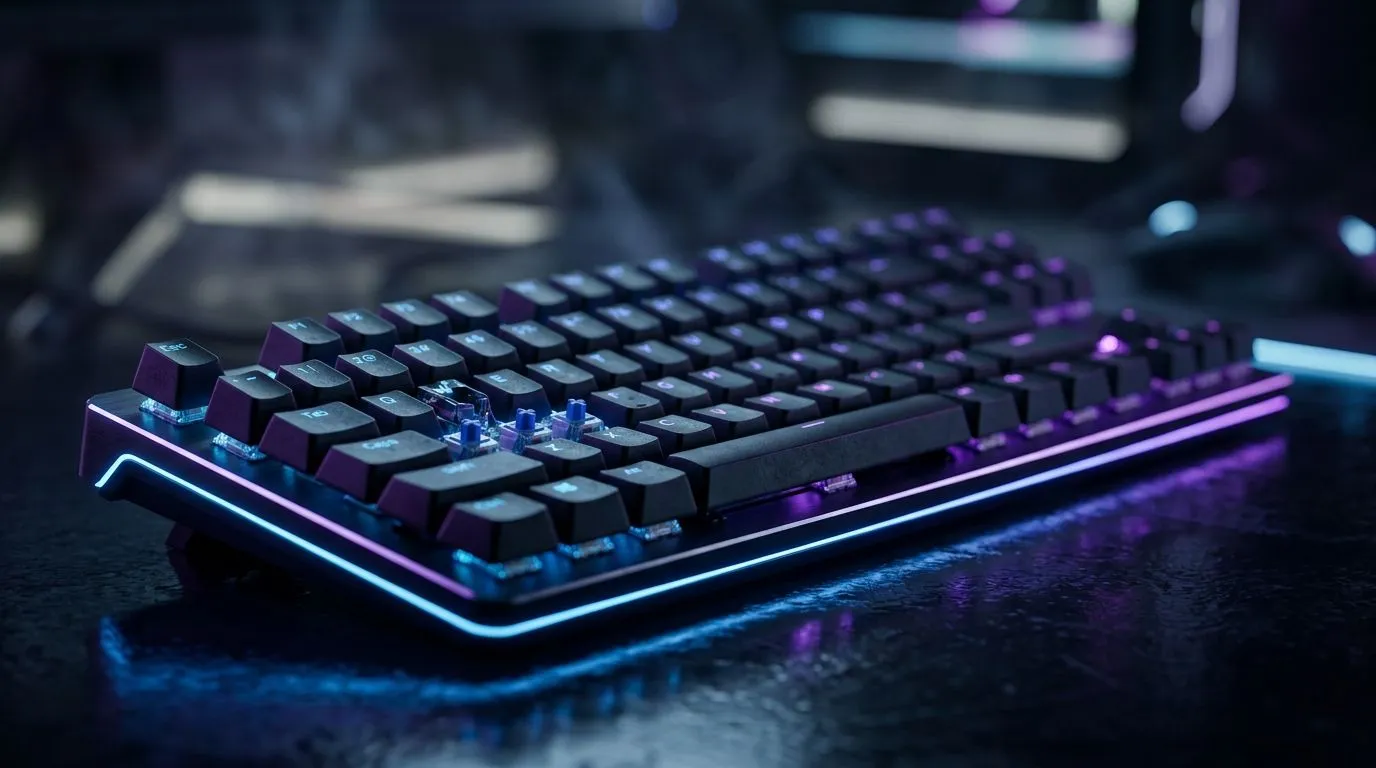
Rapid Trigger vs Fixed Actuation: Best for Fast-Paced Games
South African gamers know the feeling. You’re locked in on Apex, Counter-Strike 2, or a ranked Valorant grind… and one extra millisecond decides the round. 🎮
So when you’re choosing a keyboard, switches matter more than people think. Today we break down Rapid Trigger vs Fixed Actuation and help you pick the best setup for fast-paced play, without wasting money.
What the Two Switch Types Actually Do (and why it feels different) ⚡
Rapid Trigger and Fixed Actuation are both switch “response” styles, but they behave differently when you spam inputs.
Fixed Actuation: consistent press depth, predictable results
Fixed Actuation means the key registers at a set travel distance. You press until the actuation point, and the keyboard registers the input.
That consistency is great for accuracy and rhythm-based aiming. It also tends to be easier to train muscle memory on.
Rapid Trigger: repeated inputs with less re-press travel
Rapid Trigger typically helps with faster repeats. Because the key can register again after less release travel, you can get quicker “double taps” with less effort.
In practice, this often benefits high-frequency actions like counter-strafing rhythms, rapid fire weapons, or quick movement corrections. 🚀
Note: Switch behaviour varies by model. Always check the specific product’s switch notes and feature descriptions before buying.
Choosing the Right Option for Your Game (SA ranked perspective) 🎯
Here’s a simple way to decide based on how you play:
- Tactical shooters (Valorant/CS2): Fixed Actuation often feels cleaner for controlled bursts.
- Brutal aim-training and spray games: Rapid Trigger can make spamming and quick adjustments feel smoother.
- Casual play / mixed genres: Fixed Actuation is usually the safer “learning curve” choice.
If you’re not sure, consider your current habits. Do you “press and release” hard to reset? If yes, Rapid Trigger may reduce your required motion. If you prefer deliberate taps, Fixed Actuation keeps inputs consistent.
Productivity Pro Tip 🔧
On Windows, set up per-game keyboard profiles in your mouse keyboard software (if supported by the model). Start with a neutral actuation feel, then adjust only one setting at a time so you can actually notice what changes your aim timing.
Keyboard picks that match your playstyle (wired vs wireless)
Once you choose the switch style, connectivity matters too. Wired usually wins on latency consistency, while wireless helps with desk comfort. If you want the best value in SA, start with solid keyboard deals and then narrow by features.
If you’re optimising for speed, check out:
- Wired keyboard options here: See gaming keyboard deals (wired)
- Wireless options here: Explore gaming keyboards (wireless)
And if you want to compare broader value first:
Trying to keep your whole setup tight (and your budget under control)? Pairing gear can be efficient:
- Buy a keyboard + mouse combo for gaming
- For a starting point on the broader range again: cheapest gaming keyboard options in South Africa
Quick buyer checklist before you click Buy
- Confirm the keyboard explicitly supports Rapid Trigger (if that’s what you want).
- If you prefer reliability, look for strong fixed actuation descriptions and stable key behaviour.
- Choose wired if you want the most consistent input timing.
- Pick wireless if desk freedom matters, but check the advertised performance for gaming.
CALLTOACTION
Ready to Find Your Perfect Match? The Mac vs Windows debate is complex, but for maximum power, choice, and value in South Africa, Windows is hard to beat. Explore our massive range of laptop specials and find the perfect machine to conquer your world.











