

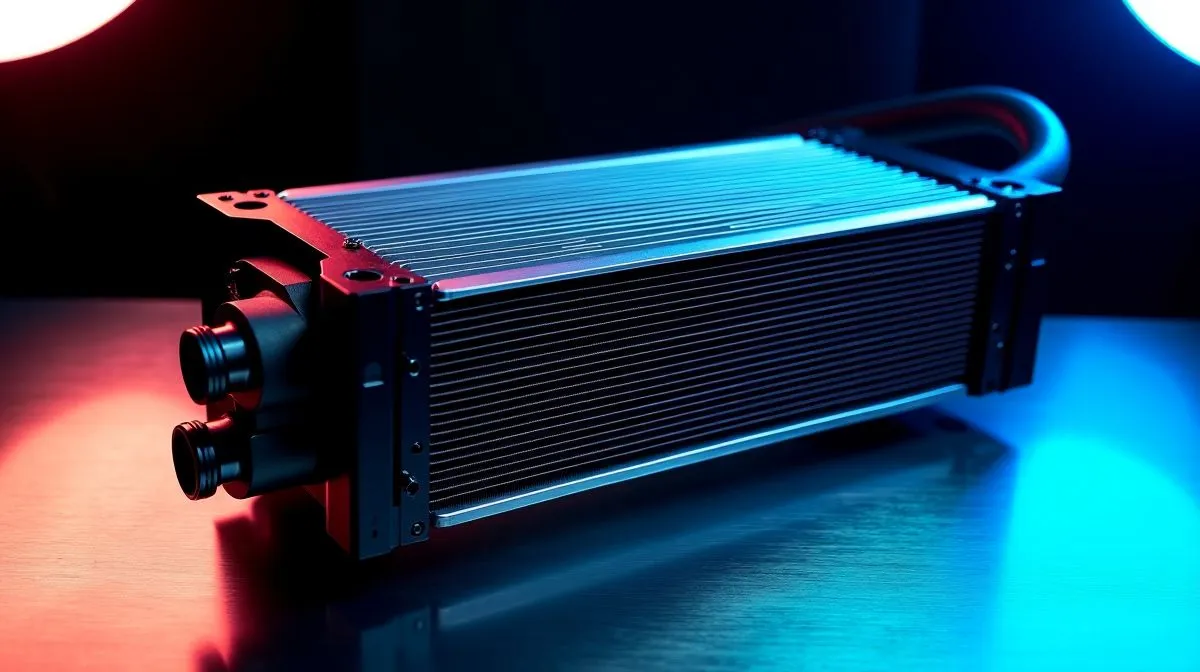
Reduce Noise from 360mm Liquid Cooler Without Losing Cooling: Stop the “whoosh” before it costs you FPS 🔧
If your 360mm AIO sounds like a vacuum cleaner, it’s not just annoying… it can also hint at a mounting or fan curve issue. South African gamers feel it most during long sessions, late-night raids, and LAN-style marathons. The goal is simple: reduce noise from a 360mm liquid cooler without losing cooling performance. Here’s how to tune it properly, using steps that don’t require guesswork.
Reduce Noise from 360mm Liquid Cooler Without Losing Cooling: Start with the basics that matter
Noise usually comes from one of three places: fan speed, pump behaviour, or airflow path. A 360mm radiator only helps if air can actually move through it.
Mounting and airflow direction
- Radiator position: Top-mounts often help prevent air bubbles from sitting at the pump. Side-mounts can also work well, but watch for trapped air.
- Tubing routing: Keep tubes from kinking. Kinks can increase resistance and make pumps work harder.
- Case clearance: If your radiator is jammed against a front panel, you’ll get turbulence… and louder fans.
For more options, explore Evetech’s 360mm liquid cooler selection here: Browse CPU liquid coolers on Evetech
Reduce Noise from 360mm Liquid Cooler Without Losing Cooling: Use fan curves like a pro ⚡
Most “noisy AIO” complaints are actually “aggressive fan curves.” Even with good hardware, fans at high RPM for long periods will sound rough.
A practical fan-curve target
Aim for quiet behaviour at idle and light loads, then ramp only when CPU temperatures demand it:
- Idle: 25% to 40% fan speed (or a low RPM threshold)
- Gaming: let fans rise gradually around sustained load
- Spikes: give short peaks some time to settle before maxing out fans
Where do you plug in the settings? In your motherboard BIOS or within monitoring software. Start conservative, test in-game, then adjust in small steps.
Productivity Pro Tip ⚡
On your next tuning session, set a fixed fan-curve profile and test for 10 to 15 minutes. Use a consistent game workload (same map, same settings) so you can compare temperatures and noise fairly. If you change both fan curve and pump settings at once, you won’t know what fixed the issue.
Reduce Noise from 360mm Liquid Cooler Without Losing Cooling: Verify the radiator size and airflow path
A true 360mm radiator has more surface area than 240mm. That means you can often run quieter fan speeds for the same thermal result, provided your case supports good airflow.
If you’re comparing sizes, use Evetech’s dedicated listings:
- 360mm radiator models: View 360mm liquid coolers
- 240mm radiator models (for context): Compare with 240mm liquid coolers
Reduce Noise from 360mm Liquid Cooler Without Losing Cooling: Pump modes and brand-specific behaviour ✨
Some AIOs include pump profiles (Quiet/Standard/Performance). Pump noise can be subtle or very noticeable depending on the unit and your airflow.
If you’re shopping by cooler type, this category page helps narrow it down: Shop Liquid Cooler (AIO) CPU options
Prefer a particular brand? Start here:
- CORSAIR: Explore CORSAIR liquid coolers
- Deepcool: Explore Deepcool liquid coolers
What to try in order (fast checklist)
- Set pump to Quiet first, then tune fan curves.
- Confirm radiator fans aren’t fighting case fans. Intake + exhaust should make sense.
- Re-seat if temps are high AND noise is high. Poor contact can cause higher sustained temps, which forces fans louder.
Reduce Noise from 360mm Liquid Cooler Without Losing Cooling: When you should stop “tuning” and fix the root cause 🚀
If you’ve adjusted fan curves and pump modes and the cooler still ramps hard, the root cause is often mechanical or airflow related. Look for dust build-up on radiator fins, clogged filters, and loose fan mounts. Dust reduces airflow, which raises temperatures, which raises fan RPM… and the noise returns.
Bottom line… you can usually reduce noise significantly on a 360mm AIO without losing cooling, but it takes a system-level approach: airflow, curve tuning, and realistic pump settings.
Ready to Find Your Perfect Match? The Mac vs Windows debate is complex, but for maximum power, choice, and value in South Africa, Windows is hard to beat. Explore our massive range of laptop specials and find the perfect machine to conquer your world.











