

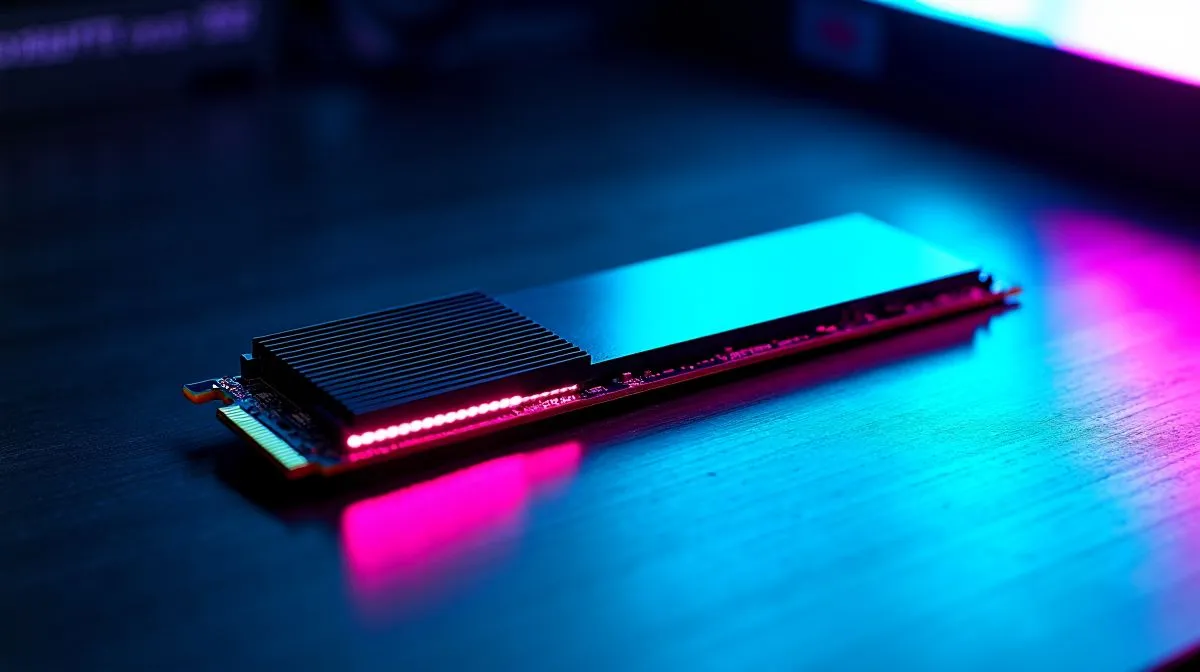
Reduce NVMe Latency for Faster Game Loads
Want load screens gone faster? South African gamers know seconds matter. Reduce NVMe Latency for Faster Game Loads by fixing simple bottlenecks: pick the right drive, tune firmware, and optimise system flow. A crisp boot and quicker map loads come down to latency more than raw throughput. 🔧
NVMe drives use PCIe lanes to lower command overhead compared with SATA, which helps cut seek time and latency (see https://en.wikipedia.org/wiki/NVMe). For a quick upgrade, browse Evetech's SSD range for compatible M.2 NVMe modules — many SATA-era motherboards need careful slot choice for full speed: https://www.evetech.co.za/PC-Components/buy-solid-state-drives-83
Reduce NVMe latency with hardware choices
Start with a modern drive that supports NVMe 1.4 and PCIe Gen3 or Gen4. Brands like ADATA offer budget NVMe sticks with solid firmware support; check ADATA NVMe models curated at Evetech for price and specs: https://www.evetech.co.za/PC-Components/buy-solid-state-drives-83?brands=ADATA. Kingston and Corsair also maintain good controllers and consistent sustained I/O under load; see Kingston options and CORSAIR drives to match your motherboard lanes: https://www.evetech.co.za/PC-Components/buy-solid-state-drives-83?brands=Kingston https://www.evetech.co.za/PC-Components/buy-solid-state-drives-83?brands=CORSAIR
Choose capacity wisely. A 2TB NVMe can improve steady-state performance and reduce write amplification compared with tiny drives, especially in modern open-world titles that stream assets constantly: browse 2TB NVMe drives here: https://www.evetech.co.za/PC-Components/buy-solid-state-drives-83?attributes-capacity=2TB 🚀
Low-latency tweak ⚡
Keep your NVMe firmware up to date. Firmware updates often fix command handling and thermal throttling. Use your drive vendor tool or Evetech's product pages to find firmware links.
Reduce NVMe latency: software and settings
In Windows, ensure your power profile allows maximum performance and that your motherboard drivers (chipset and storage) are current. Disable legacy features like CSM when your OS and board support pure UEFI; this cleans up boot paths and can reduce initial NVMe latency. Trim and garbage collection are automatic for NVMe but confirm the OS recognises the drive as SSD.
When installing games, put high-priority titles on the NVMe and use a separate drive for less demanding storage. For laptops, watch thermals; thermal throttling will spike latency under long sessions. Want a simple test? Copy large game files and watch transfer responsiveness; sluggish pauses hint at thermal or driver issues.
Local tip: if you're building on a budget, pair a Gen3 NVMe with a good heatsink and a roomy drive bay; the thermal headroom often beats an undercooled Gen4 stick in sustained play. Check local ZAR pricing and warranty on Evetech listings before you buy to get the best value and support. Shop smart, stay fast.
In short, reduce NVMe latency with targeted upgrades, firmware, and system tuning. Small investments in the right NVMe and configuring your PC can shave many seconds off load times, making play sessions smoother and more enjoyable. ✨
Ready to Find Your Perfect Match? The Mac vs Windows debate is complex, but for maximum power, choice, and value in South Africa, Windows is hard to beat. Explore our massive range of laptop specials and find the perfect machine to conquer your world.











