

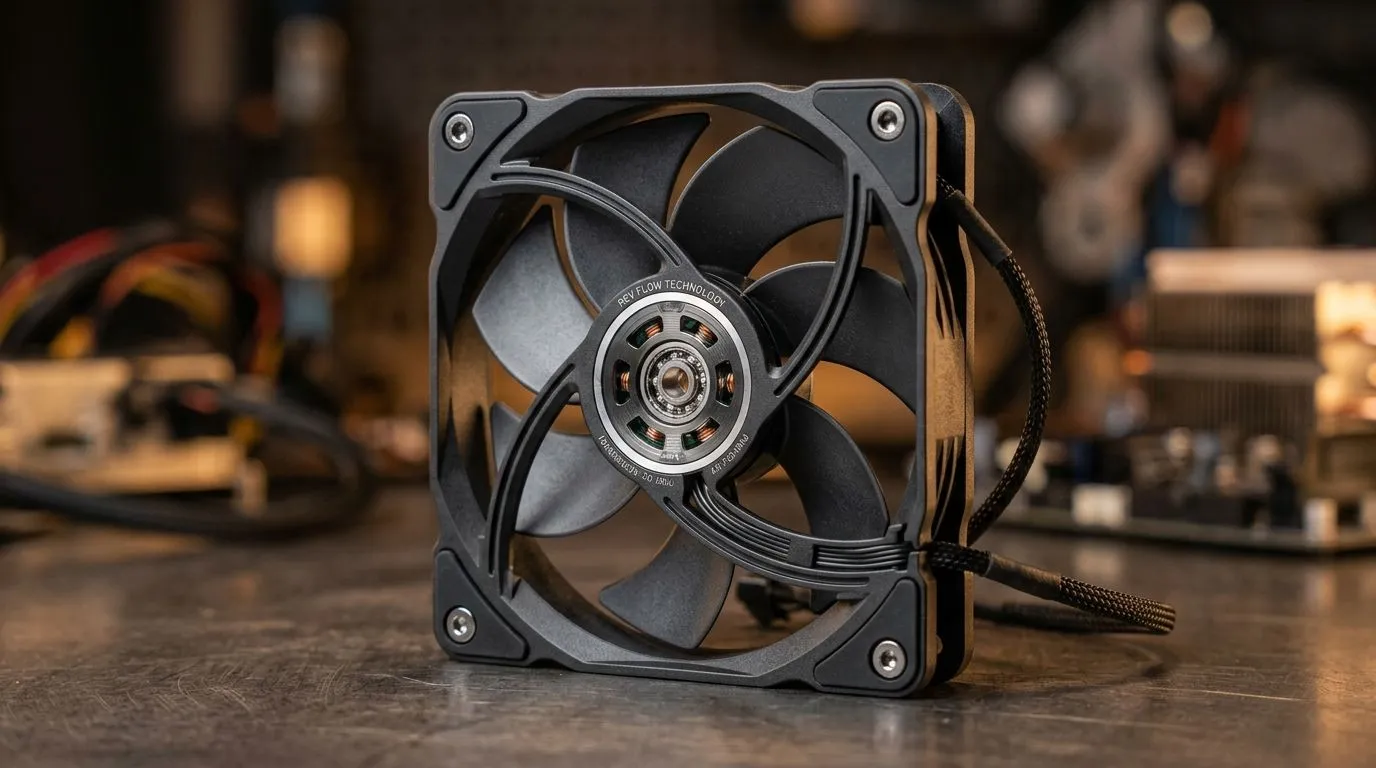
Reversible Fan Blades: Worth It or Flip the Whole Fan? (and why it matters for your PC)
If you’ve ever stared at a case fan and thought, “Wait… do I flip these blades or not?”, you’re not alone. South African PC builders run into this a lot when swapping airflow setups for gaming rigs, streaming PCs, or even quiet office builds. 🎮🔧
Today’s question is simple: Reversible Fan Blades: Worth It or Flip the Whole Fan? The answer depends on how you plan to cool your GPU, your CPU, and whether you’re chasing better temps, lower noise, or cleaner cable-friendly airflow.
What reversible blades actually do (without the marketing fluff)
Reversible fan blades let you change the fan’s direction of airflow by flipping the blades inside the frame. Instead of rotating the whole fan, you alter the blade pitch orientation.
In plain terms: it’s meant to make it easier to fine-tune intake vs exhaust… especially in tight cases where mounting orientation is awkward. But it won’t magically create more airflow than the fan’s size and motor can deliver. A good fan is still a good fan, and bad placement is still bad placement.
Intake vs exhaust: the usual “first build” mistake
Most gaming PC temps improve when you get basic airflow right:
- Front/bottom as intake
- Back/top as exhaust (for typical tower cases)
Reversible blades can help if your case layout forces “almost correct” placement. But if your fan placement is fundamentally wrong, flipping blades won’t save the day.
How to choose reversible fans (RGB and sizes included) for real builds
When you’re shopping, consider these factors:
- Fan size (120mm vs 140mm): larger fans generally move more air at lower RPM for the same noise level.
- Bearing type and noise profile: check the product description for expected quiet operation.
- RGB needs: if you want lighting, make sure it matches your build goals (and your motherboard support).
If you’re building around a clean aesthetic, you’ll likely browse models with lighting effects and sizes like 120mm or 140mm. For options, start with Evetech’s case fans selection:
- Browse case fans (general)
- Explore CORSAIR case fans options
- Check Deepcool case fans for airflow and style
- See RGB lighting-focused case fans
- Find non-RGB (keep it clean) options
Size matters too:
Practical guidance: when reversible blades are worth it (and when they aren’t)
Reversible blades are most worth it when:
- Your case layout is tight and you want to avoid re-mounting the fan.
- You’re iterating cooling setups (common during GPU upgrades).
- You want a cleaner install without touching fan direction hardware.
They’re less worth it when:
- The fan is easy to mount correctly in the first place.
- You’re going for consistent airflow across multiple fans where orientation planning is simple.
- You’re already buying a fan kit intended for a specific intake/exhaust setup.
🔍 Quick self-check before you flip anything: look for airflow arrow markings in the box or on the fan housing. If the product listing or manual doesn’t clarify, don’t guess. Set it up the safe way, then test temps.
Layout test you can do in 10 minutes
- Run your GPU-heavy game for 10–15 minutes (or a consistent benchmark).
- Note temps and noise level.
- If temps are worse than expected, try switching one fan from intake to exhaust by flipping blades (if supported).
- Re-check. Small changes can reveal a bad airflow path.
Productivity Pro Tip ⚡
On Windows, use the PowerToys FancyZones utility to create custom snap layouts for your game launcher, monitoring app (like an overlay), and a browser tab with your benchmark notes. That way you can track temps and noise consistently while you test intake vs exhaust changes.
What to do next if you’re building in SA (quiet, cool, and affordable)
If you’re trying to keep your rig comfortable during long sessions, focus on fan placement first, then fan size, then lighting, and only then reversible convenience. In South Africa, that decision also helps with budget. You can avoid buying the “wrong” fan direction solution twice.
So… reversible blades? Worth it when they reduce hassle and help you dial in airflow fast. Not worth overthinking if you can mount fans correctly from the start.
Ready to Find Your Perfect Match?
Ready to Find Your Perfect Match? The Mac vs Windows debate is complex, but for maximum power, choice, and value in South Africa, Windows is hard to beat. Explore our massive range of laptop specials and find the perfect machine to conquer your world.











