

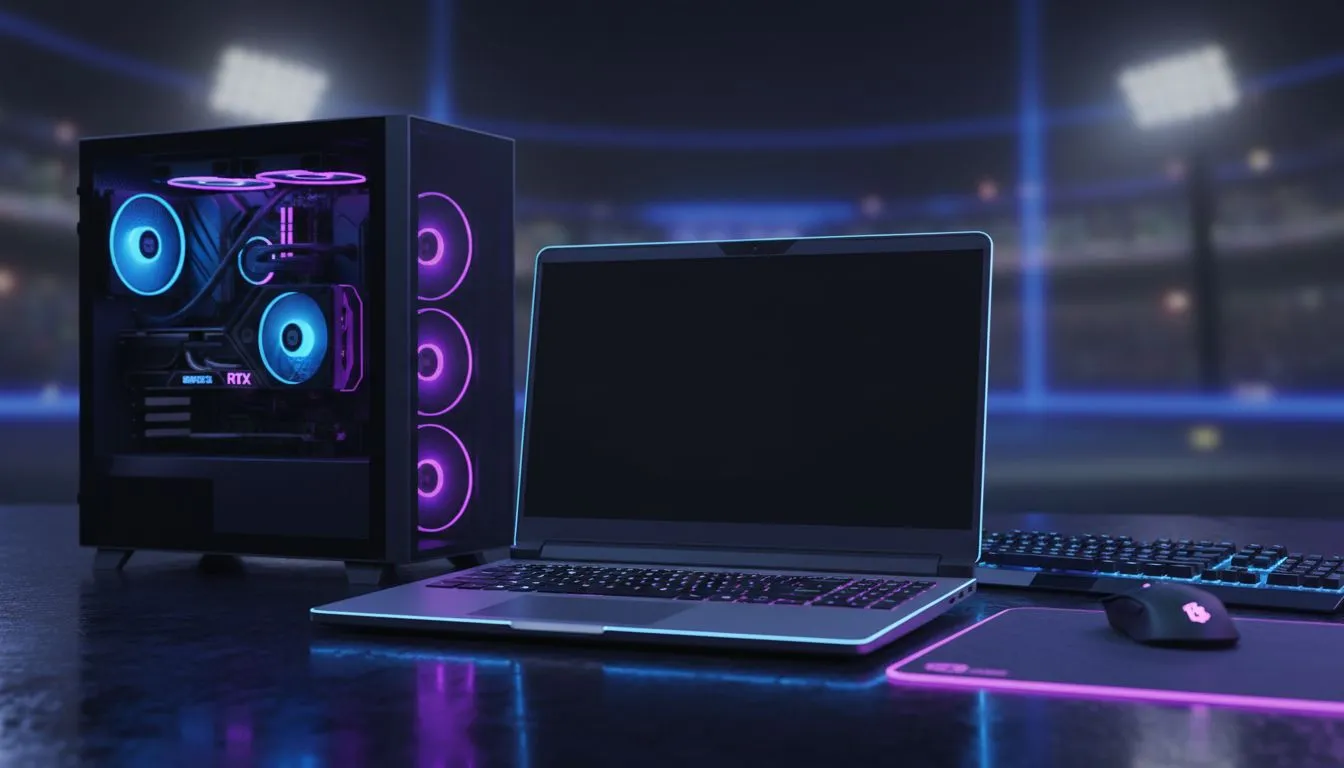
Choosing the Ultimate Rocket League Setup: Laptop vs Desktop
Whether you are hitting a Musty flick or rotating back to goal, your hardware dictates your rank. In South Africa, the debate over a Rocket League setup laptop vs desktop: Pros & Cons is more than just about power... it is about lifestyle and surviving load shedding. Should you opt for the raw power of a tower or the portability of a high-end portable rig? 🚀
The Case for the Mobile Striker: Gaming Laptops
Laptops have evolved significantly over the last few years. You no longer need a massive desktop to maintain a steady 240 FPS. For the South African gamer, portability means you can take your setup to a friend’s house for a local tournament without breaking your back. If you are looking for efficiency, checking out Intel laptops on special is a great place to start.
The biggest advantage is the "all-in-one" nature. You get a high-refresh-rate screen, keyboard, and trackpad in one package. Many modern Ryzen laptop deals offer incredible multi-core performance... which helps if you like to stream your matches on Discord or Twitch while playing.
Rocket League Pro Tip ⚡
Always use a wired controller connection instead of Bluetooth. Even on a high-end laptop, Bluetooth introduces a few milliseconds of input lag. In a game where 50 50s are decided by frames, that wired connection ensures your flips cancel exactly when you want them to.
The Desktop Advantage: Maximum Frames and Cooling
While laptops are convenient, a desktop setup usually offers better thermal management. Rocket League is not the most demanding game, but maintaining a consistent frame time is vital for high-level play. Desktops allow for larger monitors and easier peripheral upgrades. However, if you prefer the convenience of a pre-built mobile powerhouse, you can find the best gaming laptop deals that rival many mid-range desktops in raw speed. 🔧
Balancing Your Budget in ZAR
Price is always a factor for local players. You can find highly capable gaming laptops under R20k that will easily push 144Hz on competitive settings. If you want to future-proof your setup for other AAA titles alongside Rocket League, looking at RTX gaming laptops on special is a smart move. These machines use DLSS and advanced cooling to keep your car flying smoothly across the pitch. ✨
Ultimately, the choice depends on your environment. If you need to move your setup frequently, the laptop wins. If you want a permanent battle station with a 27-inch monitor, the desktop is king. Both can get you to Grand Champion... it is the player behind the wheels that matters most. ⚽
Ready to Find Your Perfect Match? The Rocket League setup laptop vs desktop debate is complex, but for maximum power, choice, and value in South Africa, Evetech has you covered. Explore our massive range of laptop specials and find the perfect machine to conquer the pitch.











