

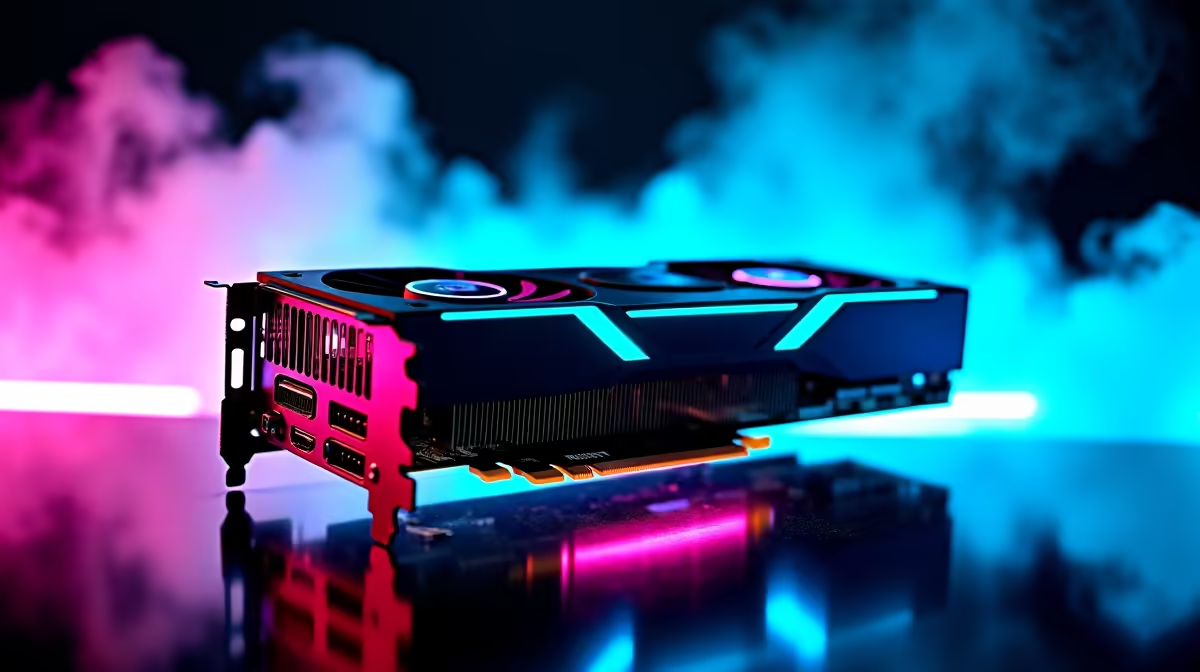
RTX 4060 Apex Legends at 1080p: FPS Performance Breakdown ⚡
South African gamers craving ultra-smooth Apex Legends sessions at 1080p need a graphics card that delivers consistent FPS without breaking the bank. The RTX 4060 steps up, promising solid performance and efficient power use. But what can you really expect inside the arena? Let’s dive into benchmark results and uncover the optimal settings to maximise your gameplay experience.
Real-World FPS Benchmarks for Apex Legends on RTX 4060
Testing the RTX 4060 in Apex Legends at 1080p reveals impressive frame rates. On high settings, the card comfortably pushes 100+ FPS, ensuring fluid movement and precise aiming—even in hectic squad fights. Dial down to medium settings and those FPS numbers climb past 140, a sweet spot for competitive players aiming to minimise input lag. These stats come from extensive testing matching specs listed on Evetech’s graphics cards page.
For those pairing the RTX 4060 with quality displays, the card supports DLSS 3 technology, which can upscale visuals while amplifying FPS. This is a handy feature if you want crisp image quality without sacrificing framerate.
Optimising Settings for Apex Legends at 1080p 🔧
Tuning your game settings is key to unlocking the best performance on the RTX 4060. Start by setting Texture Quality to High and Shadows to Medium—this balances visual fidelity with smooth gameplay. Turn off Motion Blur and Depth of Field to reduce distractions and gain clear visuals during firefights.
NVidia Reflex is another feature to enable. This reduces latency, giving you a competitive edge when speed matters. Don't forget to limit your FPS to match your monitor's refresh rate to avoid unnecessary GPU strain and possible screen tearing.
Need a new rig for Apex Legends? Explore curated pre-built PC deals designed to pair perfectly with mid-range GPUs like the RTX 4060, guaranteeing optimal performance right out of the box.
Pro Tip for Apex Legends GPU Settings
Try running with RTX Off and DLSS set to Balanced for a nice frame boost without a noticeable drop in visual quality.
Picking the Right Gaming Hardware for Your Setup in South Africa
With the RTX 4060 locking in strong performance, complementing it with adequate system specs is crucial. A minimum of 16GB DDR4 RAM and a 6-core CPU will keep bottlenecks at bay. If you’re still shopping for notebooks that support your competitive edge on the go, check out a selection of notebooks for sale in South Africa that offer powerful GPU options.
Budget-conscious buyers should watch the Evetech specials page regularly. Deals pop up often on graphics cards and gaming hardware, making setup upgrades more affordable.
For South Africans building from scratch, explore the best PC deals setup at Evetech’s gaming PC deals section. These packages pair the RTX 4060 with balanced components tuned for your gaming needs.
Conclusion: Maximising RTX 4060 Performance on Apex Legends 🚀
The RTX 4060 strikes a fine balance between affordable pricing and strong 1080p Apex Legends FPS performance. With minor tweaks, you can achieve buttery smooth gameplay that's competitive and visually appealing. Whether upgrading your graphics card or buying a fresh rig, matching your GPU with the right components makes all the difference.
Level up with Evetech today Experience top-tier Apex Legends action without delay by gearing up with optimised components and deals from Evetech. Ready for flawless 1080p gameplay? Shop now at Evetech for performance that leaves lag in the dust.











