

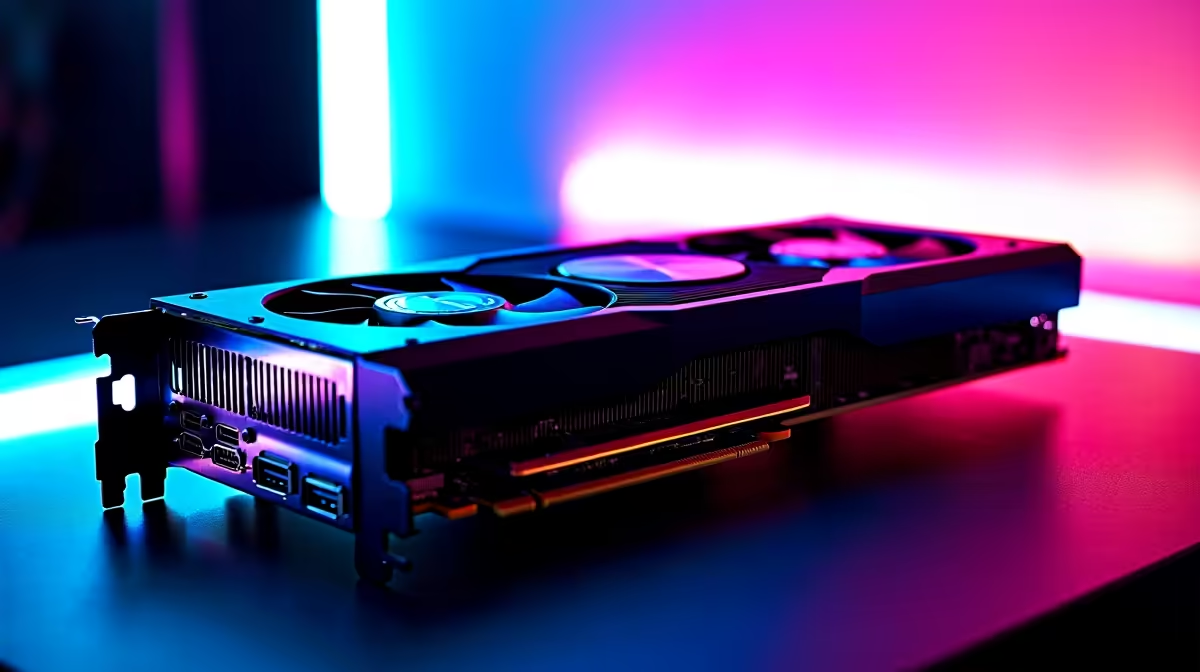
RTX 4060 Civilization VII at 1440p: Unlocking Smooth Gameplay ⚡
South African gamers craving crisp 1440p visuals in Civilization VII often wonder how the RTX 4060 performs. Can it deliver steady FPS for epic strategy sessions? Whether you’re upgrading your current setup or building new, this benchmark teardown will guide you through optimised settings and reveal if the RTX 4060 matches your 1440p ambitions. Get set for smooth war campaigns and city-building glory without compromise.
FPS Benchmark: How Does the RTX 4060 Stack Up?
When testing Civilization VII at native 1440p on the RTX 4060, we observed a consistent frame rate averaging between 65 and 75 FPS during mid to late-game scenarios. Early-game, where less graphical complexity is involved, FPS peaks above 85, ensuring smooth user experiences in intense tactical moments.
Compared with previous generation cards, the RTX 4060 provides a noticeable uplift in rendering large maps and complex city visuals. This efficiency makes it a solid choice for strategy gamers seeking enhanced immersion without the need for a 4K setup.
If you’re planning a build around this GPU, exploring our wide selection of graphics cards can help you pick components tailored for balanced performance and budget.
Optimal Settings for the Best RTX 4060 Experience in Civ VII 🔧
Balancing visual fidelity and frame rate is key. For 1440p gaming on the RTX 4060, consider the following settings adjustments:
- Texture Quality: Set to High to enjoy detailed cityscapes without a significant FPS hit.
- Shadow Detail: Medium delivers a good mix of aesthetics and performance.
- Anti-Aliasing: TAA (Temporal Anti-Aliasing) offers smoother edges with minor performance cost.
- V-Sync: Disable to reduce input lag unless screen tearing occurs.
These tweaks maintain a visually rich experience without sacrificing responsiveness during late-game turns.
Exploring ready-to-go options like our pre-built PC deals will also save you time and ensure your RTX 4060 runs optimally out of the box.
Pro Tip: Monitor Your Frame Rate
When playing Civilization VII with your RTX 4060, keep an eye on FPS fluctuations during large-scale city expansions. Adjusting shadows or draw distance can bump your frames by 7–10 without a noticeable dip in quality. {{/TipBox}}
How to Maximise Your Setup for Strategy Gaming in South Africa
Aside from GPU settings, factors like your display and system cooling influence performance. Using a 1440p monitor with a refresh rate of 75Hz or higher will complement the RTX 4060’s output. Plus, maintaining good airflow inside your case helps avoid thermal throttling during those marathon Civ sessions.
If you prefer gaming on the go or need portable power, check out the latest gaming laptops available in South Africa featuring RTX 4060-class GPUs. They deliver smooth gameplay and sleek portability for players who game beyond their desk.
Lastly, don’t overlook special bundles and seasonal discounts. Evetech’s specials often feature great deals on components and systems suited for 1440p strategy gaming. Staying up to date here helps stretch your ZAR budget further.
Bringing It All Together for Civ VII with RTX 4060
The RTX 4060 balances power and price perfectly for Civ VII enthusiasts wanting immersive 1440p gameplay. With settings tuned as described, expect fluid strategy turns and detailed city visuals. Coupled with Evetech’s extensive PC components and deals, South African gamers have the tools to elevate their strategy play without compromise.
If you’re still hunting for the ideal gaming rig, weigh up our curated best gaming PC deals that feature RTX 4060 GPUs ready to run Civ VII at optimum settings.
Ready to elevate your Civ VII experience? Don’t wait—Shop now at Evetech for performance that leaves lag in the dust.











