

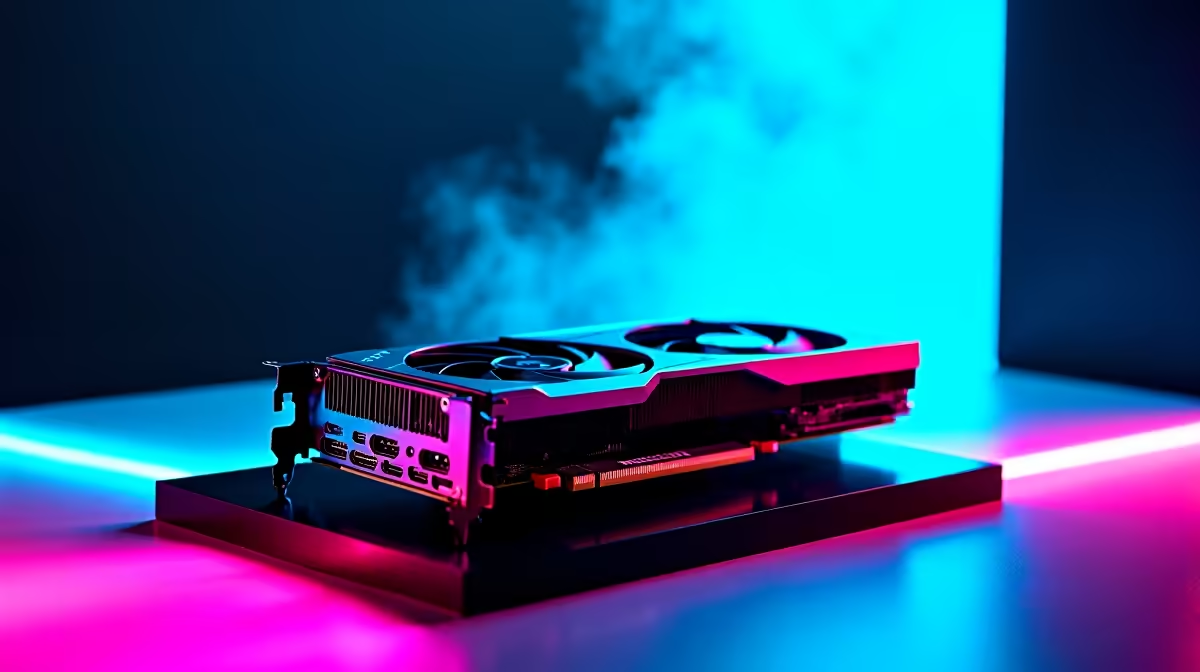
RTX 4060 Fortnite FPS: Real-World Performance Insights for SA Gamers
South African Fortnite fans, are you hunting for the perfect GPU to boost your game? The RTX 4060 Fortnite FPS benchmarks show this card can push high frame rates without breaking the bank🇿🇦. Whether you’re grinding competitive matches or streaming your wins, understanding RTX 4060 Fortnite FPS performance helps you tailor settings for silky smooth gameplay.
Benchmarking RTX 4060 Fortnite FPS: What to Expect?
Fortnite is renowned for its fast-paced action, making FPS performance crucial. The RTX 4060 delivers impressive results on 1080p and even handles 1440p well. On average, you can expect solid 120+ FPS at epic or high settings, with minimal drops during intense build fights and large fights⚡. For South African gamers reliant on stable FPS, this means less input lag and more clutch moments.
Optimising settings is key to squeezing the best FPS without visibly downgrading visuals. Shadow quality and post-processing are two areas where you can adjust RTX 4060 Fortnite FPS. Lowering shadows to medium or off can add up to 15% FPS gain with barely noticeable loss in game clarity. Tweaking these saves your rig from unnecessary strain while maintaining crisp environments.
If you're interested in upgrading your graphics card, browse our selection of graphics cards at Evetech. We stock the latest NVIDIA models suited for competitive Fortnite play.
Best RTX 4060 Fortnite Settings for Smooth Gameplay
1. Display Mode and Resolution
Use full-screen mode at your monitor’s native resolution. For most SA gamers, 1920x1080 hits the sweet spot between performance and clear visuals. You can push to 2560x1440 if paired with a high-refresh monitor, but expect FPS dips without setting tweaks.
2. Graphics Quality
Set overall quality to ‘High’ for vibrant details but reduce shadows to ‘Medium’ or ‘Off’. This combination balances RTX 4060 Fortnite FPS and visual fidelity without major compromises. Ambient occlusion and effects can stay at medium settings to keep your maps looking dynamic.
3. Frame Rate Cap and V-Sync
Cap your FPS close to your monitor’s refresh rate (60Hz, 144Hz, etc.) to avoid unnecessary GPU work. Disable V-Sync to reduce input lag; instead, use NVIDIA Reflex if available for ultra-responsive gameplay.
For PC builds optimised around gaming productivity, check out our best gaming PC deals that pair well with the RTX 4060.
Boost Your Fortnite FPS
Dropping shadows to medium can immediately lift your RTX 4060 Fortnite FPS by up to 15%. Try combining this with a capped 144Hz refresh rate for buttery gameplay.
Why the RTX 4060 Is a Smart Choice for South African Gamers
The RTX 4060 stands out for its efficiency and price point in the local market. It uses next-gen Ada Lovelace architecture to optimise performance per watt, great for gamers worried about heat and power costs in SA’s variable loadshedding scenario⚡. Its DLSS 3 support means the card can intelligently upscale frames, giving you extra FPS without sacrificing image quality.
Not everyone wants to build a PC from scratch. You can grab a pre-built powerhouse featuring the RTX 4060 from our trusted pre-built PC deals and get gaming faster than ever.
RTX 4060 Fortnite Performance: Laptop Options for Mobility
If portability is your priority, the RTX 4060 is available in gaming laptops that balance power and mobility. Laptops with the 4060 GPU let you practice your Fortnite skills from anywhere. For quality options within South Africa, visit Evetech’s selection of notebooks designed for gamers on the move.
Stay on Top of Deals to Upgrade Your Setup
Taking advantage of pricing drops and bundle offers is smart for South African gamers on a budget. Visit our specials page regularly to find the best discounts on GPUs, PCs and accessories. Getting the right gear at a good price means more time gaming and less time stressing over your wallet.
Ready to elevate your Fortnite? Experience RTX 4060 Fortnite FPS like never before… Shop now at Evetech for performance that leaves lag in the dust.











