

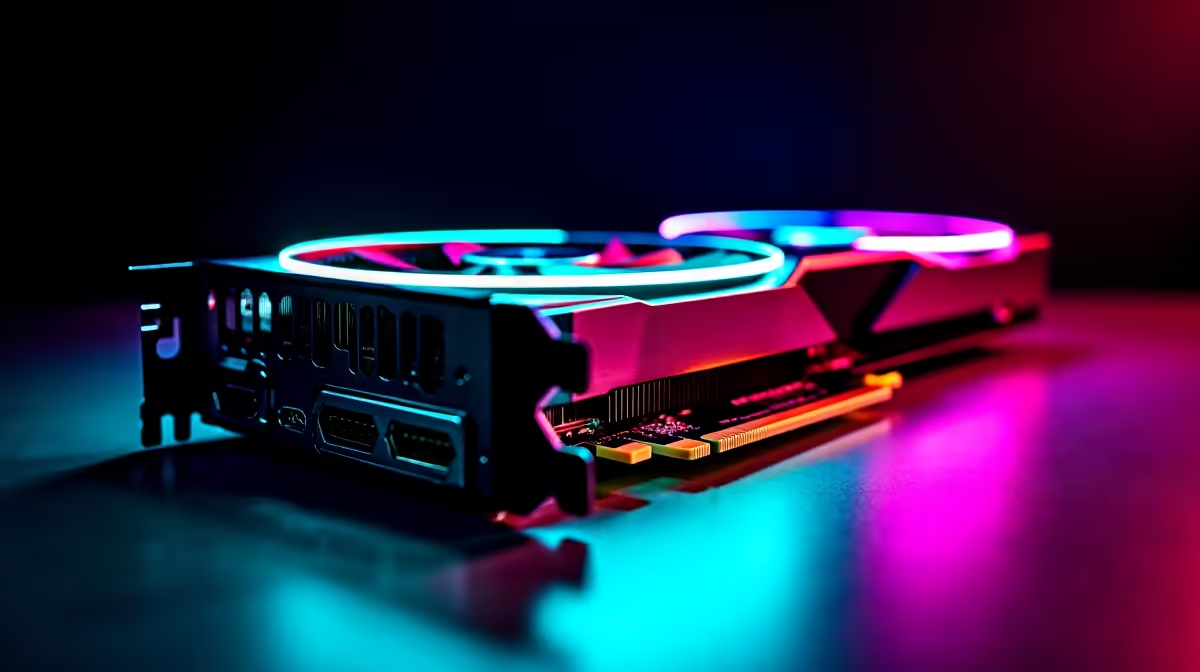
RTX 4060 League of Legends FPS: What to Expect in South Africa
If you’re chasing silky smooth gameplay in League of Legends, the RTX 4060 is a GPU to watch. South African gamers often ask: how many frames per second (FPS) can this card really deliver? Whether you're grinding ranked during peak hours or streaming your plays live, optimising settings for peak RTX 4060 League of Legends FPS can make or break your experience. Let's break down what performance you can expect and the best tweaks to maximise your rig’s potential. 🔧
Understanding RTX 4060 Performance in League of Legends
The RTX 4060 delivers significant upgrades over previous generations, offering ray tracing and DLSS support even in highly competitive multiplayer games like League of Legends. In 1080p gameplay, this GPU easily pushes above 200 FPS on high settings—making input lag nearly imperceptible when paired with a high-refresh-rate monitor. For South African gamers who want consistently responsive play, the RTX 4060 strikes a strong balance between power and affordability.
Want an RTX 4060 of your own? Explore our wide range of graphics cards available at Evetech to find the perfect fit for your setup.
Best Settings for Maximum FPS in League of Legends with RTX 4060
Graphics Settings That Matter
To maximise FPS while keeping visuals sharp:
- Set Shadows to low or medium; they’re resource-intensive but barely noticeable in gameplay.
- Disable Anti-Aliasing or set it to a lower level; it smooths edges but eats FPS.
- Lower Post-Processing effects; this frees up GPU cycles without affecting clarity.
- Keep resolution native (usually 1920x1080) for sharpness and optimal FPS balance.
Nvidia Control Panel Tweaks
Make sure your display mode is set to Full-Screen for lowest input lag. Enable Maximum Performance mode in the Nvidia Control Panel to prioritise FPS over power savings during gaming sessions. Also, DLSS can be enabled if you want to downscale internally and boost FPS further without a visual hit.
System Optimisation Matters
Besides the GPU, a fast SSD and at least 16GB of RAM help maintain steady frame rates and reduce stutters. South African gamers looking for a complete performance boost should consider pre-built rigs with balanced specs, like our curated pre-built PC deals that come optimised and ready to game.
Keep Your Drivers Updated
Regularly update Nvidia drivers and Windows to access the latest performance tweaks and bug fixes for League of Legends.
South African Context: Price vs Performance
The RTX 4060 offers stellar value in South Africa, especially compared to higher-end GPUs that can strain your budget without delivering proportional FPS increases in games like LoL. If you’re building or upgrading, consider pairing this GPU with a budget-friendly yet powerful processor and fast fibre internet for seamless online play.
Looking for affordable gaming machines? Check out our selection of gaming notebooks designed for South African gamers with RTX 4060 options that balance portability, power, and price nicely.
Unlock More Value: Deals and Specials at Evetech
To get the best bang for your rand, keep an eye on Evetech's specials page for limited-time deals on RTX 4060 cards, gaming PCs, and accessories. These seasonal offers often include exclusive bundle discounts tailored for gamers who want top-tier performance without overspending. ⚡
For a full system build, explore our best gaming PC deals which feature the RTX 4060 and perfectly balanced components for smooth League of Legends sessions and many other eSports titles.
Elevate Your League Play Today Ready to crush your competition with ultra-smooth FPS? Shop now at Evetech for performance that leaves lag in the dust.











