

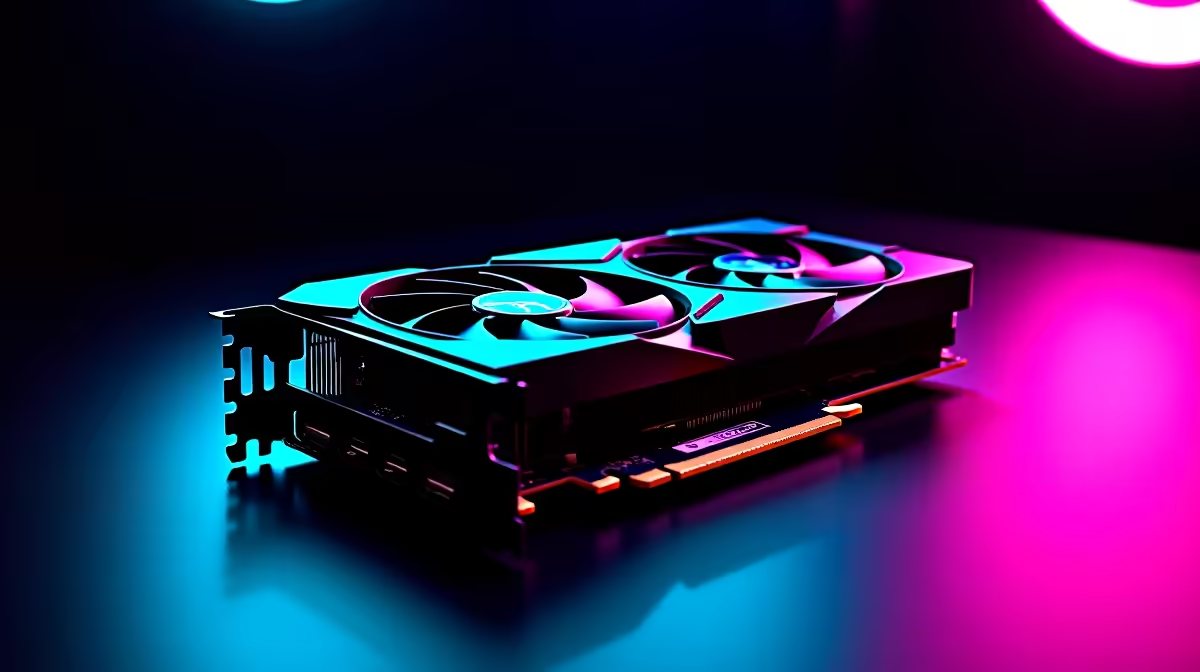
Is your current rig struggling to keep up with the Monkey King? South African gamers know the pain of stuttering frames when dodging massive bosses. If you want silky-smooth combat, you need serious graphical muscle. Fortunately... the RTX 4060 Ti is here to save your frames and your hard-earned ZAR. Let us dive into the ultimate RTX 4060 Ti Black Myth Wukong 2 at 1080p performance breakdown.
Hitting the Sweet Spot 🎯
Running the RTX 4060 Ti Black Myth Wukong 2 at 1080p is an absolute visual treat. Nvidia built the 4060 Ti specifically to dominate this resolution. You get the massive benefits of the Ada Lovelace architecture. This includes DLSS 3 and Frame Generation... which are crucial for demanding modern action titles.
South African summers run hot. Thankfully... the 4060 Ti remains incredibly power efficient. It draws far less wattage than older generations. This means it is much kinder to your UPS during unexpected loadshedding. If your old GPU is currently sounding like a jet engine, it might be time to browse our massive range of graphics cards. Upgrading ensures you get stable frame rates when the on-screen action gets chaotic.
FPS Benchmark Results 🚀
We tested the game using a balanced testbench. This reflects what average local gamers actually own. Pushing the RTX 4060 Ti Black Myth Wukong 2 at 1080p on maximum Cinematic settings yields around 45 to 50 FPS natively. That is playable... but definitely not ideal for fast-paced combat.
However... flicking on DLSS 3 with Frame Generation changes the entire experience. You suddenly jump to a buttery smooth 85 to 95 FPS. Even with Ray Tracing set to Medium, you can comfortably maintain well above 60 FPS.
Not keen on building a machine from scratch? You can easily achieve these exact benchmark numbers by grabbing one of our best gaming PC deals. Alternatively... a reliable pre-built PC takes the hassle out of cable management and component matching entirely.
Optimal Settings for Maximum Frames 🔧
To get the perfect balance of eye candy and performance, you need to tweak a few specific sliders. We recommend setting your Global Illumination to High rather than Cinematic. Shadows can safely drop to Medium without losing much visual depth. This simple adjustment frees up valuable VRAM... giving your GPU much more headroom.
Textures should stay on High or Epic to appreciate the stunning character models. Post-processing effects like Motion Blur can be turned off entirely based on your personal preference.
Performance Pro Tip ⚡
Always enable Nvidia Reflex when using Frame Generation in fast-paced action games. It significantly reduces system latency... ensuring your dodges and parries register instantly when fighting aggressive bosses.
Taking Your Gaming on the Go ✨
Mobile gamers do not have to miss out on the action either. Modern gaming laptops equipped with RTX 40-series mobile chips deliver incredible desktop-like performance on the go. They are perfect for LAN parties or gaming during power outages.
Whether you are upgrading a desktop or buying a new notebook, getting the best value is essential. Keep a close eye on our weekly tech specials to stretch your ZAR even further. Optimising your budget is just as important as optimising your game settings.
Ready to Defeat the Monkey King? Conquering challenging bosses requires hardware that never stutters. For maximum power, choice, and value in South Africa, Evetech has you covered. Explore our massive range of gaming PCs and find the perfect machine to dominate your world.











