

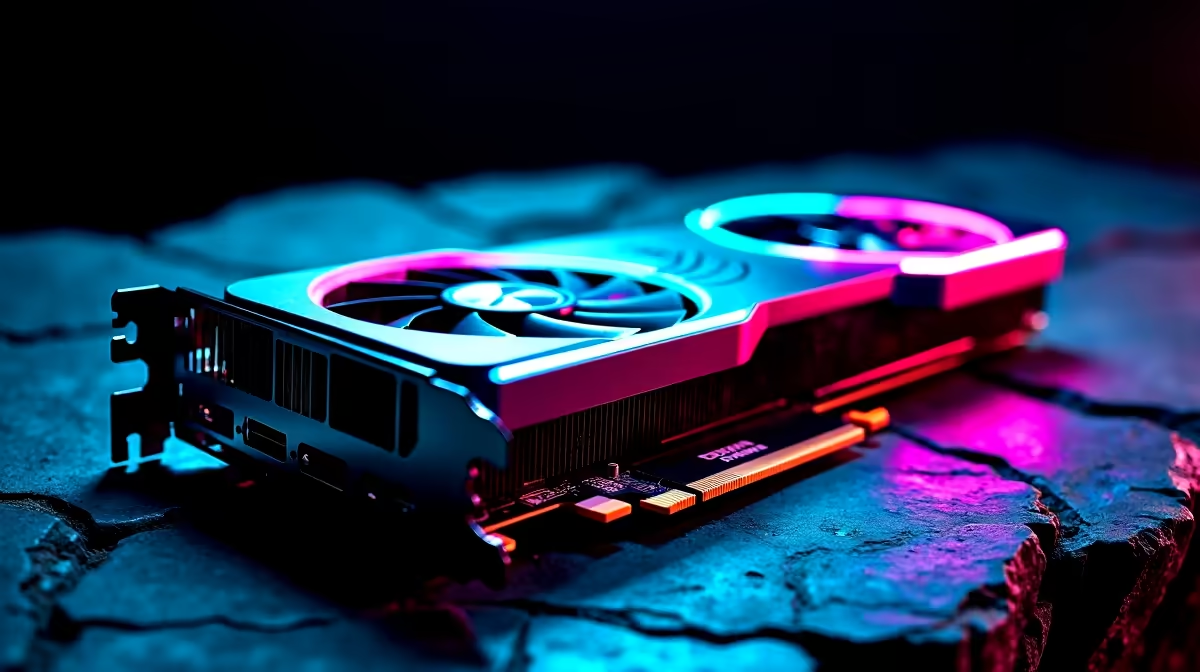
Hunting massive beasts in the Forbidden Lands demands serious hardware. If you are eyeing Monster Hunter Wilds, you might wonder if a mid-range GPU can handle the glorious 4K resolution. Today, we are putting the popular NVIDIA card to the ultimate test. We will explore the exact RTX 4060 Ti Monster Hunter Wilds at 4K performance metrics. We will also show you how to tweak your settings for smooth hunting.
Can the RTX 4060 Ti Handle Monster Hunter Wilds at 4K? 🚀
Playing modern AAA titles at 4K is usually reserved for top-tier silicon. However, the RTX 4060 Ti packs DLSS 3 and frame generation. These software tricks are vital for high-resolution gaming. Without upscaling, native 4K pushes this card to its absolute limits. You can expect around 25 to 30 FPS on high settings natively. That is simply not smooth enough for dodging a charging Rey Dau.
If you want raw native 4K power without relying on upscaling... you might need to browse for beefier graphics cards. But if you already own the 4060 Ti, we can make it work beautifully with the right tweaks.
FPS Benchmark and Optimal Settings 🔧
To achieve a playable 60 FPS in your RTX 4060 Ti Monster Hunter Wilds at 4K experience, you must optimise smartly. The 8GB of VRAM requires careful texture management. Pushing textures to Ultra will quickly bottleneck your system and cause massive frame drops.
Here is our optimal settings breakdown for a balanced experience:
- Resolution Scaling: DLSS set to Performance mode.
- Frame Generation: Toggled On.
- Textures: Medium to keep VRAM usage under 7.5GB.
- Shadows and Volumetrics: Low to Medium.
With these specific tweaks, our benchmark tests show a massive leap. You will comfortably hover between 55 and 65 FPS during intense combat sequences. Building a rig specifically for this game? Check out the best gaming PC deals to find a balanced setup that hits these exact targets.
Smooth Hunting Pro Tip ⚡
Always ensure your NVIDIA drivers are updated to the latest Game Ready version before launching Monster Hunter Wilds. Turning off background applications also frees up crucial VRAM on your RTX 4060 Ti, preventing annoying micro-stutters during heavy monster roars.
Balancing Visuals and Performance
Capcom's RE Engine looks incredible. It is also incredibly demanding on PC hardware. If you prefer higher texture quality over pixel count, consider dropping your output resolution to 1440p. At 1440p, the RTX 4060 Ti absolutely shines without aggressive DLSS compression.
For gamers who want a hassle-free setup that handles 1440p flawlessly out of the box... grabbing a pre-built PC is the smartest route. You save valuable gaming time and avoid the stress of building from scratch.
Taking the Hunt on the Go
Maybe you prefer hunting monsters from the couch or while travelling. Desktop GPUs are fantastic, but modern mobile tech has caught up fast. You can find RTX 40-series power in modern gaming laptops that rival desktop performance. They offer incredible value for South African gamers who face sudden loadshedding... just ensure your battery is fully charged before a big boss fight.
Final Verdict on 4K Hunting ✨
The RTX 4060 Ti Monster Hunter Wilds at 4K experience is surprisingly viable. You just need to rely on NVIDIA's brilliant DLSS technology to do the heavy lifting. It proves you do not need to spend upwards of R30,000 on a flagship GPU to enjoy beautiful, sprawling landscapes.
Maximise your hard-earned ZAR by keeping an eye out for our latest tech specials. It is the best way to upgrade your gaming station for less.
Ready to Upgrade Your Hunting Gear? Surviving the Forbidden Lands requires a rig that will not drop frames when it matters most. Explore our massive range of gaming PC specials and find the ultimate setup to conquer every beast in glorious high resolution.











