

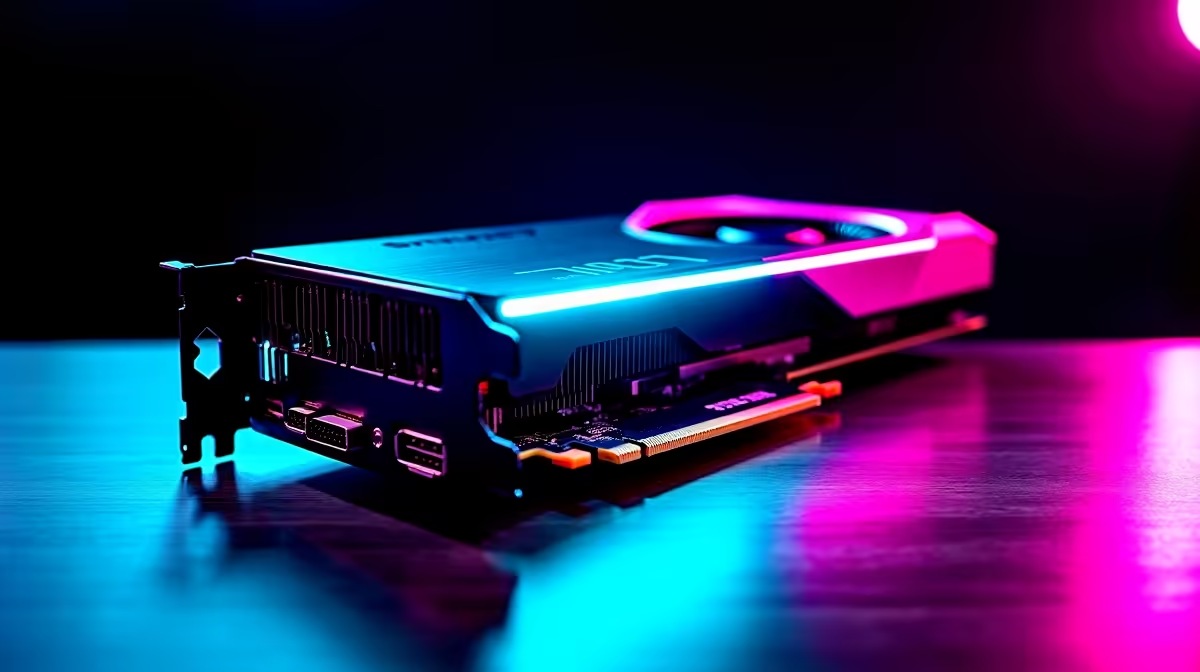
Palworld has taken South Africa by storm. Building bases and catching Pals is incredibly addictive. But what happens when you push your resolution to the absolute max? If you are wondering how the RTX 4060 Ti Palworld at 4K experience holds up... you are in the right place. We tested the framerates to see if this popular GPU can punch above its weight class.
Analysing RTX 4060 Ti Palworld at 4K Performance ⚡
The RTX 4060 Ti is traditionally known as a 1080p or 1440p powerhouse. Pushing it to 4K requires some clever tweaking. Nvidia packed this specific GPU with DLSS 3 and highly efficient architecture. At a price point that makes sense in ZAR... this card delivers excellent modern features.
If you want to upgrade your current rig to handle higher resolutions... exploring dedicated graphics cards is a brilliant starting point. Palworld is still actively being developed. This means game optimisation is an ongoing process... but the right hardware makes all the difference. Investing in the right components now ensures your gaming setup remains relevant for years to come.
Real-World FPS Benchmark Results
Running Palworld at native 4K on maximum settings will humble many premium systems. With the RTX 4060 Ti... native 4K usually hovers around a cinematic 30 to 40 FPS. When you have dozens of Pals working at your base... your system works overtime. The particle effects and complex animations demand serious graphical grunt.
However... turning on Nvidia's upscaling tech is where the magic truly happens. Setting DLSS to 'Performance' mode bumps those numbers to a much smoother 55 to 60 FPS. If you prefer buying a complete system tailored for this exact performance tier... our best gaming PC deals offer incredible out-of-the-box value.
For gamers who want zero assembly hassle... browsing our pre-built PC deals ensures you get a perfectly balanced machine. You easily avoid dreaded CPU bottlenecks that might drag down your Palworld framerates during intense boss fights.
Palworld Optimisation Tip 🔧
Always enable DLSS when playing Palworld at 4K with the RTX 4060 Ti. Drop your shadow quality to 'Medium' and view distance to 'High'. You will instantly gain 10 to 15 FPS without losing much visual quality.
Achieving the Optimal Settings ✨
To get a highly stable 60 FPS while running RTX 4060 Ti Palworld at 4K... you must balance visuals and performance. Keep your textures on 'High' because the 8GB of VRAM can comfortably handle it. Turn off motion blur to make fast camera movements feel much crisper. Anti-aliasing is another setting to watch. Leave it on TSR to get the cleanest edges around your character models.
Gamers on the move can also enjoy this massive survival hit. Modern mobile GPUs are incredibly capable... so checking out gaming laptops for sale is a smart move to beat load shedding interruptions.
Always keep a close eye out for ways to stretch your hard-earned Rand. You can often find massive discounts on our specials page to help you build the ultimate Pal-catching setup.
Ready to Catch 'Em All in Glorious 4K? Upgrading your system does not have to drain your wallet. Whether you need a fresh GPU or a completely new rig to conquer Palworld, we have you covered. Explore Evetech's massive range of gaming specials and level up your performance today.











