

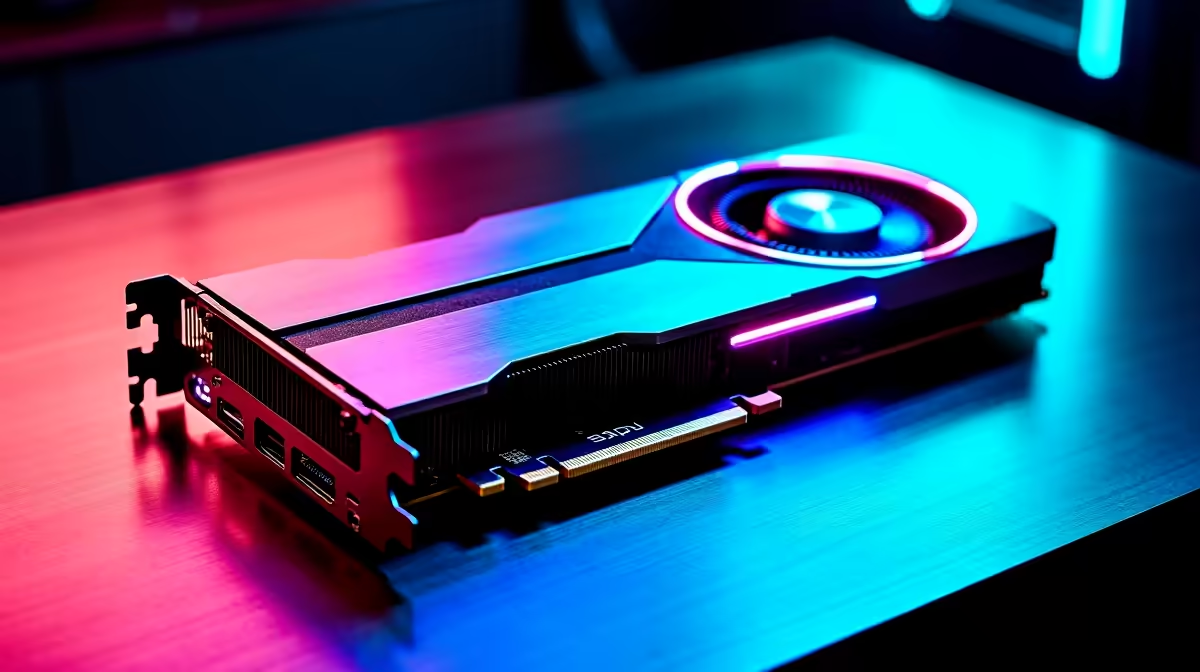
Hunting massive beasts requires serious hardware. If you are gearing up for the latest hunt, you already know that frame drops can ruin a perfect strike. Today, we are looking at the RTX 4070 Super Monster Hunter Wilds at 1440p performance 🚀. Let us see how this GPU handles the untamed wilderness and what settings keep your FPS buttery smooth without sacrificing visual glory.
Analysing the RTX 4070 Super Monster Hunter Wilds at 1440p Performance
Capcom's new engine pushes modern hardware to the absolute limit. When testing this GPU at 1440p, the results are incredibly promising. At native resolution with 'High' preset settings, hunters can expect a stable 60 to 70 FPS in demanding areas.
However, turning on DLSS 3 Frame Generation changes everything. This tech pushes that number well past 100 FPS. The game feels incredibly responsive and fluid. If you are looking to upgrade your rig for this release, browsing the latest graphics cards is your first step to achieving these numbers.
Optimal Settings for High FPS and Vibrant Colours ✨
You do not need to max out every single slider to make the game look incredible. Dropping Volumetric Fog from 'Highest' to 'Medium' nets you a massive 15% performance boost. The visual difference is barely noticeable during fast-paced combat.
Shadow Quality is another heavy hitter on your frame rate... keep it on 'High' rather than 'Ultra'. Balancing these specific tweaks ensures your RTX 4070 Super Monster Hunter Wilds at 1440p experience remains flawless during chaotic fights. If tweaking settings sounds like a chore, you can always grab a system that brute-forces performance from our premium gaming PC deals.
Optimisation Pro Tip ⚡
Always enable NVIDIA Reflex when using DLSS 3 Frame Generation in Monster Hunter Wilds. It drastically reduces input latency, ensuring your dodges and parries register instantly against aggressive monsters.
Is 12GB of VRAM Enough for Future Hunts?
With 12GB of fast GDDR6X VRAM, the 4070 Super is perfectly positioned for 1440p gaming over the next few years. Monster Hunter Wilds uses around 9GB of memory at 1440p with high-resolution textures enabled. This leaves plenty of headroom for background applications or Discord streams.
Whether you prefer building your own custom rig or picking up one of our pre-built gaming desktops, this specific GPU sits at the absolute sweet spot of price and performance. For hunters who travel frequently, similar desktop-tier performance is now readily available in modern high-performance gaming laptops.
Do Not Forget Your CPU
Pairing your new GPU with the right processor is equally important. Monster Hunter Wilds features massive open areas with complex AI routines for the local wildlife. A modern six-core or eight-core CPU ensures your graphics card is never waiting for instructions 🔧. This prevents those annoying micro-stutters when a giant monster suddenly smashes through the environment.
Final Thoughts on Your Next Hardware Upgrade
Surviving the wilds requires skill, preparation, and highly reliable hardware. The RTX 4070 Super Monster Hunter Wilds at 1440p benchmark proves a crucial point. You do not need to spend upwards of 40,000 ZAR on a flagship GPU to get a premium, stutter-free experience.
By using smart upscaling technologies and tweaking a few heavy graphical settings, your hunts will look breathtaking. Keep a close eye on our daily tech specials to find the absolute best prices on your next major hardware upgrade.
Ready to Dominate the Wilds? Do not let low frame rates ruin your perfect hunt. Equip yourself with the hardware necessary to experience Monster Hunter Wilds in all its glory. Explore our massive range of gaming PC specials and find the perfect machine to conquer your next adventure.











