

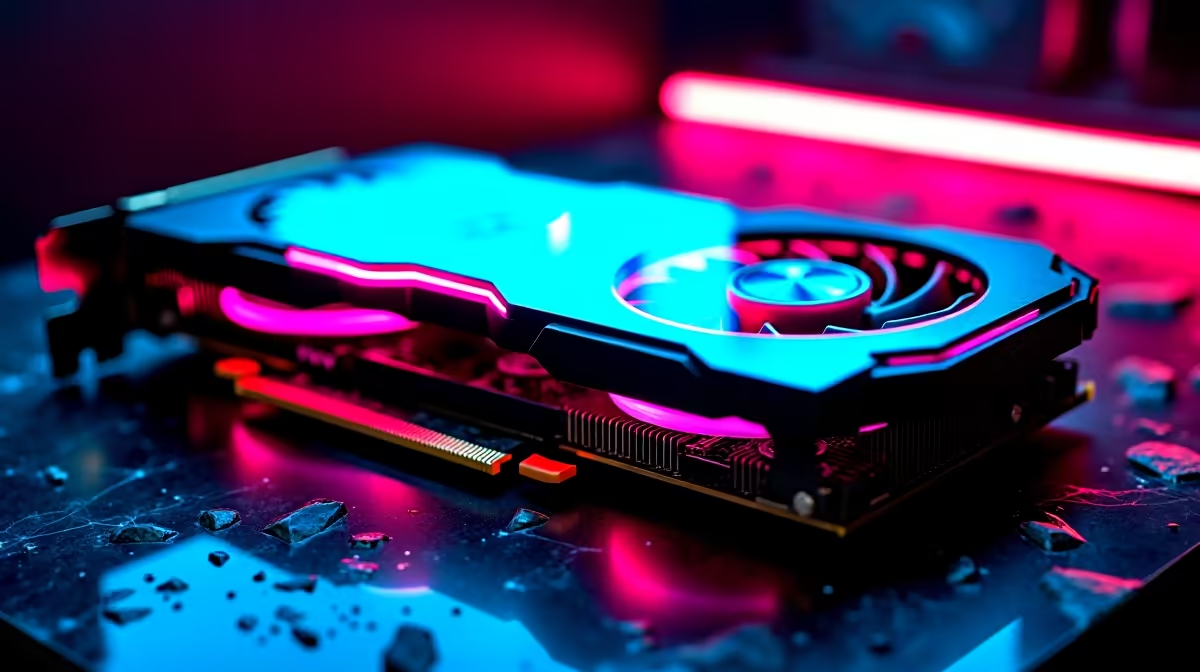
If you are grinding the competitive ladder in South Africa, you already know that every single frame counts 🚀. A dropped frame during a crucial team fight can send you straight back to spawn. Enter the NVIDIA GeForce RTX 4070 Ti Super. We are putting this beast to the test to see exactly what kind of competitive edge it offers. Let us dive into the ultimate performance breakdown.
Unpacking the RTX 4070 Ti Super Overwatch 2 Performance
Overwatch 2 remains one of the fastest hero shooters on the market today. To hit those top-tier Grandmaster ranks consistently, you need hardware that does not sweat under intense pressure. The RTX 4070 Ti Super boasts 16GB of VRAM and a significantly increased CUDA core count over the base model. This means it can chew through modern esports titles with absolute ease. If you want to upgrade your current rig to match the pros, browsing the latest graphics cards is your first step to achieving zero input lag and ultimate visual clarity.
1440p and 4K FPS Test Results
We ran our FPS test using a high-end CPU to prevent any annoying bottlenecks. At 1440p on maximum settings, the RTX 4070 Ti Super Overwatch 2 performance is nothing short of spectacular. You can comfortably expect frame rates well over 300 FPS. This is absolutely perfect to saturate those ultra-fast 360Hz monitors.
Pushing the resolution to 4K still yields an incredibly smooth 180 to 220 FPS. Naturally, competitive players will want to tweak their visuals for maximum speed rather than eye candy. For those who prefer a complete package rather than building from scratch, checking out custom gaming PCs can save you time and ensure guaranteed compatibility.
The Ultimate Overwatch 2 Settings Guide 2026
Achieving high frame rates is only half the battle. You also need pristine visual clarity to spot a flanking Tracer or a distant Widowmaker across the map. Our dedicated settings guide 2026 focuses on maximising your FPS while keeping the enemy outlines incredibly crisp.
Start by setting your render scale to exactly 100%. Dynamic render scale can cause input delay... which is a nightmare for hitscan players 🔧. Turn your shadows down to low and disable dynamic reflections entirely. These specific settings eat up valuable GPU resources without giving you any real tactical advantage.
Esports Visual Pro Tip ⚡
Always set your Model Detail to Low in Overwatch 2. This removes unnecessary clutter like bushes and destructible objects from the map, making it much easier to spot enemy players trying to hide in the environment.
If you are always on the move between LAN events or campus, you do not have to sacrifice this level of performance. Modern gaming laptops equipped with the 40-series architecture deliver desktop-tier frame rates in a highly portable chassis.
Building Your High-FPS Rig in South Africa
Upgrading your setup does not have to break the bank. South African gamers know the sting of high hardware prices, but finding the right balance of price and power is entirely possible. Whether you are budgeting R25,000 or R50,000 for your dream setup, the RTX 4070 Ti Super fits beautifully into the high-end tier.
For absolute convenience, many local players are turning to reliable pre-built PCs that come ready to plug and play right out of the box. You get peace of mind with full warranties and expert cable management. Plus, if you are looking to stretch your ZAR even further, keeping an eye on daily specials is the smartest way to grab premium components at a fraction of the cost ✨.
With the right hardware and optimised settings, your RTX 4070 Ti Super Overwatch 2 performance will be flawless. You will have the lowest latency, the highest frames, and absolutely no excuses when you miss that crucial headshot.
Ready to Dominate the Competitive Ladder? Climbing the ranks requires hardware that can keep up with your reflexes. Experience the ultimate high-FPS gameplay in South Africa. Explore our massive range of RTX 40-Series gaming PCs and secure your competitive advantage today.











