

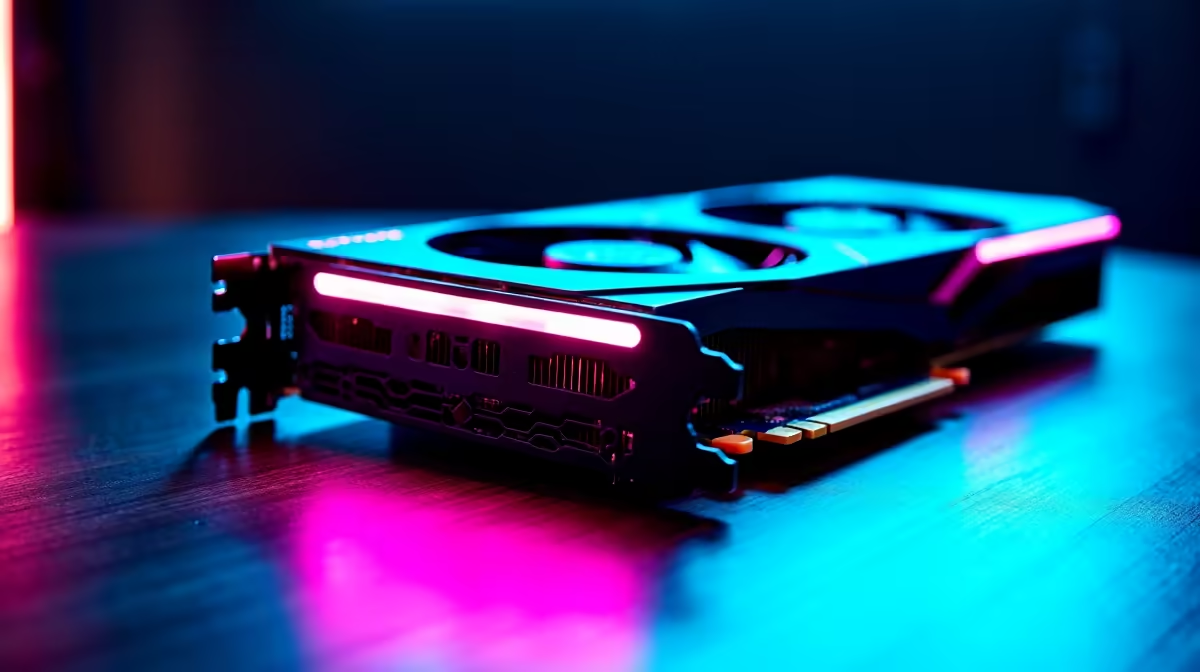
You have seen the charts. Those towering bar graphs promising absolute dominance. But when you drop your hard-earned ZAR on a premium GPU, synthetic numbers do not mean much. You want to know how it actually feels to play Cyberpunk 2077 or Call of Duty at maximum settings on a 4K monitor. Let us cut through the marketing noise. It is time to compare RTX 4080 benchmarks vs real gaming performance.
Decoding RTX 4080 Benchmarks 🔧
Synthetic tests like 3DMark are great for pushing silicon to its absolute limits. They give us a reliable baseline. However... they rarely translate perfectly to a chaotic, rainy night in Los Santos. Real-world gaming introduces unpredictable variables. Think background applications, driver overhead, and unoptimised game engines.
Ray tracing benchmarks often show massive performance dips. In actual gameplay, tweaking lighting settings just slightly can reclaim those lost frames without ruining the visual fidelity. It is all about finding that practical sweet spot.
If you are looking to upgrade your rig, you need to know what happens in-game. When you browse the latest graphics cards for sale, look past the synthetic scores. Focus on 1% low frame rates instead. That specific metric dictates how smooth your gameplay actually feels during heavy explosions.
Pushing Pixels at 4K Resolution 🚀
The RTX 4080 was built to chew through high-resolution textures. In benchmark suites, it easily clears 100 frames per second in most modern titles. But in real gaming scenarios? You will quickly notice the magic of DLSS 3. Frame Generation takes a heavy title from a stuttering 45 fps up to a buttery 110 fps.
This is exactly why pairing the right components is crucial. Hardware bottlenecks are very real and can easily ruin a premium GPU. You can explore some of the best gaming PC deals to see how pros balance the CPU and GPU. Alternatively, if you want something ready straight out of the box, our pre-built PC deals ensure you get a balanced system without the stress of matching parts.
Optimisation Pro Tip ⚡
Always enable Nvidia Reflex when using DLSS 3 Frame Generation. While Frame Generation boosts your visual smoothness, it can introduce slight input lag. Reflex entirely counters this... keeping your mouse clicks perfectly synced with the on-screen action.
Taking the Power on the Go ✨
What if you want desktop-tier performance while avoiding loadshedding? Loads of gamers are making the switch to mobile power. The mobile variants of the 40-series architecture are incredibly efficient. When looking at premium notebooks for sale in South Africa, the gap between desktop and laptop performance has never been smaller.
You get the exact same DLSS 3 benefits and ray tracing capabilities in a portable chassis. Keep an eye on our weekly specials to grab top-tier tech at unbeatable ZAR prices.
The Final Verdict on Performance
Ultimately, the numbers on a chart only tell half the story. The real value of the RTX 4080 lies in its consistency. It delivers zero stutter, cool temperatures, and the raw horsepower to handle whatever you throw at it. Whether you are rendering 4K video or dominating competitive lobbies, the real-world experience easily justifies the investment. You will never have to compromise on visual quality again.
Ready to Experience True Frame Rates? Stop playing on low settings and start experiencing your favourite games the way the developers intended. Explore our massive range of gaming PC specials and find the perfect machine to conquer your digital world.











