

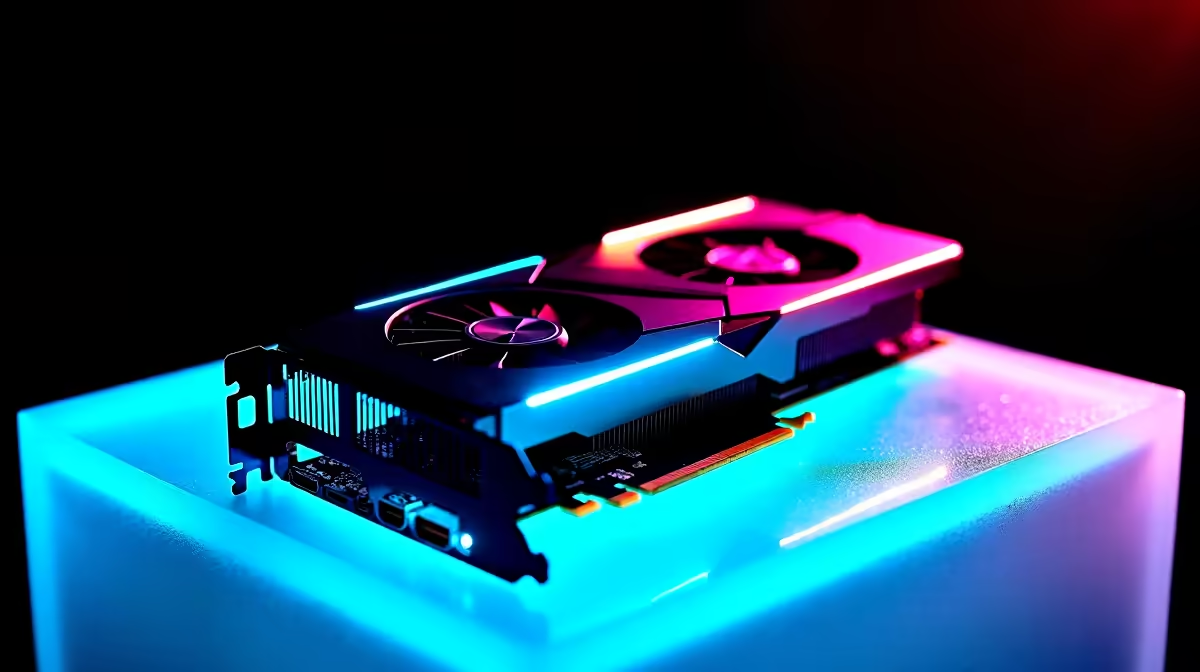
Are you tired of watching the Adobe Premiere Pro render bar crawl across your screen? In 2026, time is money. This is especially true when handling heavy 4K and 8K footage. Let us dive deep into the RTX 4080 Super Premiere Pro performance. We will see if this powerhouse GPU actually delivers the rendering speed South African creators need.
Unpacking the 2026 Editing Landscape 🚀
Nvidia's Ada Lovelace architecture continues to dominate the creative space. The RTX 4080 Super packs a massive punch. It boasts thousands of CUDA cores and dual NVENC encoders. When you are scrubbing through colour-graded timelines, your GPU handles the heavy lifting.
Having 16GB of ultra-fast GDDR6X VRAM is vital. It prevents frustrating crashes when applying complex Lumetri colour effects. Upgrading your workstation with top-tier graphics cards is the fastest way to eliminate playback stutter. We tested this beast with heavy multi-cam sequences... and the results are truly incredible.
The dual encoders also mean AV1 export times are slashed in half. This is perfect for local YouTubers who need to upload high-quality videos quickly while saving on bandwidth.
Benchmarks vs Real-World Tests 🔧
Synthetic benchmarks only tell half the story. We ran a strict real-world test using a 20-minute 4K project. It was loaded with heavy transitions and demanding visual effects. The RTX 4080 Super chewed through the final export in just four minutes.
It is not just about raw speed. It is about total system stability during tight deadlines. If you want this level of reliability without building from scratch, exploring premium pre-built PCs is a very smart move. Local studios need machines that work flawlessly right out of the box.
For creators who also want to dominate in competitive lobbies after hours, modern gaming PCs offer the perfect balance. You can seamlessly edit client work by day and game at ultra settings by night.
Premiere Pro Pro Tip ⚡
To maximise your RTX 4080 Super Premiere Pro performance, ensure hardware-accelerated decoding is enabled. Go to Edit > Preferences > Media and check the boxes for H.264 HEVC hardware decoding. This keeps your timeline buttery smooth even with raw footage.
Maximising Your ZAR Budget ✨
High-end creative hardware always requires a serious investment. A top-spec desktop will easily run into tens of thousands of ZAR. However, the hours saved on rendering quickly pay for the upgrade. Time saved is literally money earned in the fast-paced freelance world.
If you are a digital nomad or an on-set editor, you might prefer portable power. Our massive range of high-performance laptops brings desktop-class rendering straight to your backpack. You can easily edit from a local coffee shop while avoiding unexpected loadshedding schedules.
Building the ultimate 4K editing suite does not have to break the bank. You just need to shop smart and look for value. Keep a close eye on our latest specials to grab premium components at a fraction of the regular cost. Every single Rand saved can go toward better lenses or extra NVMe storage.
Ready to Supercharge Your Timeline? The right hardware transforms video editing from a frustrating chore into an absolute joy. For maximum rendering power and unbeatable value in South Africa, Evetech has you covered. Explore our massive range of PC deals and find the perfect machine to conquer your creative workflow.











