

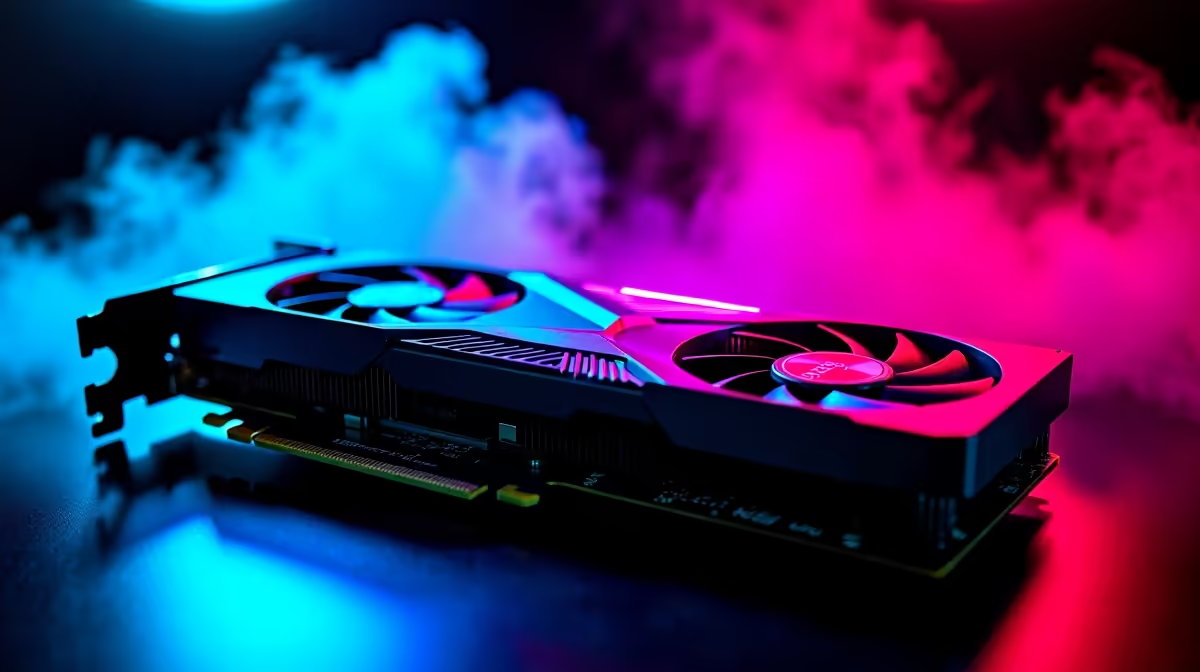
RTX 4090 Marvel Rivals FPS: Unlocking Top-Tier Performance in South African Gaming
South African gamers chasing flawless performance in Marvel Rivals know the RTX 4090 is an absolute beast. But are you getting the best FPS it can deliver? This guide dives into RTX 4090 Marvel Rivals FPS benchmarks plus ideal settings to squeeze every frame without compromise. Whether you’re PC building or upgrading, we’ve got your back.⚡
Understanding RTX 4090 Performance in Marvel Rivals
The RTX 4090 pushes gaming limits with next-level ray tracing and AI-enhanced graphics. In Marvel Rivals, expect smooth gameplay even at ultra settings — but FPS can vary depending on your setup.
On average, the RTX 4090 hits around 140–160 FPS at 4K resolution in Marvel Rivals, maintaining stable frame rates during hectic battles. That’s a big leap from older GPUs, especially at max detail. The trick? Optimal graphics tweaks and a balanced rig that lets your GPU breathe. 🖥️
For gamers building the ultimate frame-counting machine, explore top-tier graphics cards on Evetech to pair your RTX 4090 well.
Best Settings for Maximising RTX 4090 Marvel Rivals FPS
Resolution and Refresh Rates
While 4K looks stunning, dropping to 1440p can boost FPS above 180 for insanely fluid gameplay if you have a high refresh monitor. Choose your display wisely — a fast 240Hz screen pairs well with the RTX 4090's output.
Ray Tracing and DLSS
Ray tracing adds realism but demands power. Using DLSS (Deep Learning Super Sampling) in performance mode balances eye candy with consistent frame rates. Marvel Rivals looks best with ray tracing on, DLSS set to balanced or performance, delivering a smooth ride without sacrificing visuals. 🔧
In-Game Detail and Shadows
Shadows often tank FPS the most. Dial down shadow quality slightly while keeping textures and effects ultra for a sharper but smooth experience. This adjustment is especially relevant if you combine your RTX 4090 with the latest pre-built PC deals from Evetech, ensuring your rig handles demanding scenes stress-free.
Pro Tip for Cooling and Performance
Keeping your GPU below 70°C enhances performance longevity. Ensure your rig's airflow is optimal — lower your fan curve by 5% to reduce noise without temp spikes.
Balanced Rig Essentials Beyond the RTX 4090
To fully unleash an RTX 4090 in Marvel Rivals, CPU and RAM need to keep pace. A modern, high-frequency processor prevents bottlenecks, while 32GB RAM guarantees seamless multitasking during gaming streams or content creation.
South African gamers looking for high-performance laptops can check out Evetech’s gaming notebooks, blending mobility with potent specs for gaming on the go.
South African Deals to Upgrade Your Marvel Rivals Setup
Performance is all about the whole system. Evetech’s specials section often features bundles and component deals tailored for RTX 4090 enthusiasts. Grab a deal, tweak your settings right, and enjoy smoother frame rates that keep you immersed and competitive.
Want to save without sacrificing power? See our curated best gaming PC deals for rigs optimised for high-FPS Marvel battles. With South African Rands pricing, you know exactly what investment is needed for next-level gaming.
Unlock Peak Marvel Rivals Performance Experience ultra FPS and fluid gameplay today. Shop now at Evetech for performance that leaves lag in the dust.











