

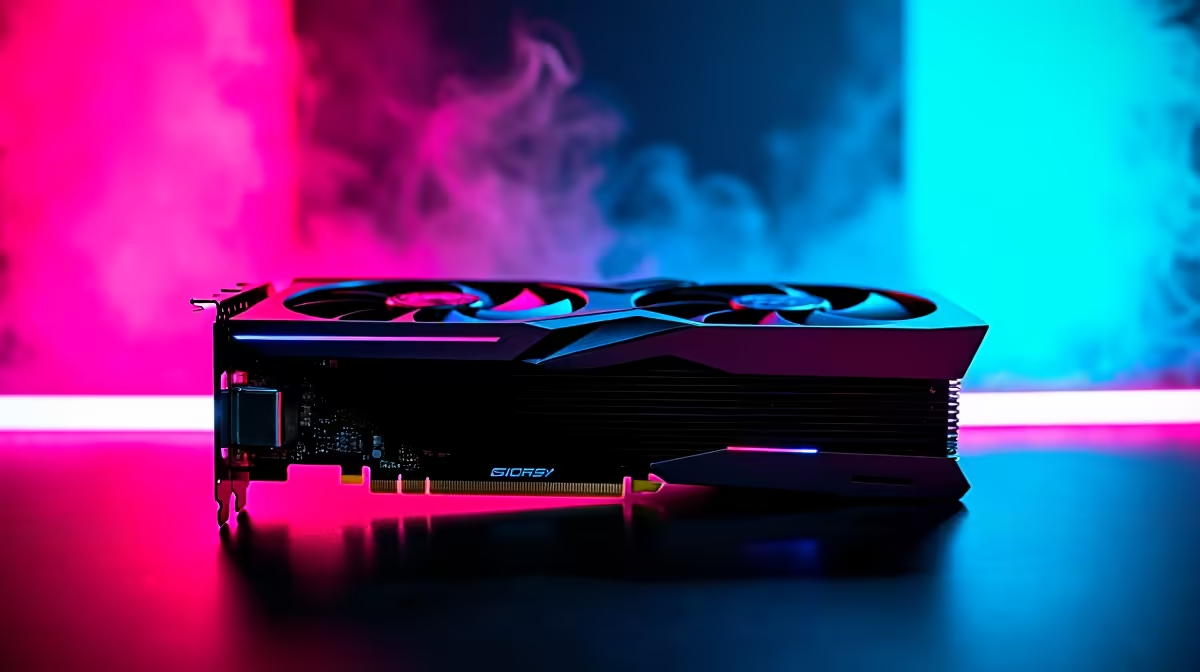
Rolling a natural 20 in Baldur's Gate 3 feels amazing... until your frame rate drops in the Lower City. South African gamers want smooth, immersive RPG experiences without breaking the bank. When every ZAR counts, maximising your hardware is vital. Wondering how the newest entry-level GPU handles heavy loads? Our RTX 5050 Baldurs Gate 3 at 1440p benchmark reveals exactly what to expect. Let us dive into the numbers.
The RTX 5050 Baldurs Gate 3 at 1440p Experience ✨
Nvidia's 50-class GPUs traditionally target 1080p gaming. However, with DLSS 3 and improved architecture, pushing pixels at 1440p is now a reality. When you test the RTX 5050 Baldurs Gate 3 at 1440p, the visual results are surprisingly robust. You get vibrant colours and incredibly sharp spell effects.
If your current rig struggles to render the massive world of Faerûn, it might be time for an upgrade. You can easily browse the latest graphics cards to give your system a much-needed graphical boost.
FPS Benchmark Breakdown 🚀
We tested the game across various demanding areas to see how the hardware copes. In the relatively calm starting zones, the RTX 5050 easily pushes past 60 FPS at native 1440p on High settings.
Act 3 is a different beast entirely. The dense crowds and heavy CPU loads often cause stutters. With DLSS set to Quality, the RTX 5050 Baldurs Gate 3 at 1440p benchmark averages around 65 to 75 FPS in the crowded city streets. This is incredibly smooth for a modern turn-based RPG.
If you want this level of reliable performance out of the box, checking out the best gaming PC deals is a smart move. Prefer to take your campaign on the road? The mobile GPU variants found in modern notebooks for sale in South Africa deliver comparable framerates for gamers on the go.
Optimal Settings for Maximum Fidelity 🔧
To get the perfect balance of visuals and performance, you need to tweak a few specific toggles.
- Resolution: 2560x1440
- DLSS: Quality Mode
- Shadow Quality: Medium (High eats up VRAM quickly)
- Model Quality: High
- Texture Filtering: Anisotropic x8
Using these optimal settings ensures your RTX 5050 Baldurs Gate 3 at 1440p experience remains flawless from start to finish.
Performance Pro Tip ⚡
In Baldur's Gate 3, turning down 'Crowd Density' in Act 3 can drastically improve your 1% low FPS. It keeps your gameplay smooth even during intense city exploration without ruining the atmosphere.
Building a balanced system around a GPU like the RTX 5050 is crucial to avoid bottlenecks. You can skip the hassle of building from scratch by grabbing one of our curated pre-built PC deals. Plus, you can often find massive discounts on peripherals and monitors to complete your setup by keeping an eye on our weekly tech specials.
Ready to Upgrade Your Adventure? Don't let low frame rates ruin your campaign in Faerûn. Whether you want a custom rig or a powerful pre-built system to conquer the latest titles, Evetech has you covered. Explore our massive range of gaming PCs and find the perfect machine to level up your experience today.











