

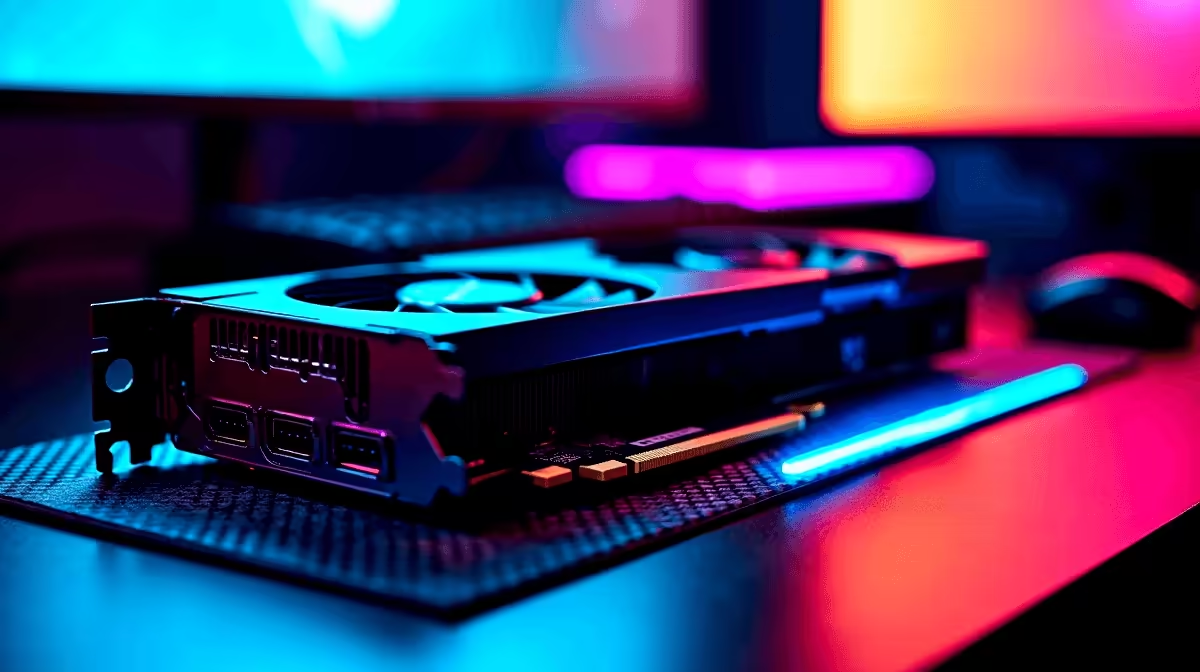
Dropping into Erangel at stunning 4K resolution used to require a massive budget. Not anymore. South African gamers are constantly looking for the best ZAR value... and the new generation of entry-level GPUs is delivering. If you are wondering about running RTX 5050 PUBG at 4K, you are in the right place. Let us dive into the FPS benchmarks and optimal settings to secure your next chicken dinner.
Can the RTX 5050 Handle PUBG at 4K?
Pushing eight million pixels is a heavy task for any system. The RTX 5050 is designed as a budget-friendly powerhouse. NVIDIA has packed impressive architecture into this smaller die. It handles modern rendering workloads efficiently. While it shines brightest at 1080p and 1440p, tweaking the right settings makes 4K surprisingly playable.
To pull this off, you need a solid foundation. Upgrading your rig starts with looking at the latest graphics cards to see how the 50-series stacks up against older hardware. 4K gaming requires managing your expectations... but the results are highly rewarding.
FPS Benchmarks and Real-World Performance 🚀
So... what numbers are we actually seeing on the battleground? In our RTX 5050 PUBG at 4K tests, raw performance heavily depends on your chosen graphics sliders. On 'Ultra' settings, the frame rate usually hovers around 30 to 35 FPS. That is simply too sluggish for fast-paced competitive shooters. Every single millisecond counts in a firefight.
However, dropping to 'Medium' or 'Custom' competitive settings pushes the average up to a very smooth 60 FPS. You can even hit 75 FPS indoors. Want a machine built to hit these targets without the hassle? Exploring the best gaming PC deals is a highly recommended starting point.
Optimal PUBG Settings ⚡
For the best balance of visibility and FPS on the RTX 5050 at 4K, set Textures and Anti-Aliasing to High. Keep Post-Processing, Shadows, and Effects on Very Low. This ensures you spot enemies quickly without dropping crucial frames during intense firefights.
Finding the Right Hardware Balance 🔧
Your graphics card does not work in isolation. To maintain stable frame rates in PUBG, your CPU and RAM must keep up. A bottlenecked system will cause stuttering just as you aim down your sights. A fast NVMe SSD is also crucial. It dramatically reduces texture pop-in when you are parachuting into hot drops.
If you prefer a plug-and-play solution, checking out pre-built PC deals guarantees balanced components tailored for modern titles. Alternatively, if you are always on the move between load-shedding stages, modern gaming laptops now pack enough desktop-class power to handle 4K output to an external monitor.
Maximising Your ZAR for 4K Gaming ✨
Achieving the RTX 5050 PUBG at 4K dream is all about smart compromises. You absolutely do not need to spend upwards of 40,000 ZAR to enjoy crisp textures and smooth gameplay. By optimising your in-game settings and leveraging NVIDIA's incredible DLSS upscaling technology, you get premium visuals on a much stricter budget.
DLSS renders the game at a lower resolution and smartly upscales it... saving your GPU a massive amount of effort. Keep a close eye out for weekly component specials to stretch your hard-earned rands even further when finalising your ultimate setup.
Ready to Upgrade Your Arsenal? Securing a chicken dinner at 4K requires the right firepower. Whether you are building from scratch or upgrading your current rig, we have the hardware to make it happen. Browse our massive range of gaming PC specials and find the perfect machine to conquer your next match.











