

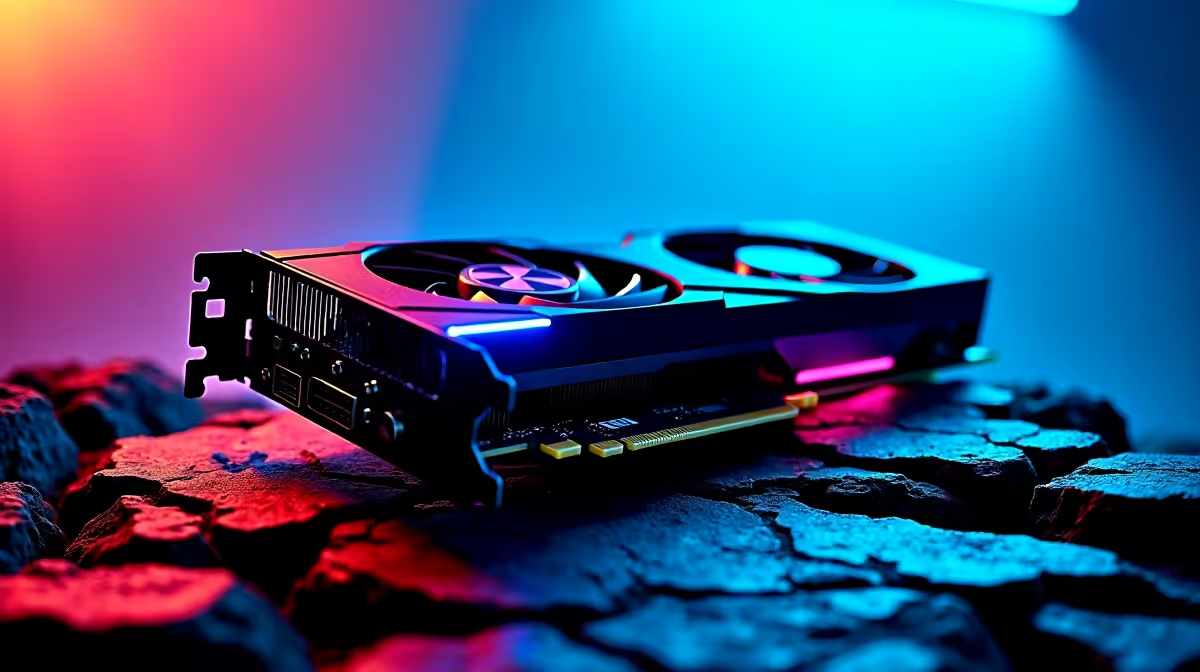
Star Wars Outlaws is a visually demanding open-world title and running it at 4K with the RTX 5050 pushes NVIDIA's entry-level Blackwell GPU to its limits. With smart settings and DLSS 4 Super Resolution, you can achieve smooth frame rates - though native 4K ultra remains out of reach for this tier.
Quick Answer
Can an RTX 5050 run Star Wars Outlaws at 4K? With DLSS 4 Super Resolution at Quality or Balanced mode, the RTX 5050 achieves 45–65 FPS at 4K in Star Wars Outlaws. Native 4K at high settings is not practical for this GPU tier. DLSS 4's improved Multi Frame Generation (on supported laptop variants) can boost perceived frame rates significantly where available.
🔧 RTX 5050 Architecture and 4K Capability
The RTX 5050 is NVIDIA's entry-level Blackwell desktop card, featuring GB206 architecture with improved DLSS 4 support over its Ada Lovelace predecessors. It is a mainstream and mobile-focused GPU, not designed as a 4K card - but DLSS 4 Super Resolution makes 4K output genuinely achievable with appropriate settings.
Key specifications relevant to Star Wars Outlaws performance:
- VRAM: 8GB GDDR7 (faster memory bandwidth than RTX 4060's GDDR6 improves texture streaming)
- CUDA cores: Increased over RTX 4060 baseline
- TDP: Approximately 130–170W (desktop variant)
- DLSS 4 support: Full Super Resolution, Transformer model DLSS (sharper output than older CNN model)
Star Wars Outlaws uses the Snowdrop engine - the same engine as Avatar: Frontiers of Pandora - which is known for high GPU demands, particularly with ray tracing and volumetric lighting across the game's varied planetary environments.
📊 Star Wars Outlaws: RTX 5050 FPS Results at 4K
All results use DLSS 4 Transformer model Super Resolution for optimal image quality:
4K Native, High settings (no DLSS): 18–25 FPS - not playable.
4K + DLSS Quality (renders internally at ~1440p): 42–54 FPS in open-world exploration; 35–45 FPS in dense combat environments with particle effects.
4K + DLSS Balanced (renders at ~1200p internal): 52–66 FPS average. The recommended starting point - smooth enough for action gameplay with good visual quality from DLSS 4's improved Transformer upscaling.
4K + DLSS Performance (renders at ~1080p internal): 65–80 FPS. Competitive frame rates, with some visible softness on distant detail that DLSS 4 partially mitigates vs. previous generations.
Optimal settings combination for RTX 5050 at 4K:
- DLSS: Balanced (Super Resolution, Transformer model)
- Ray Tracing: Off (too expensive at this GPU tier)
- Shadows: Medium
- Reflections: SSPR (not ray-traced)
- Ambient Occlusion: SSAO
- Texture Quality: High (GDDR7 bandwidth handles this well)
- Volumetric Lighting: Medium
With this combination: 55–68 FPS in most gameplay areas, dipping to 45–50 FPS in the most demanding outdoor environments on Toshara.
💡 RTX 5050 vs. 1440p for Star Wars Outlaws
As with most entry-level GPUs reaching for 4K, the honest recommendation is that 1440p is the RTX 5050's performance sweet spot in Star Wars Outlaws:
1440p + DLSS Quality: 75–95 FPS. Sharp, smooth, and consistent. DLSS 4's Transformer model at 1440p output is excellent - the image quality approaches native and frame rates are high enough for fluid action gameplay.
1440p + DLSS Balanced: 90–115 FPS. If you have a 144Hz monitor, this configuration is where the RTX 5050 genuinely shines in Outlaws.
For South African gamers building or upgrading a system primarily for visually demanding open-world games at 4K, the RTX 5050 is a stopgap rather than a destination. The RTX 5060 or 5060 Ti offer meaningfully better 4K performance, and the RTX 5070 handles native 4K high settings in Outlaws without heavy DLSS reliance.
That said, if the RTX 5050 is already in your system and you want 4K output - DLSS 4 Balanced delivers a playable, visually impressive experience that justifies the output resolution on a 4K display.
❓ Frequently Asked Questions
Does Star Wars Outlaws support DLSS Frame Generation on the RTX 5050? DLSS Multi Frame Generation (DLSS 4's multi-frame variant) requires RTX 5070 or above in desktop configurations. The RTX 5050 supports DLSS Super Resolution (image upscaling) but not Multi Frame Generation. Single-frame DLSS FG may be available depending on driver and game updates - check the NVIDIA app for your specific configuration.
Does ray tracing work on the RTX 5050 in Star Wars Outlaws? Ray tracing is available but not recommended at 4K on the RTX 5050. Even at lower settings, enabling ray tracing in Outlaws on this GPU reduces frame rates by 30–45%, dropping into unplayable territory at 4K. Keep ray tracing off and use rasterisation-based reflections and shadows for best performance.
Is GDDR7 memory on the RTX 5050 a meaningful improvement for Star Wars Outlaws? Yes. The higher memory bandwidth of GDDR7 vs. GDDR6 (used on RTX 4060) improves texture streaming performance noticeably in open-world environments. Outlaws' large planetary maps stress memory bandwidth during traversal, and GDDR7 reduces the micro-stuttering associated with texture streaming on bandwidth-limited 8GB cards.
Evetech stocks All Graphics Cards and Graphics Card Deals — browse current SA pricing and availability online.
Ready to Find Your Perfect Match? Shop at Evetech











