

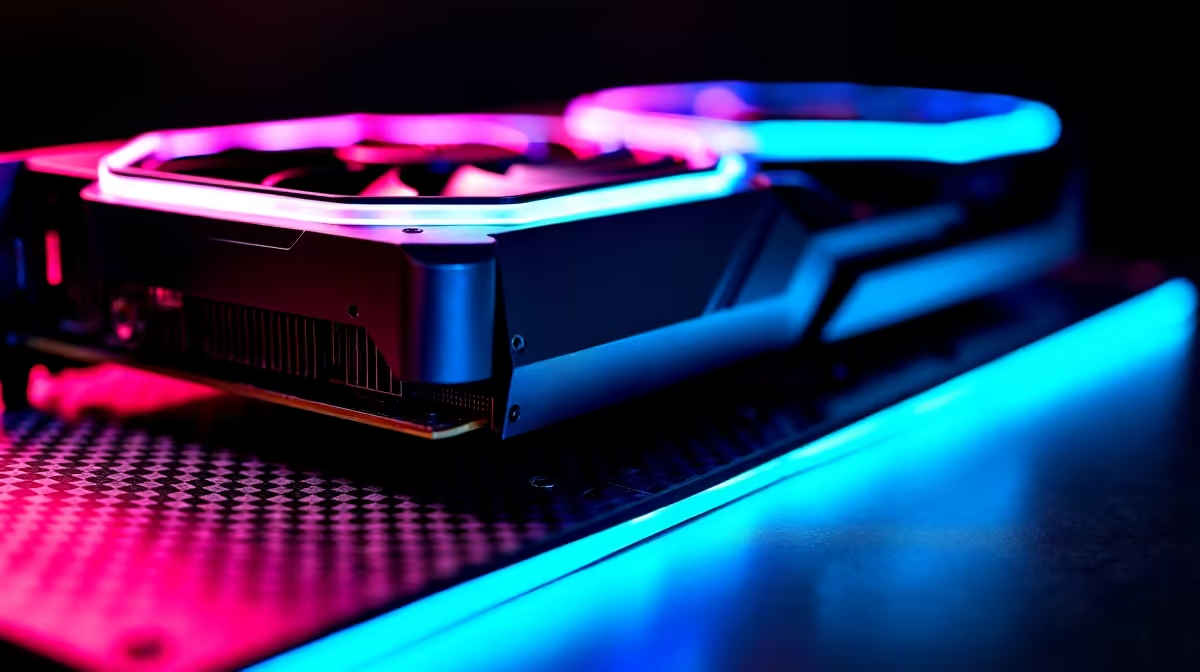
RTX 5060 Performance in Doom The Dark Ages at 1080p
South African gamers chasing smooth, high-intensity action in Doom The Dark Ages need the right GPU to avoid frame drops. The RTX 5060 holds promise for 1080p play, balancing cost and power effectively. But how does it fare in real benchmarks? Let’s dive into what you can expect from this card and how to squeeze every frame per second (FPS) from it ⚡.
FPS Benchmark Insights for RTX 5060 Doom The Dark Ages
Testing the RTX 5060 reveals solid results at 1080p with Ultra settings. Expect average FPS sitting around 85–95, delivering buttery-smooth gameplay without compromising visual quality. This Nvidia card handles the game’s demanding textures and complex lighting effects with finesse, thanks to its ray-tracing cores and DLSS support.
Compared to older 50-series GPUs, the RTX 5060 offers up to a 25% uplift in performance. That means fewer dips during chaotic levels — vital for those split-second decisions when demon hordes close in.
However, performance varies by system setup. Pairing the RTX 5060 with a fast processor and 16GB RAM makes a noticeable difference. Check out Evetech’s best gaming PC deals for configurations optimised to unleash your RTX 5060’s full potential.
Optimise Your Graphics Settings for Best FPS
Try toggling shadows from Ultra to High; it slightly eases GPU load without hurting visuals. Enabling DLSS in performance mode can raise frame rates by 15% or more in Doom The Dark Ages.
Setting Up Optimal RTX 5060 Settings for Maximum Impact
Getting the most from your RTX 5060 requires fine-tuning. Start by updating Nvidia drivers via Evetech’s graphics cards selection — always run the latest version.
In-game, turn on DLSS and ray tracing for the signature Doom lighting effects. If you feel the frame rate drop ahead, dial ray tracing down to Medium. Shadows and reflections tend to hit performance hardest, so adjust these wisely to keep a stable 90+ FPS.
South African gamers with slower fibre or capped data might appreciate tweaking online settings, but locally, latency rarely impacts FPS. Still, a sturdy system like one from Evetech’s pre-built PC deals safeguards against stuttering when the action intensifies.
Choosing the Right Hardware Alongside Your RTX 5060 in SA
Don’t overlook other components when aiming for excellent 1080p gameplay with your RTX 5060. A strong CPU — Ryzen 5 5600X or Intel i5 12th Gen — pairs well for balanced performance. Evetech stocks a wide range of capable options.
Mobile gamers haven’t been left out. The RTX 5060’s laptop variant performs admirably for Doom at 1080p with decent settings. Browse Evetech’s notebooks for sale in South Africa for portable rigs ready to run your favourite FPS.
Shopping smart is key too — keep an eye on Evetech specials for seasonal discounts that lighten the load on your wallet while upgrading your rig.
Ready to Elevate Your Gaming Rig? Take your 1080p Doom The Dark Ages gameplay to the next level. Shop now at Evetech for the latest RTX 5060 models and unbeatable gaming deals.











