

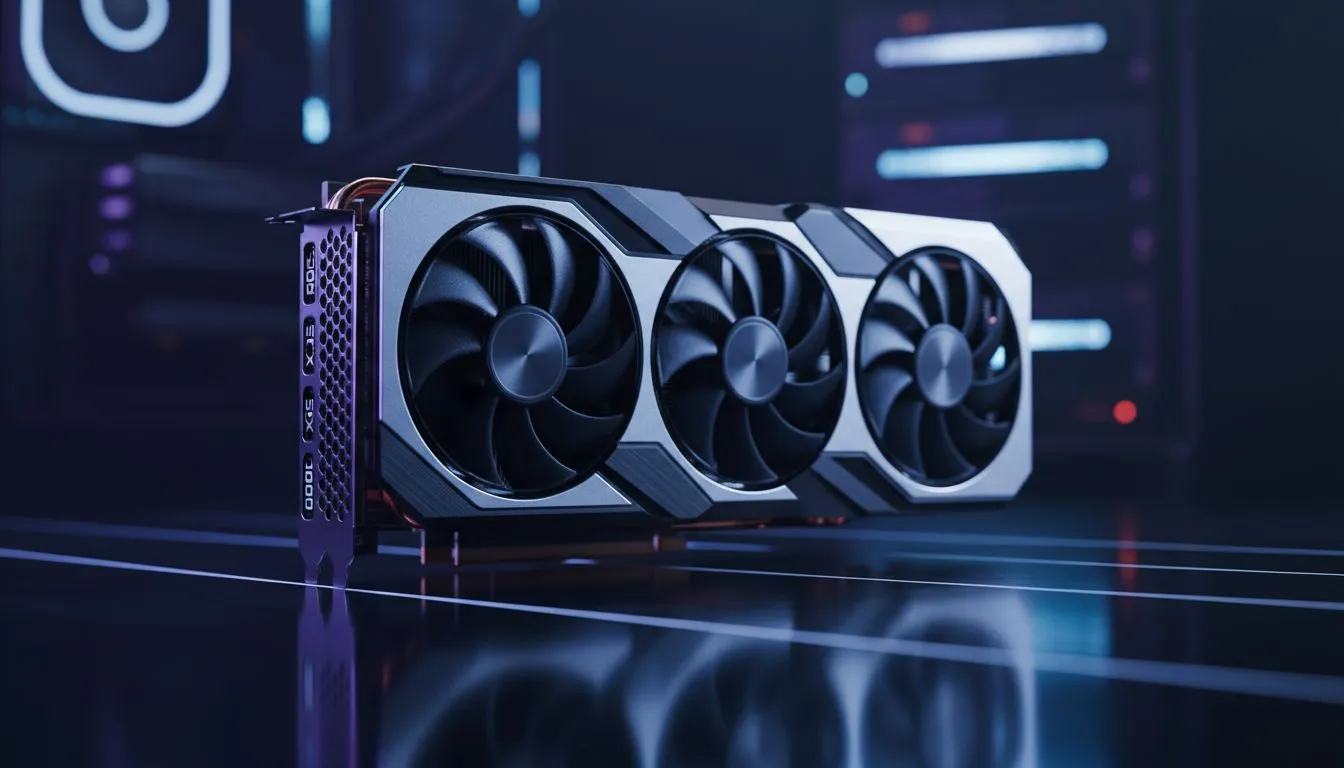
Hitting 240FPS in Dota 2 is the gold standard for competitive play in South Africa. If you want to eliminate stutter during those high-intensity teamfights at the Roshan pit... this RTX 5060 Dota 2 240FPS Guide is your roadmap. While ping is often out of our control on local servers... your frame timing doesn't have to be. To lock 240FPS stable, you need a card that balances modern efficiency with raw speed.
Why High Refresh Rates Matter for Local Dota 2
In the South African competitive scene, every frame counts. When you are playing on a 240Hz monitor, your display updates every 4.17 milliseconds. If your hardware lags behind, you are essentially playing at a disadvantage. Choosing from the latest NVIDIA graphics cards ensures you have access to Reflex technology, which reduces system latency. This allows your clicks to register faster... a vital edge when landing a perfectly timed Black Hole or Chronosphere.
The RTX 5060 Performance Profile
The RTX 5060 is designed for high-efficiency 1080p gaming. In Dota 2, which is notoriously CPU-heavy, this card provides enough overhead to ensure the GPU is never the bottleneck. Brands like MSI have optimised their cooling solutions to keep temperatures low even during long ranked sessions in the Durban heat. While some gamers might consider Intel Arc graphics cards for budget builds, the driver stability of the RTX series remains the preferred choice for stable frame delivery in Valve's MOBA.
Performance Pro Tip ⚡
To maintain a rock-solid 240FPS, set your Dota 2 'Effect Quality' to Medium and 'Shadows' to Medium. These settings have the highest impact on frame dips during big ultimate abilities. You will still get the visual clarity you need without the sudden drops that ruin your timing.
Optimising Settings to Lock 240FPS Stable
To achieve a consistent experience, you must look beyond just the GPU. Ensure your CPU can keep up with the RTX 5060. It is important to note that while workstation graphics cards are incredible for 3D rendering and video editing... they are not optimised for the high-frequency gaming required here. Stick to gaming-focused silicon for the best results.
If you are weighing up your options, AMD Radeon graphics cards also offer great value, but NVIDIA’s DLSS 3.5 and frame generation features can be a safety net if Valve ever pushes a massive graphical update. For now, native 1080p on the RTX 5060 is more than enough to keep your frame counter pinned to the ceiling.
Ready to Dominate the Lanes? Hitting 240FPS is only half the battle; having the right hardware is the other. For the best deals on the latest GPUs in South Africa, we have you covered. Explore our massive range of graphics card specials and find the perfect upgrade to lock your frame rate and climb the MMR ladder.











