

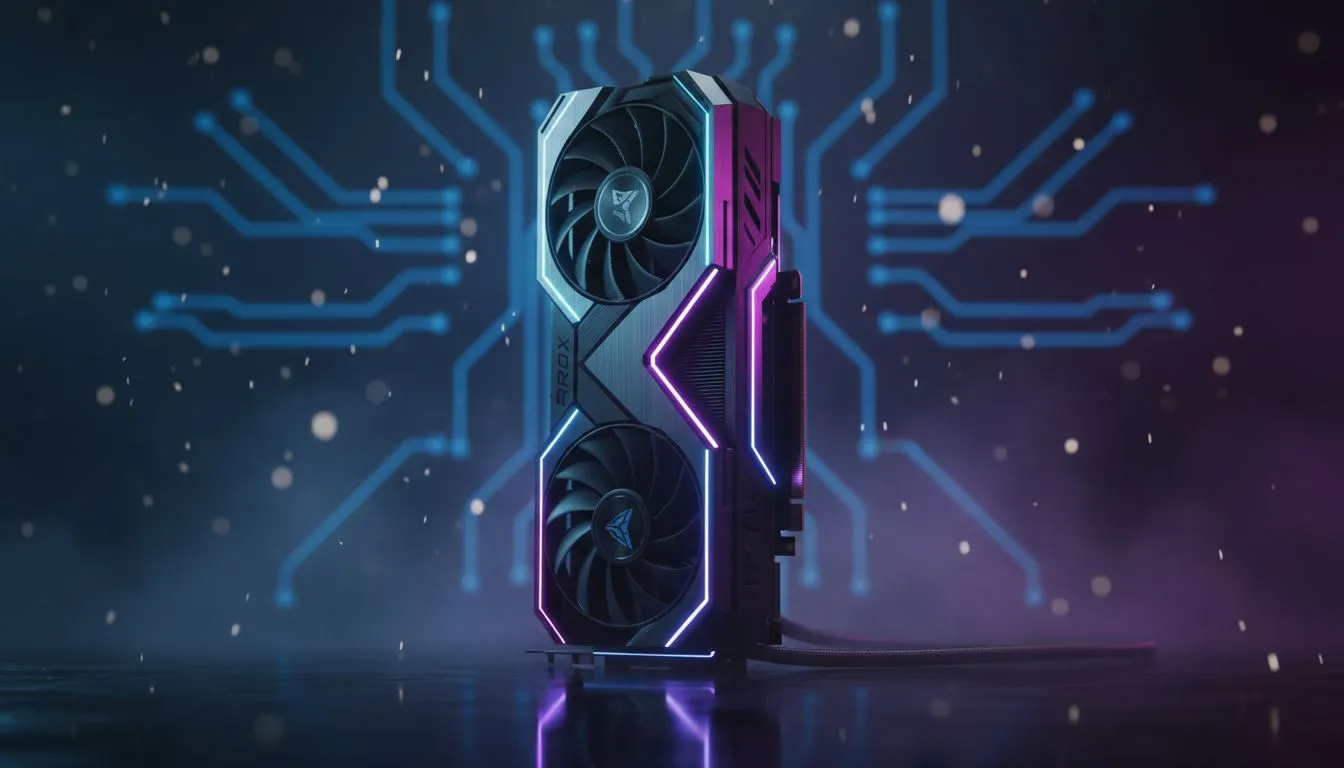
Optimising Your RTX 5060 for 240FPS Performance
Ever missed a headshot because your frame rate dipped at the worst moment? We have all been there. In the competitive South African gaming scene, every millisecond counts. If you are aiming for that buttery smooth RTX 5060 Lock 240FPS: Low-Latency Setup Guide standard, you need more than just raw power. You need a setup tuned for speed and precision... let us get your rig ready for 240Hz glory.
To start, ensure your drivers are current. Browsing the latest NVIDIA graphics cards options shows that the 50-series architecture is built for efficiency. Open your NVIDIA Control Panel. Set 'Power Management Mode' to 'Prefer Maximum Performance'. This ensures your GPU does not clock down during intense firefights in titles like Valorant or Apex Legends.
Hardware Synergy and Low-Latency Basics
Your GPU is only one part of the equation. To truly lock in those high frames, your cooling must be top-tier. High-end MSI NVIDIA GPUs often feature superior thermal designs that prevent thermal throttling. If your card gets too hot, your clock speeds drop... and so does your frame rate.
Low-Latency Pro Tip ⚡
Enable NVIDIA Reflex in your game settings. This technology reduces system latency by synchronising the CPU and GPU. It bypasses the GPU render queue, which is vital when you are pushing for 240FPS on a high-refresh monitor. Combine this with 'Ultra' Low Latency mode in the driver settings for the best results.
While some users might consider Intel Arc graphics cards for budget builds, the RTX 5060 remains the king of frame-gen technology. This is crucial for maintaining stability at 240FPS without breaking the bank in ZAR.
Choosing the Right Path for Your Build
Not every card is meant for every task. For instance, workstation graphics cards are incredible for rendering 3D models but lack the gaming-specific optimisations found in the GeForce line. Similarly, while AMD Radeon graphics cards offer great raw performance, they use different latency-reduction software.
For the most consistent 240FPS experience, stick to the RTX 5060. Use a DisplayPort 1.4 or 2.1 cable to ensure your monitor can actually receive the signal. Many local gamers make the mistake of using old HDMI cables... which caps them at 60Hz or 120Hz regardless of their GPU power. 🚀
Ready to Lock in Your Frames? Achieve ultimate precision and dominate the leaderboard with the latest hardware. Explore our massive range of NVIDIA graphics cards and find the perfect RTX 5060 to power your 240Hz gaming journey today.











