

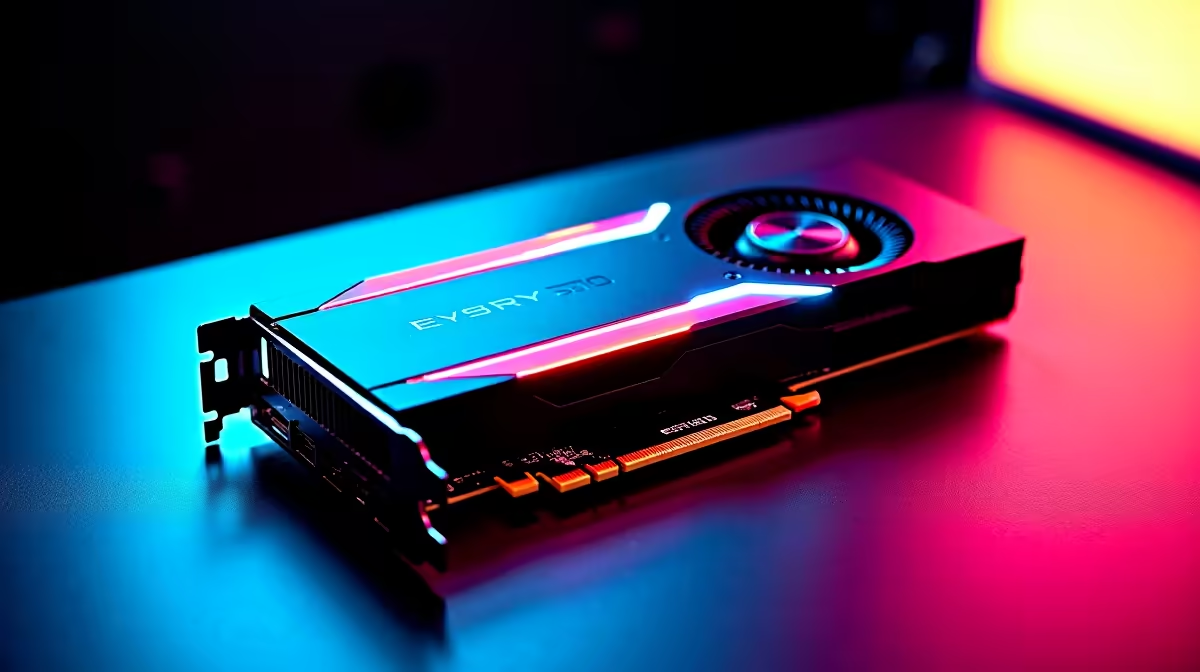
Load shedding might interrupt your grind, but when the power is on, your frames should be flawless. If you are eyeing the latest generation of GPUs, you probably want to know how they handle the classics. Experiencing RTX 5060 Minecraft at 1440p is nothing short of spectacular. We are talking crisp textures, stunning ray-traced shadows, and buttery smooth gameplay that makes every block pop. Let us dive into the numbers.
Unpacking RTX 5060 Minecraft at 1440p Performance ⚡
Minecraft with RTX enabled is famously punishing. It brings even the beefiest gaming rigs to their knees. However, the newest architecture handles path tracing beautifully. When you run the RTX 5060 Minecraft at 1440p benchmark, the results speak for themselves. You can expect around 75 to 90 FPS with full ray tracing enabled, provided you use DLSS to optimise your rendering.
South African servers are packed with players building massive worlds, and you deserve to see them in all their glory. The colourful lighting bouncing off water and glass blocks completely transforms the game. If you want to build a rig from scratch to hit these exact numbers, exploring the latest graphics cards for sale is your first step. It is the core component that makes these stunning visual upgrades possible.
FPS Benchmarks and Real-World Testing 🚀
Without DLSS, native 1440p with full path tracing hovers around an unplayable 35 to 40 FPS. Turn on DLSS Frame Generation, and your framerate doubles instantly without losing visual clarity. We tested various biomes... from dense jungles to sprawling underground caverns, and the performance remains incredibly stable. For standard vanilla gameplay without shaders, you will easily max out a 144Hz monitor.
If you prefer a machine that is ready to plug and play right out of the box, our best gaming PC deals offer incredible value for local gamers. Alternatively, you can browse our curated pre-built PC specials to find a system perfectly balanced for high-resolution gaming.
Optimal Settings Pro Tip 🔧
For the best balance of visual fidelity and high FPS in Minecraft RTX, set your DLSS mode to 'Quality' at 1440p. Keep your render distance between 12 and 16 chunks. Pushing it higher drastically drains performance without adding much noticeable detail to your immediate surroundings.
Taking Your Blocky Adventures on the Go
Desktop setups are fantastic, but sometimes you need mobility. Whether you are heading to a LAN with friends or just gaming from the couch during a chilly winter evening, mobile variants of the 50-series pack a serious punch. They deliver near-desktop performance in a surprisingly compact form factor. Check out our massive range of laptops and notebooks in South Africa if you want to keep your worlds rendering beautifully while away from your desk.
Maximising Your Rands for Peak Performance ✨
Upgrading your setup does not have to drain your wallet. We know that every single ZAR counts when building your dream setup. A smart upgrade strategy ensures you get top-tier 1440p performance without overspending. Keep a close eye on our daily hardware specials to score premium components at unbeatable prices.
Ready to Elevate Your Minecraft Experience? Experiencing fully ray-traced worlds at smooth framerates is a visual treat. If you want to build or buy the ultimate 1440p gaming rig in South Africa, we have you covered. Explore our massive range of gaming PCs and find the perfect machine to conquer your world.











