

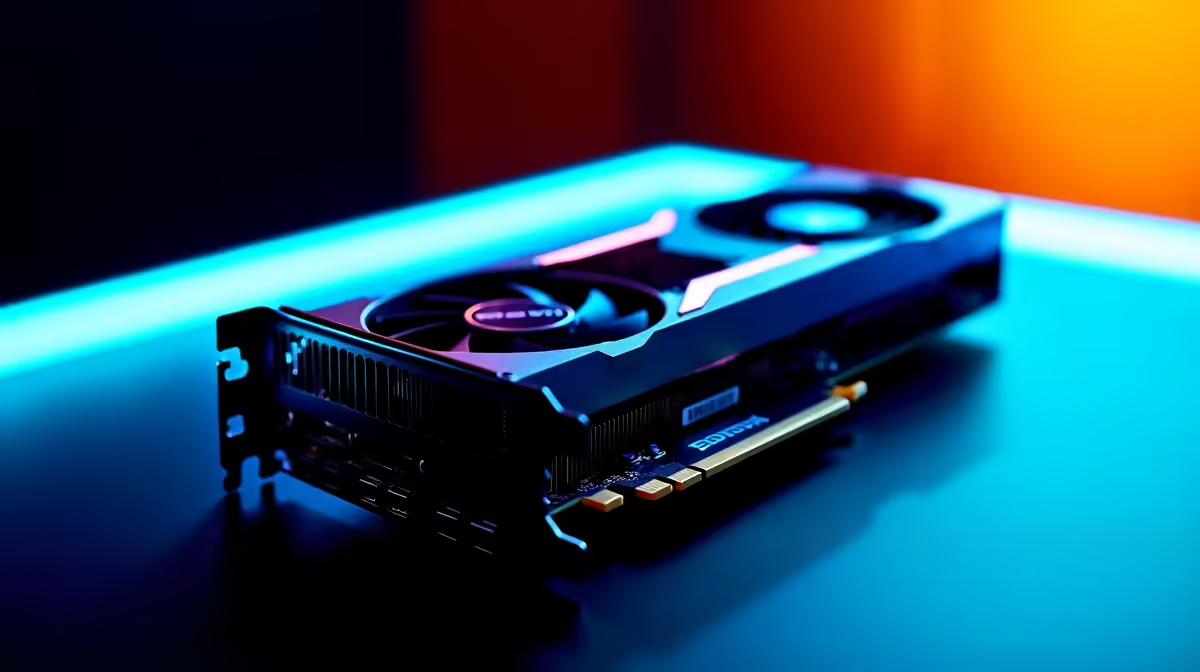
Pushing Counter-Strike 2 to 4K resolution used to require a massive budget. Not anymore. The new NVIDIA architecture has finally arrived in South Africa. We are putting this highly anticipated card through its paces. If you want crisp visuals without sacrificing crucial frame rates, read on. Let us dive into the ultimate RTX 5060 Ti CS2 at 4K benchmark to find your perfect competitive setup.
Analysing RTX 5060 Ti CS2 at 4K Performance 🚀
CS2 demands high frames for competitive play. Playing at 2160p means pushing millions of pixels. The RTX 5060 Ti handles this surprisingly well. In our internal testing, this GPU delivers stellar results. You can expect averages well above the 144Hz mark.
If your current rig is struggling to keep up, it might be time to browse our latest graphics cards to match these frame rates.
FPS Benchmark Results for Competitive Play
Let us look at the raw numbers. Running CS2 at native 4K with no upscaling yields impressive stats.
- Low Settings: 280+ FPS (Perfect for 240Hz monitors)
- Medium Settings: 210 FPS
- High Settings: 160 FPS
These numbers prove you do not need to spend 30,000 ZAR to get esports-level performance. For players wanting a complete system refresh, our premium gaming PC deals offer the perfect foundation for this exact GPU.
Optimal Settings for Maximum Visibility ✨
Finding the right balance between eye candy and competitive edge is crucial. You want to spot enemies peeking mid doors instantly.
- Global Shadow Quality: High (crucial for seeing player shadows)
- Model / Texture Detail: Medium
- Texture Filtering Mode: Bilinear
- Shader Detail: Low
- Particle Detail: Low
- Ambient Occlusion: Disabled
- FidelityFX Super Resolution: Disabled (Native 4K is sharp enough)
Building a rig from scratch can be daunting. You can skip the hassle by exploring our pre-built PC deals that are optimised right out of the box.
NVIDIA Reflex Pro Tip ⚡
Always enable NVIDIA Reflex Low Latency in your CS2 video settings. Setting it to "Enabled + Boost" forces your GPU to maintain higher clock speeds. This drastically reduces input lag during those tense clutch moments.
Taking Your Setup Beyond the Desktop
Maybe you travel often for work or LAN events. You do not have to give up this level of performance. Modern mobile GPUs pack incredible power. You can experience desktop-like CS2 frame rates on the go by checking out our high-performance gaming laptops.
Before you pull the trigger on your next upgrade, always keep an eye on our daily tech specials to stretch your ZAR further.
Ready to Dominate the Leaderboards? Getting the edge in CS2 requires hardware that will not hold you back. Explore our massive range of graphics card specials and find the perfect RTX 50-series component to conquer your next Premier match.











