

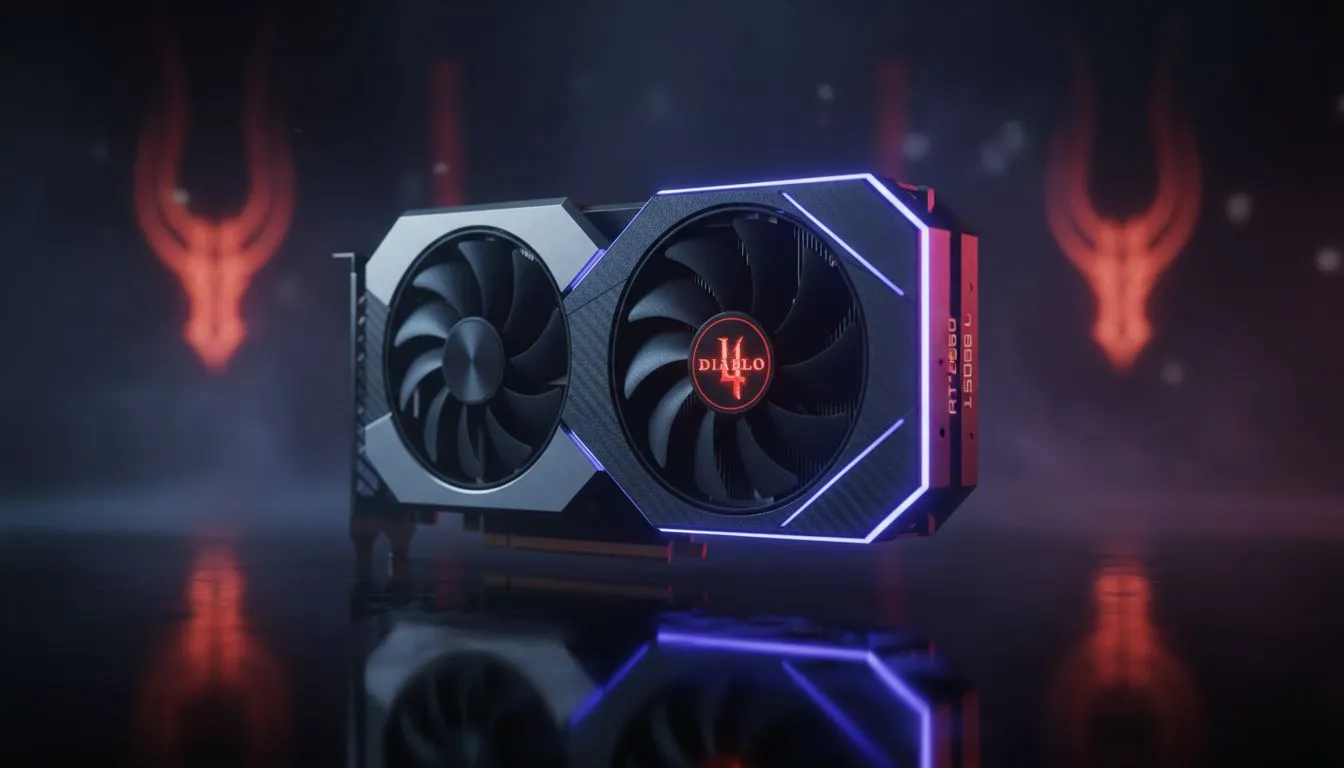
Sanctuary has never looked this crisp. If you are eyeing the RTX 5060 Ti Diablo 4: 1440p High Settings Performance metrics, you are likely looking for that perfect balance of visual fidelity and smooth frame rates. In South Africa, where every Rand counts towards your build, getting 1440p right is the ultimate goal for any serious ARPG fan... and the 5060 Ti might just be the hero we need.
Achieving Stable Frames at 1440p High Settings
Running Diablo 4 at 1440p requires a card that can handle dense mob packs and complex particle effects without breaking a sweat. The RTX 5060 Ti is designed exactly for this sweet spot. While 1080p is standard, the jump to 1440p offers a significant clarity boost that helps you spot loot drops and telegraphs more easily. When browsing our latest NVIDIA graphics cards, you will notice that VRAM management has become a priority for modern titles.
The 5060 Ti architecture leverages improved memory bandwidth to ensure that high-resolution textures in Kehjistan or Scosglen don't cause stuttering. For those who want the best thermal performance and sleek aesthetics, looking at MSI graphics cards is a smart move. Their cooling arrays are specifically tuned to keep clock speeds high during those marathon Nightmare Dungeon sessions. ⚡
Comparing the RTX 5060 Ti with Market Rivals
It is always worth looking at the broader landscape before committing your hard-earned ZAR. While NVIDIA holds the lead in features like DLSS, the competition is heating up. For instance, Intel Arc graphics cards have seen massive driver improvements, offering a budget-friendly alternative for gamers who prioritise value over raw brand recognition.
However, if you are looking for pure rasterisation power at a similar price point, you should definitely check out the range of AMD Radeon graphics cards. They often provide excellent VRAM buffers which can be a lifesaver at higher resolutions. It is important to distinguish these from workstation graphics cards, which are built for stability in professional apps rather than the high-frequency bursts required for gaming. 🚀
Optimising Your Diablo 4 Experience
To get the most out of your RTX 5060 Ti Diablo 4: 1440p High Settings Performance, you should look beyond just the hardware. Settings like "Low Latency Mode" and "Reflex" can make your dodge-rolls feel instantaneous. In South Africa, where latency to European servers can be a factor, every millisecond saved on the local hardware side helps.
Diablo 4 Performance Tip ⚡
To maximise your frame rate without sacrificing visual quality, try setting 'Shadow Quality' to Medium and 'SSAO' to Medium. These two settings are incredibly taxing on the GPU but offer diminishing returns at 1440p. This small tweak can often push your average FPS up by 10 or 15 percent, ensuring a buttery smooth experience even during world boss events.
The 5060 Ti handles the "High" preset with ease, usually hovering well above the 100 FPS mark when DLSS is set to Quality mode. This leaves plenty of headroom for when the screen gets cluttered with Frozen Orbs and Corpse Explosions. ✨
Ready to Dominate Sanctuary? Finding the right balance for 1440p gaming doesn't have to be a struggle. Whether you are hunting for the latest RTX power or incredible value, we have the gear to level up your setup. Explore our massive range of graphics card specials and find the perfect GPU to conquer Diablo 4 today.











