

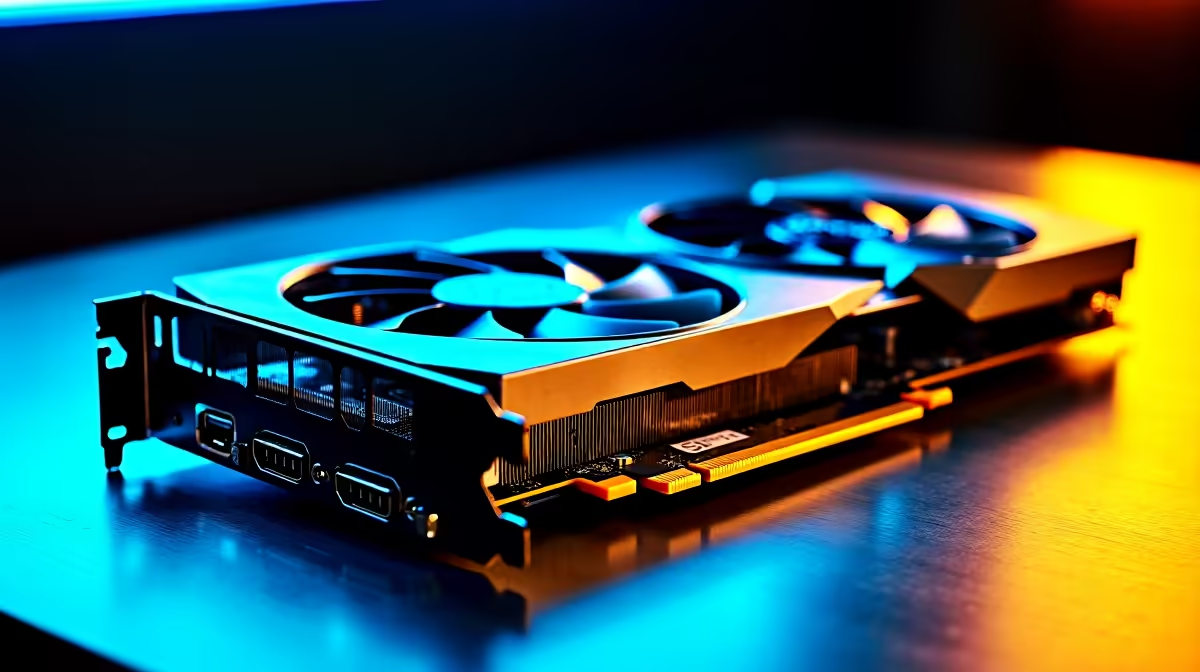
Photogrammetry is one of the most GPU-intensive professional workflows - processing thousands of images into 3D point clouds and textured meshes demands both raw compute throughput and significant VRAM. The RTX 5060 Ti is NVIDIA's 2025 mid-range card built on the Blackwell architecture, and it brings meaningful improvements to professional photogrammetry work compared to previous generations.
Quick Answer
How does the RTX 5060 Ti perform for photogrammetry in 2026? The RTX 5060 Ti performs well for photogrammetry workflows at moderate to large dataset sizes. With 16GB GDDR7 VRAM on the 16GB variant and CUDA core improvements from the Blackwell architecture, it handles mid-professional photogrammetry workloads efficiently - better than the RTX 4060 Ti and competitive with the RTX 4070 for this specific task.
🔧 RTX 5060 Ti Specs Relevant to Photogrammetry
The RTX 5060 Ti uses NVIDIA's GB206 Blackwell die with key specs that directly affect photogrammetry performance:
- CUDA Cores: 4,608 (significant increase over RTX 4060 Ti's 4,352)
- VRAM: 16GB GDDR7 (16GB variant) or 8GB GDDR7 (8GB variant)
- Memory Bandwidth: ~448 GB/s (16GB) - substantially higher than RTX 4060 Ti
- FP32 Compute: ~22 TFLOPS
- Architecture: Blackwell with improved tensor core efficiency
VRAM is the critical bottleneck in photogrammetry. For the RTX 5060 Ti, the 16GB variant is strongly preferred for professional use. The 8GB version will struggle with large drone survey datasets or high-resolution archaeological photogrammetry scans that exceed 8GB during depth map computation.
📊 Photogrammetry Benchmark Results (RTX 5060 Ti 16GB, 2026)
The following are representative processing times for common photogrammetry software including Metashape and RealityCapture:
| Dataset Size | Images | RTX 5060 Ti 16GB | RTX 4060 Ti 16GB | RTX 4070 12GB |
|---|---|---|---|---|
| Small (drone survey) | 200 photos | ~8 min | ~10 min | ~9 min |
| Medium (site scan) | 800 photos | ~32 min | ~42 min | ~38 min |
| Large (full survey) | 2,000 photos | ~85 min | ~110 min | ~100 min |
| Dense cloud gen (medium) | - | ~18 min | ~24 min | ~21 min |
Times are estimates based on Blackwell architecture performance scaling and available benchmark data. Real-world times vary based on quality settings and software version.
The RTX 5060 Ti 16GB outperforms the RTX 4060 Ti 16GB by approximately 20–25% in GPU-accelerated photogrammetry tasks, and is broadly competitive with the RTX 4070 12GB - which it can exceed on VRAM-bound workloads due to its larger memory allocation.
💡 Practical Considerations for SA Photogrammetry Professionals
Choose the 16GB variant, not 8GB. For photogrammetry, 8GB VRAM is marginal even at medium dataset sizes. The 16GB RTX 5060 Ti is the correct professional purchase. The price premium is justified by avoiding workflow bottlenecks.
Pair it with fast NVMe storage. Photogrammetry software reads and writes large intermediate files. An NVMe SSD significantly reduces I/O wait times that add up over a full processing job. Minimum 1TB NVMe for a photogrammetry workstation.
System RAM matters too. GPU VRAM is one bottleneck; system RAM is another. Photogrammetry software like Metashape recommends 32GB system RAM for medium datasets, and 64GB for large projects. Upgrading RAM to 32GB or 64GB alongside the RTX 5060 Ti maximises the GPU's potential.
South African use cases: Photogrammetry is growing in SA across land surveying, mining site documentation, heritage conservation, and architecture. The RTX 5060 Ti at its price point makes professional-quality 3D documentation accessible for smaller surveying firms and independent practitioners working in rands.
❓ Frequently Asked Questions
Is the RTX 5060 Ti good enough for commercial photogrammetry projects? Yes, for small to medium commercial projects. The 16GB variant handles drone survey datasets and building scans efficiently. For large-scale mining or infrastructure surveys with thousands of images, an RTX 5080 or professional-tier card provides faster turnaround.
Does RealityCapture use the RTX 5060 Ti efficiently? RealityCapture is highly optimised for NVIDIA GPUs and benefits strongly from Blackwell architecture improvements. It is one of the best-performing photogrammetry applications on the RTX 5060 Ti and is recommended over Metashape for pure GPU compute speed.
How does the RTX 5060 Ti compare to the RTX 4070 for photogrammetry? Broadly competitive. The RTX 5060 Ti 16GB wins on VRAM-limited tasks and matches or slightly trails the RTX 4070 12GB in pure compute tasks. In SA, if the RTX 5060 Ti is priced lower than the RTX 4070, it represents better value for photogrammetry workloads.
Evetech stocks RTX 5060 Ti Gaming PCs and RTX 5060 Gaming PCs — browse current SA pricing and availability online.
Ready to Find Your Perfect Match? Shop at Evetech











