

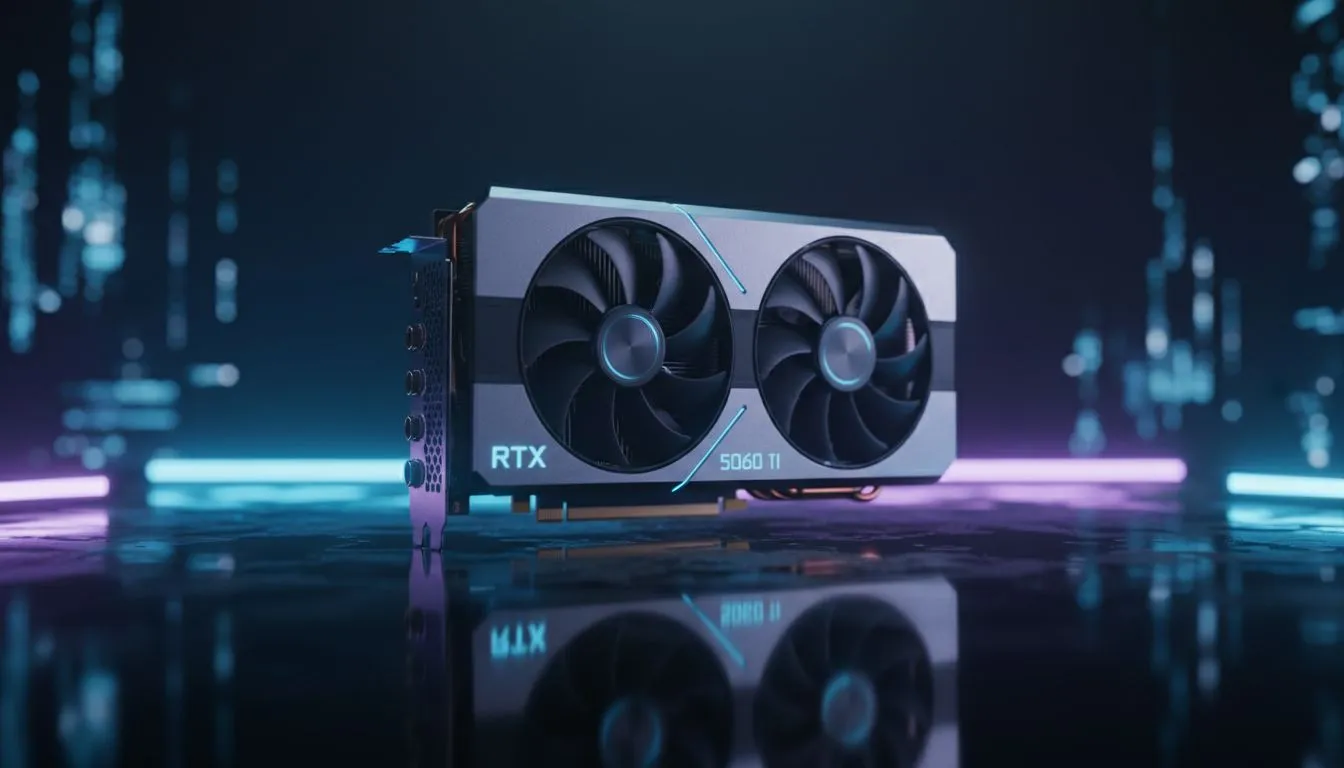
Maximising Frame Stability on the RTX 5060 Ti
Climbing the ladder in League of Legends from South Africa is a unique challenge. Between local latency and the heat of a chaotic teamfight, you need every advantage possible. If you have just secured a new GPU, getting your RTX 5060 Ti LoL settings right is the difference between a clean outplay and a frustrating grey screen. This card is an absolute powerhouse for esports, ensuring you never drop frames when the Elder Dragon fight kicks off.
League of Legends is famously well-optimised, but the latest architecture brings new efficiencies. While you could technically run this game on older hardware, hitting a stable 240Hz or 360Hz requires specific tweaks. To get the best out of your NVIDIA graphics cards, start by disabling shadows. They often cause micro-stutters during heavy ability usage that can throw off your timing.
Best In-Game Configurations for Ranked Success
Set your resolution to your monitor’s native spec, usually 1080p or 1440p. For those using MSI NVIDIA GPUs, the cooling overhead allows for aggressive boosting without thermal throttling. Keep "Character Quality" on Very High to see animation cues clearly... but drop "Environment Quality" to Medium to reduce visual clutter on the Rift.
Input Lag Hack ⚡
Always disable Vertical Sync in the game menu. If you experience screen tearing, use the NVIDIA Control Panel to set a "Fast" sync or limit your frame rate to 3 FPS below your monitor's refresh rate. This keeps your response times crisp for those crucial Flash-Ult combos where every millisecond matters.
Exploring Hardware Alternatives and Professional Gear
Maybe you are still weighing up your options before committing to a specific build. While the 5060 Ti is a top-tier choice for most, many local gamers are looking at AMD Radeon graphics cards for pure value per frame in traditional rasterized titles. Even the latest Intel Arc graphics cards have seen massive driver improvements for DirectX 11 titles like League, making them a viable budget-friendly alternative.
If your rig doubles as a rendering powerhouse during the day, you might even consider workstation graphics cards for stability. However, for pure ranked grinding, the consumer-grade RTX series remains the gold standard for latency reduction through NVIDIA Reflex.
Ready to Dominate the Rift? Finding the right balance between performance and price is key for any South African gamer. Whether you are aiming for Challenger or just want a smoother experience, we have the hardware to get you there. Explore our massive range of NVIDIA graphics cards and find the perfect machine to conquer your world.











