

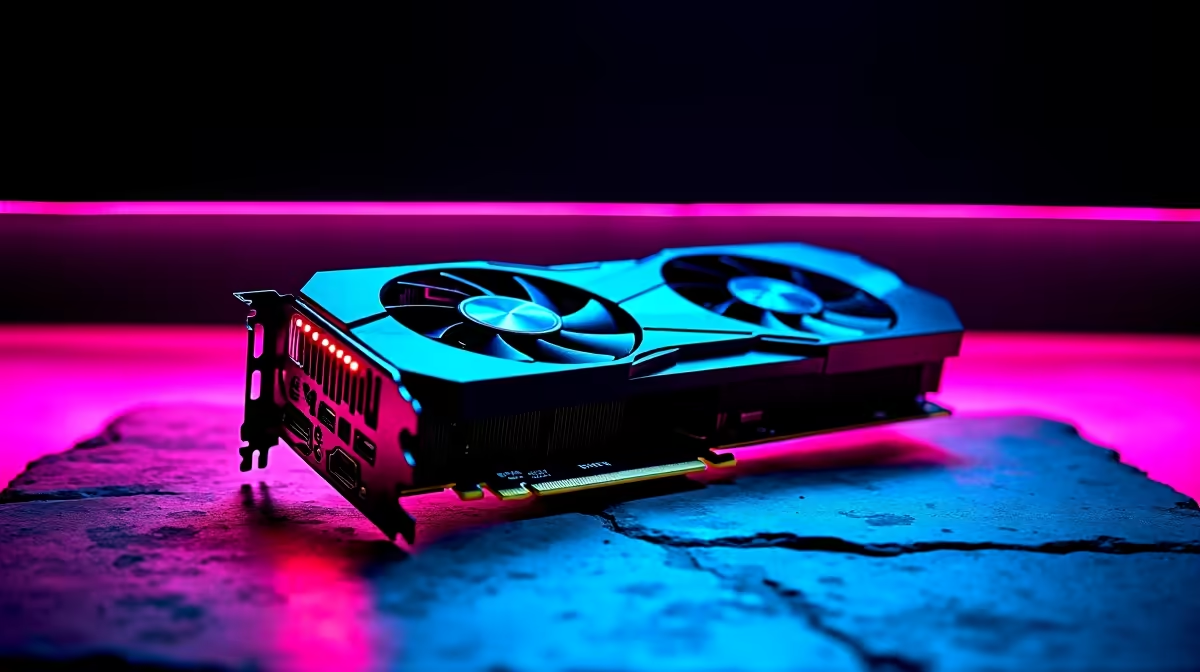
Running a dual or triple screen setup used to demand flagship hardware. Today, South African gamers want to stream, game, and chat without dropping 30k ZAR on a single component. If you are eyeing the latest midrange king, our RTX 5060 Ti multi-monitor support benchmark and real-world test for 2026 reveals exactly what to expect. Let us see if it actually handles your heavy multitasking loads.
Unpacking RTX 5060 Ti Multi-Monitor Support 🖥️
Nvidia's 50-series architecture brings serious muscle to the midrange market. The RTX 5060 Ti boasts upgraded GDDR7 memory and improved display engines. This means driving three 1440p displays is no longer a pipe dream for budget-conscious builders.
When you browse the latest graphics cards, VRAM is always a hot topic. Thankfully, the 2026 iteration handles high-resolution textures across multiple screens with surprising ease. We hooked up three displays to test the limits of its DisplayPort 2.1a connections.
The 2026 Benchmark Results
Raw numbers tell a compelling story. We ran our RTX 5060 Ti benchmark suite using a primary 1440p gaming display flanked by two 1080p accessory screens.
While running Cyberpunk 2077 on the main screen with OBS and Discord on the sides, the framerate remained remarkably stable. The card maintained a solid 85 FPS at 1440p High settings. The upgraded memory bus shines here. It prevents the stuttering we used to see on older xx60 series cards when pushing extra pixels.
If you want to replicate these results, you need the right viewing gear. Pairing this GPU with responsive high-refresh-rate monitors ensures your primary gameplay remains buttery smooth while your chat feeds stay crisp.
Display Setup Pro Tip ⚡
On Windows 11, use the native Snap Layouts feature to lock Discord and OBS to your secondary screens. Combine this with Nvidia's Surround software to optimise your viewing angles and prevent annoying cursor drift during intense gaming sessions.
Real-World Multitasking Test
Benchmarks are great... but real-world feel is what matters. We spent a week using the RTX 5060 Ti multi-monitor setup for daily tasks. Video editing in Premiere Pro while previewing 4K footage on a second screen felt incredibly snappy.
For those who prefer a complete package rather than building from scratch, this GPU is popping up in some of the best gaming PC deals available locally. It strikes the perfect balance between price and performance for South African buyers.
We also tested power draw. Even under heavy multi-screen loads, the card stayed well within its power limits. That is a massive win for your monthly electricity bill.
Finding the Right Hardware Match 🚀
Your GPU needs a balanced system to truly shine. If your CPU bottlenecks your graphics card, those extra monitors will feel sluggish. Upgrading your entire rig might be the smartest move. You can find perfectly balanced systems in our pre-built PC specials that take the guesswork out of component matching.
Perhaps you need something more portable for campus or the office? The mobile variants of these new GPUs are just as impressive. Modern gaming laptops now feature robust multi-monitor outputs... letting you dock your notebook at home for a full desktop experience without sacrificing performance.
Ready to Expand Your View? Pushing multiple displays does not require a second mortgage. For maximum power, choice, and value in South Africa, Evetech has you covered. Explore our massive range of desktop specials and find the perfect machine to conquer your world.











