

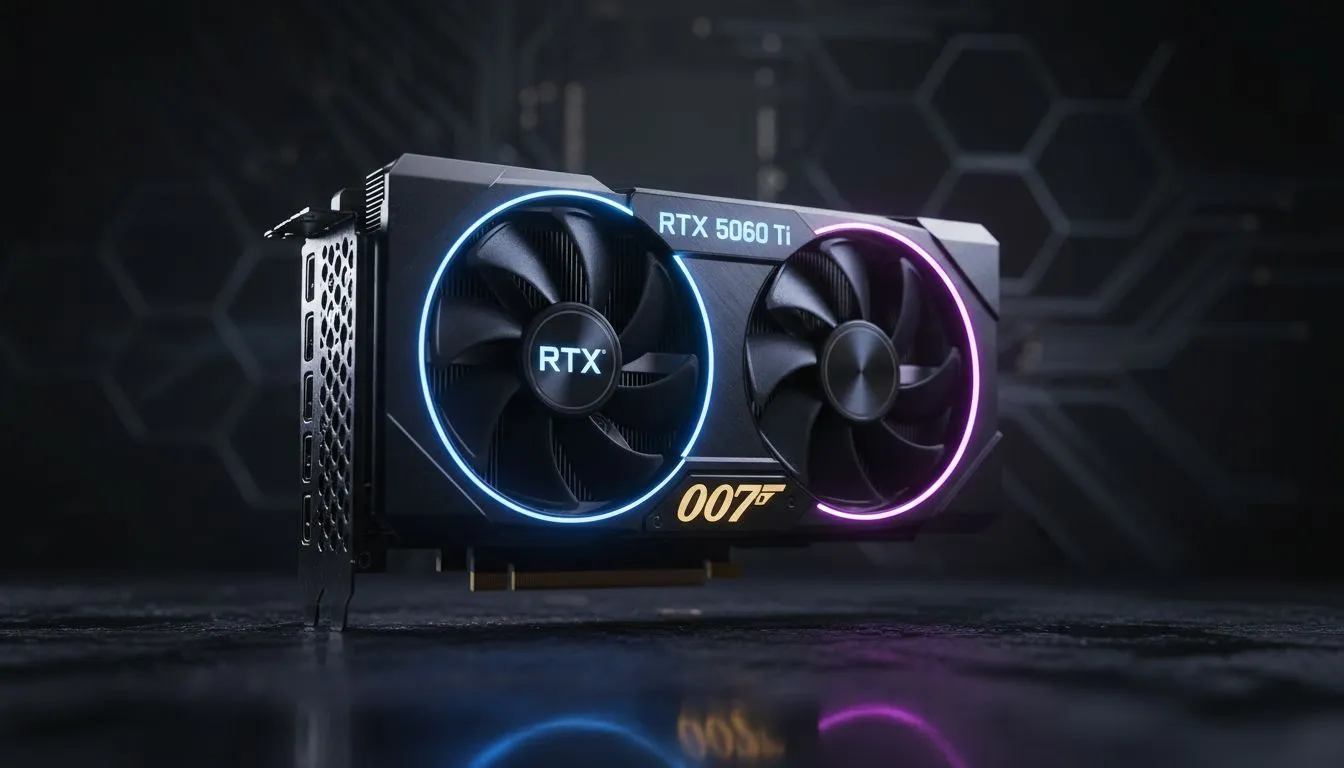
Simulation fans in South Africa understand that immersion is everything. Whether you are navigating a Boeing 747 over Cape Town or hitting the apex at Kyalami... stuttering is the ultimate immersion killer. To get the best experience, mastering your RTX 5060 Ti simulation quality settings is essential. This guide helps you balance visual fidelity with the rock-solid stability required for serious simulation. ⚡
Dialling in the RTX 5060 Ti simulation quality settings
The RTX 5060 Ti is a powerhouse for 1080p and 1440p simulation. However... sims like Microsoft Flight Simulator or Assetto Corsa Competizione are notoriously heavy on the CPU and VRAM. To start, you should look at the latest NVIDIA graphics cards to ensure your drivers are fully updated for the Blackwell architecture.
For the best results, set your "Global Quality" to High rather than Ultra. This allows the card to maintain a stable 60 FPS in dense urban areas or crowded starting grids. Shadows and reflections should be the first settings you tweak. Dropping shadow resolution from 2048 to 1024 often yields a 10% performance boost with minimal visual loss.
Thermal management and hardware choices
Long simulation sessions generate significant heat. If you are pushing high refresh rates, choosing a model with a robust cooler is vital. Many gamers prefer MSI graphics cards for their superior thermal designs. Better cooling means the GPU can maintain its boost clock for longer... preventing those annoying mid-race frame drops. 🔧
Sim Stability Pro Tip ⚡
Always enable Threaded Optimisation in the NVIDIA Control Panel for simulation titles. Most sims are heavily dependent on single-core CPU performance. This setting helps offload some of the driver overhead, giving your processor more breathing room to handle complex physics calculations and AI traffic.
Comparing the competition in the mid-range
While NVIDIA remains the king of features like DLSS 3.5, it is worth looking at the broader market. Some users might find better raw value in AMD Radeon graphics cards if they need more VRAM for massive texture packs. Alternatively, Intel Arc graphics cards are becoming a viable budget-friendly option for entry-level flight sims. 🚀
Professional simulation vs gaming
If your simulation work goes beyond gaming... such as architectural fly-throughs or engineering physics... you might consider different hardware. While the 5060 Ti is great for hobbyists, workstation graphics cards offer certified drivers for professional software. For the average South African gamer, though, the RTX 5060 Ti simulation quality settings provided here will offer a fantastic balance of price and performance. ✨
Ready to Find Your Perfect Match? The quest for the perfect simulation setup is a journey of precision and power. For the best deals on GPUs and expert advice in South Africa, Evetech has you covered. Explore our massive range of NVIDIA graphics cards and find the perfect machine to conquer your digital world.











