

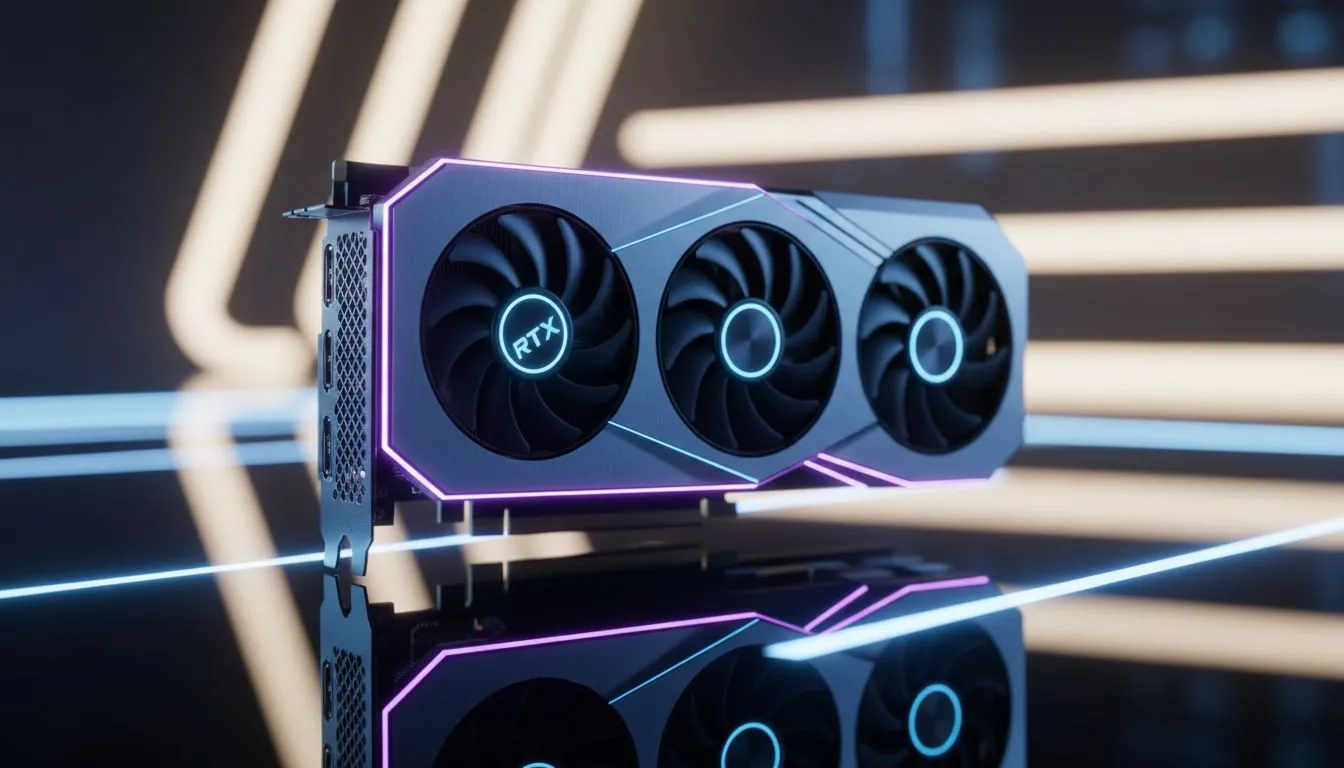
Valorant players in South Africa know that every millisecond counts... especially when you are climbing the ranks in competitive queues. With the new RTX 5070 hitting the shelves, the temptation to upgrade is massive. However, if you are pairing this beast with an outdated processor, you might encounter a frustrating RTX 5070 Bottleneck in Valorant. Let's ensure your hardware doesn't hold you back from those crisp headshots.
Understanding the RTX 5070 Bottleneck in Valorant
Valorant is famously light on graphics but heavy on logic. It is a CPU-bound title... meaning your processor dictates the maximum frame rate more than your GPU does. When you install a high-performance card like the RTX 5070, the GPU finishes its tasks so quickly that it often has to wait for the CPU to tell it what to do next. This "wait time" is the essence of a bottleneck, and it can lead to inconsistent frame delivery.
To get the most out of your investment, you need a chip that can keep up with the rapid-fire calculations required for high-level play. If you are looking for a balanced build, you can find a broad range of CPU processors that will complement your new graphics card perfectly. Investing in a modern architecture ensures that your GPU isn't sitting idle while you are trying to hold a tight angle on Haven or Bind.
Intel vs AMD: Choosing Your Valorant Engine
For those who prefer the blue team, the latest Intel Core processors are currently leading the charge in single-core speed. Valorant relies heavily on the performance of just a few cores rather than spreading the load across many. A high clock speed ensures that your frame times remain consistent... which is vital for maintaining a smooth 240Hz or 360Hz experience without those annoying micro-stutters that can ruin a clutch.
On the other side of the fence, the AMD Ryzen chips have become a favourite for South African gamers. Their X3D variants, specifically, offer a massive L3 cache that helps stabilise frames during chaotic, utility-heavy executes. Whether you choose Intel or AMD, ensure the generation is recent enough to handle the raw power of the 50-series architecture. Mixing a 5-year-old chip with a brand-new RTX 5070 is a recipe for performance disappointment. ⚡
Optimising for High Refresh Rates in ZAR
Simply buying the parts is only half the battle. You need to ensure your system settings are tuned to reduce latency. Even with a powerful setup, software misconfigurations can make a high-end PC feel sluggish. In the South African context, where we often deal with higher pings to international servers, having the lowest possible local input lag is a massive advantage.
Valorant Performance Pro Tip ⚡
Always disable "HPET" (High Precision Event Timer) in your BIOS or Windows Device Manager if you notice micro-stutters. While it sounds beneficial, many modern gaming setups perform better with it off, leading to a more consistent frame delivery in competitive shooters like Valorant. This allows your RTX 5070 to push frames more predictably to your monitor.
By matching your RTX 5070 with a capable CPU, you ensure that your frame rate stays high and your input lag stays low. This balance is the key to a professional-grade gaming experience. Don't let your GPU do all the heavy lifting alone... give it the partner it deserves. 🚀
Ready to Eliminate the Bottleneck? An RTX 5070 Bottleneck in Valorant can only be solved with the right processing power. For maximum performance and the best hardware deals in South Africa, Evetech has you covered. Explore our massive range of CPU specials and find the perfect partner for your new graphics card today.











