

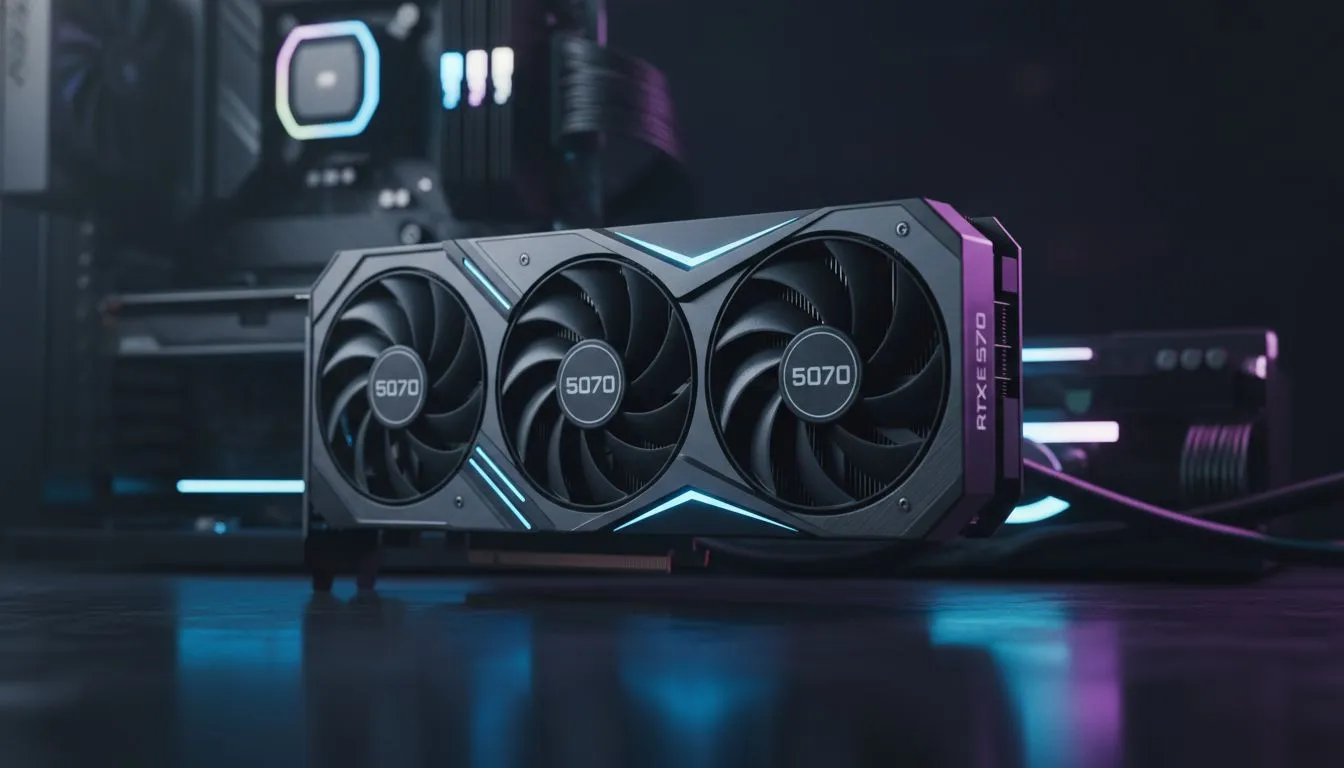
Understanding the RTX 5070 CPU bottleneck in Night City
You have finally secured the RTX 5070... a powerhouse meant for 1440p glory. You fire up Cyberpunk 2077, cruising through Night City, but the frame rate feels jittery. Despite the GPU's raw power, your frame times are all over the place. This is the classic RTX 5070 CPU bottleneck: Fix it for Cyberpunk before your immersion is ruined by a stuttering engine. ⚡
A bottleneck occurs when your processor cannot feed data to your graphics card fast enough. In a dense environment like Dogtown, the CPU has to calculate thousands of NPC paths and physics interactions. If you are pairing a mid-range chip from three years ago with this new card, you are leaving performance on the table. To get the most out of your hardware, you need to browse high-performance CPU processors that can keep up with the frame delivery demands of the 50-series architecture.
Why your current processor might be holding you back
Cyberpunk 2077 is notoriously heavy on multi-threaded performance. While the RTX 5070 handles the beautiful neon lighting and reflections, your CPU manages the underlying simulation. If your CPU usage is pinned at 100% while your GPU sits at 70%, you have found your problem. This mismatch often leads to "micro-stuttering" which feels worse than a consistently low frame rate. 🔧
Upgrading to the latest Intel Core CPUs can provide the necessary IPC (Instructions Per Clock) gains to smooth out those spikes. In South Africa, where we value every Rand spent on our rigs, ensuring your components are balanced is the smartest way to build. You do not want to spend R12,000 on a GPU only to have it throttled by an aging quad-core chip.
Night City Performance Tip ⚡
If you cannot upgrade your hardware immediately, try lowering the 'Crowd Density' setting in Cyberpunk 2077. This specific setting is heavily CPU-bound. Reducing it from High to Medium can often alleviate a minor RTX 5070 CPU bottleneck without significantly impacting the visual fidelity of the world.
The best ways to eliminate performance stutters
To truly solve the RTX 5070 CPU bottleneck: Fix it for Cyberpunk once and for all, you should look at modern platforms with high L3 cache. These caches act as a high-speed buffer, which is vital for open-world games. Many local gamers are finding that AMD Ryzen processors with 3D V-Cache technology are particularly effective at stabilizing minimum frame rates in Night City. 🚀
Remember to also check your RAM speeds. Faster memory allows the CPU to communicate with the rest of the system more efficiently. If you are still on slow DDR4, it might be time to move to a DDR5 platform. This ensures your RTX 5070 has a clear path to deliver every single frame it is capable of producing. Don't let an old chip dictate your gaming experience... your hardware deserves better. ✨
Ready to Find Your Perfect Match? The RTX 5070 is a beast, but it needs the right partner to shine. For maximum power, choice, and value in South Africa, a CPU upgrade is the best way to future-proof your rig. Explore our massive range of CPU specials and find the perfect machine to conquer Night City.











