

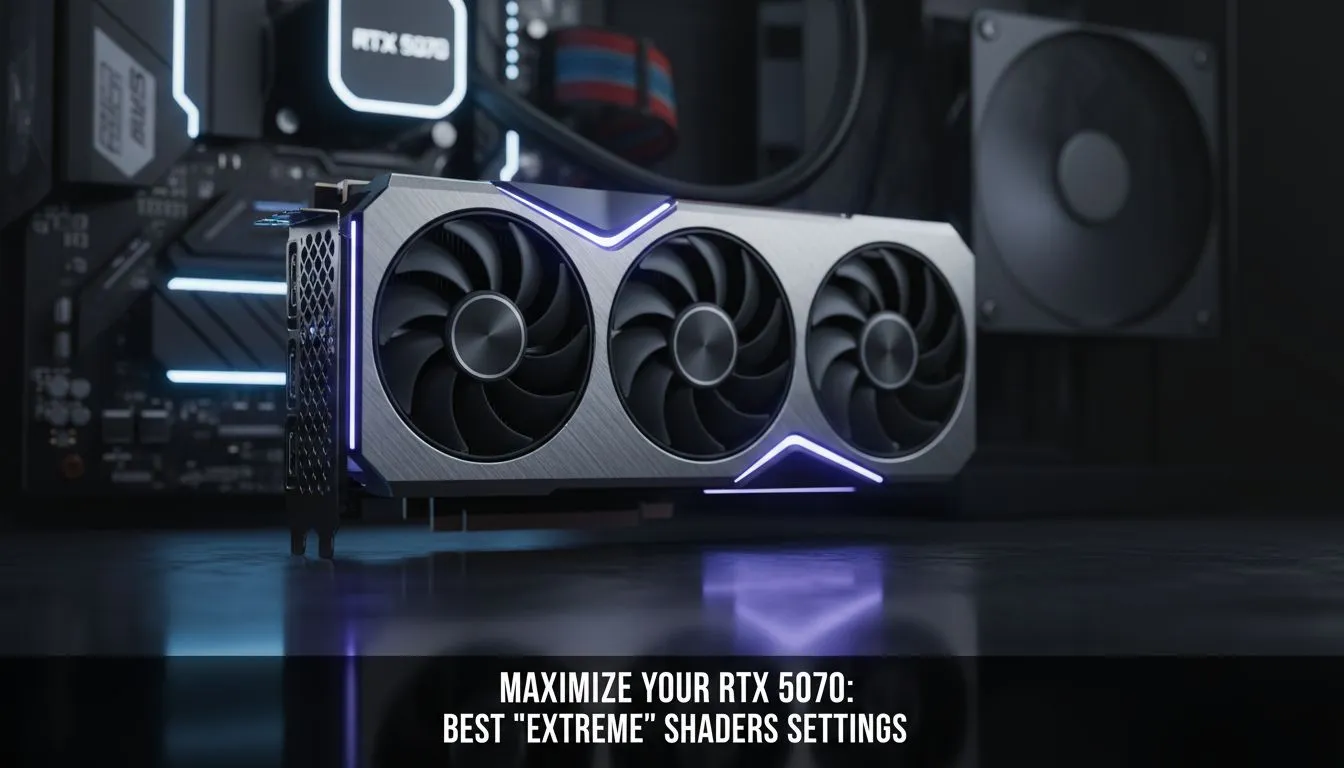
Mastering Your RTX 5070 Extreme Shader Settings
You’ve finally secured the latest Blackwell architecture for your rig. Now comes the real challenge... making it sing. Getting your RTX 5070 extreme shader settings just right is the difference between a stuttery mess and buttery smooth 1440p dominance. In South Africa, where we balance high-end performance with power efficiency for our inverters, optimising your GPU is more than a hobby... it’s a necessity for every serious gamer. ⚡
Dialling in Performance for South African Gamers
The RTX 5070 is a powerhouse, but modern titles are hungrier than ever. When you look at the current crop of NVIDIA graphics cards, the 5070 hits the sweet spot for value and raw speed. However, "Ultra" presets often include redundant shader calculations that eat into your frame budget without adding much visual flair.
To get the most out of your card, you need to look at shader execution reordering. This feature allows the GPU to group similar tasks together. It significantly improves efficiency in ray-traced titles. If you are rocking one of the high-end MSI graphics cards, you likely have the thermal headroom to push these settings further than reference models.
Optimising Shader Pre-Caching and Ray Reconstruction
One often overlooked aspect of the RTX 5070 extreme shader settings is the shader cache size in the NVIDIA Control Panel. Setting this to 10GB or "Unlimited" can eliminate those annoying micro-stutters during heavy combat. While AMD Radeon graphics cards handle shaders differently, NVIDIA users benefit immensely from Ray Reconstruction (DLSS 3.5+). This replaces hand-tuned denoisers with an AI network, making lighting look more natural while actually saving some processing cycles. 🚀
Shader Stability Pro Tip ⚡
Always allow your game to finish 'Compiling Shaders' on the main menu before jumping into the action. It might take three minutes of your time, but it prevents the GPU from hitting 100% utilisation while trying to render the world and calculate shaders simultaneously. This is especially vital when gaming on high-resolution panels to avoid frame-time spikes.
Balancing Work and Play
Not everyone uses their rig just for gaming. If you are moving between creative suites and gaming, you might have considered workstation graphics cards for their stability. However, the RTX 5070’s driver stack has become incredibly versatile. By adjusting your shader settings to "Performance" within your 3D apps and "Quality" in games, you get the best of both worlds.
Even compared to entry-level options like Intel Arc graphics cards, the RTX 5070 offers a level of driver maturity that makes "Extreme" settings viable rather than a pipe dream. Just remember to keep your ambient room temperature in mind... South African summers can push your hardware to the limit. ✨
Ready to Upgrade Your Visual Experience? Finding the right balance of power and price is essential for any local gamer. Whether you are chasing the highest frame rates or the most realistic lighting, we have the hardware to get you there. Explore our massive range of NVIDIA graphics cards and find the perfect RTX 50-series card for your setup today.











