

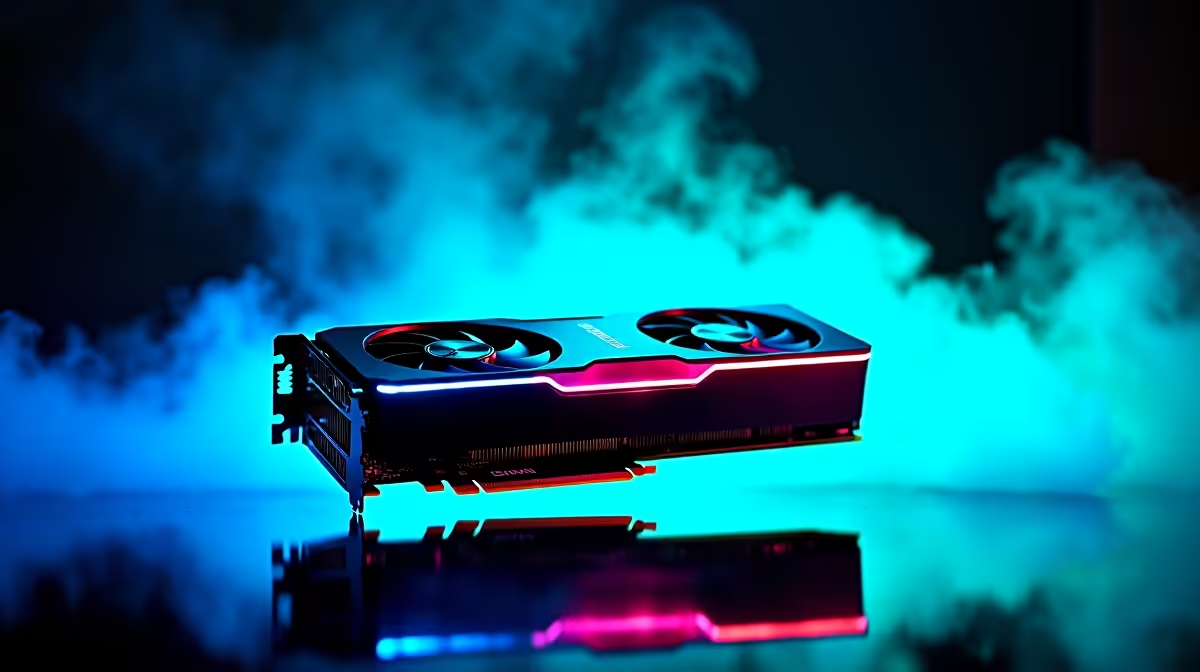
Load-shedding might be taking a break, but your frame rates should never drop. If you are pushing ranks on local servers, every millisecond counts. Running the RTX 5070 Valorant at 1440p is the sweet spot for South African esports enthusiasts. You get stunning visual clarity without sacrificing the raw speed needed to click heads. Let us dive into the benchmarks and find the perfect settings to maximise your ZAR investment.
Raw Performance and FPS Benchmarks 🚀
Valorant is famously easy to run, but pushing high resolutions at competitive frame rates requires serious hardware. Testing the RTX 5070 reveals staggering numbers. On maximum settings, you can comfortably expect well over 400 FPS. Drop those settings to the competitive standard... mostly low with high anti-aliasing... and that number easily skyrockets past 600 FPS.
This level of performance means your GPU will never be the bottleneck. Upgrading your setup with the latest graphics cards ensures you can fully saturate a 240Hz or even a 360Hz monitor. When your screen updates that fast, tracking enemy movement becomes incredibly smooth.
Why 1440p is the New Esports Standard
Most competitive players stick to 1080p out of habit. However, a 1440p display offers significantly more pixel density. This means enemy outlines appear sharper at long distances... like holding C Long on Haven. When you pair this visual clarity with sheer rendering muscle, you get the absolute best of both worlds without any performance penalty.
Dialling In Your Optimal Settings
Having raw power is great, but you need to optimise your settings for competitive play. We recommend keeping Multithreaded Rendering enabled. Set Material, Texture, and Detail qualities to low. This removes unnecessary visual clutter... making enemy abilities and character models pop against the background colour.
If your current processor struggles to keep up with your new graphics card, you might experience stuttering. Checking out the best gaming PC deals is a smart move to ensure your entire system is perfectly balanced.
Esports Optimisation 🔧
Always enable NVIDIA Reflex Low Latency in your Valorant video settings. Set it to On + Boost. Combine this with your setup to drastically reduce system latency, giving you a tangible edge in those sweaty clutch moments on the Cape Town servers.
Building the Ultimate Rig ✨
Achieving this tier of performance does not have to drain your wallet. When budgeting in ZAR, it is crucial to allocate funds where they matter most. Pairing your graphics card with a solid CPU and fast RAM is the golden rule for tactical shooters.
For those who prefer to skip the assembly process and jump straight into their placement matches, our pre-built PC deals offer plug-and-play perfection. These systems are rigorously tested to guarantee peak performance right out of the box.
Taking the Action On the Go
Perhaps you are a student or a professional who travels often. You do not have to sacrifice your rank just because you are away from your desk. Modern mobile hardware is incredibly potent, and you can achieve similar RTX 5070 Valorant at 1440p results on a portable machine.
Browse our massive range of laptops if you need a mobile battle station. You can easily connect an external monitor when you are at home. Just remember to keep an eye on the latest Evetech specials to stretch your budget and score premium gear for less.
Ready to Dominate the Leaderboards? Pushing high frames at 1440p gives you the ultimate competitive advantage. Explore our massive range of gaming specials and find the perfect hardware to conquer your next Valorant match in South Africa.











