

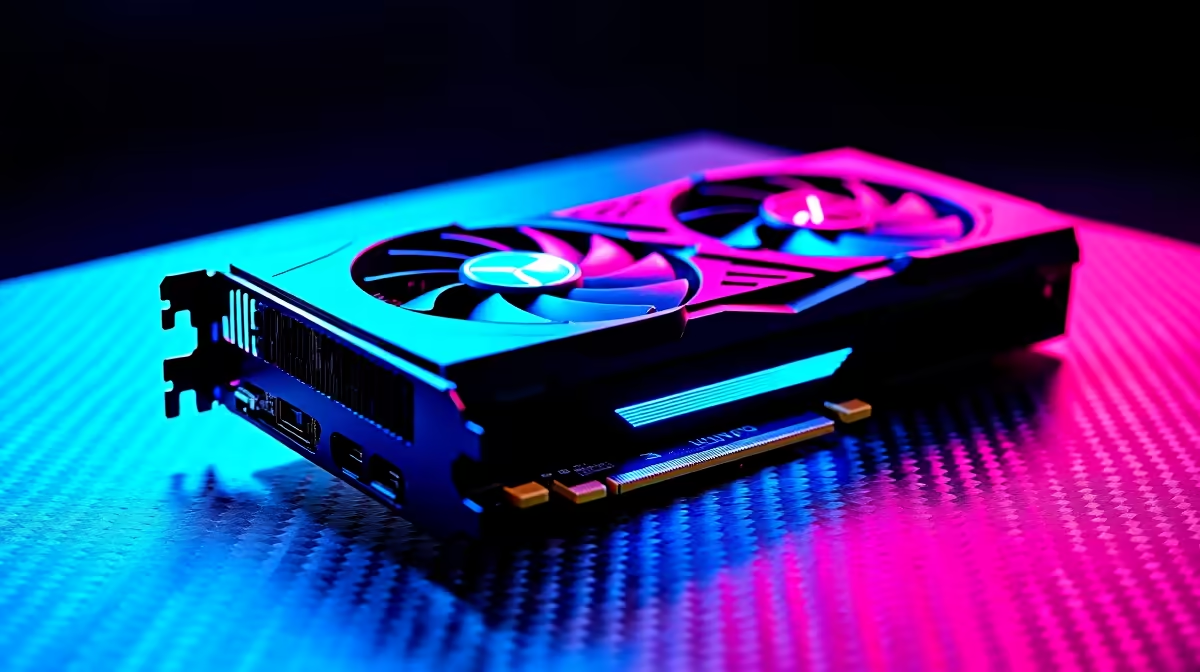
Chasing Radiant rank on South African servers means every frame counts. If you are eyeing the next-generation NVIDIA GPUs to push your monitor to its absolute limit, you are probably wondering about the RTX 5070 Valorant FPS numbers. Spoiler alert... it is an absolute monster. Whether you are holding down C-site on Haven or pushing for a flawless retake, this hardware delivers the buttery-smooth performance competitive players crave.
Breaking Down the RTX 5070 Valorant FPS 🚀
Riot Games designed their flagship tactical shooter to run on almost anything. However... pushing 360Hz or 540Hz displays requires serious horsepower. Early performance metrics show the new 50-series architecture completely dominating esports titles. You can easily expect well over 600 frames per second at 1080p competitive settings. Even at 1440p, the GPU barely breaks a sweat.
If you want to upgrade your rig to hit these massive numbers, exploring the latest graphics cards is a great starting point. Just remember that at these extreme framerates, your CPU becomes the primary bottleneck.
Building the Ultimate Competitive Rig 🔧
Dropping a high-end GPU into an older system will not automatically guarantee maximum performance. To truly stabilise your RTX 5070 Valorant FPS, you need a balanced machine. Pairing this card with a top-tier processor ensures your 1% low framerates never dip during chaotic Viper ultimates.
For gamers looking to stretch their ZAR further without the hassle of building from scratch, checking out the best gaming PC deals is the smartest move. Alternatively, you can browse through our curated pre-built PC specials to find a setup that guarantees maximum frames right out of the box.
NVIDIA Reflex Pro Tip ⚡
Always enable NVIDIA Reflex Low Latency in your Valorant video settings. Set it to 'On + Boost' to ensure your GPU clock stays high during intense skirmishes. This drastically reduces system latency and gives you a split-second advantage over your opponents.
Best Settings for Maximum Visibility ✨
Having raw power is only half the battle. You need to optimise your in-game settings to ensure visual clarity. Turn off unnecessary eye candy like Bloom and Distortion. Keep Material, Texture, and Detail qualities on Low to ensure enemy player models pop aggressively against the background.
Interestingly, these exact same principles apply whether you are on a desktop or playing on the go with high-performance gaming laptops. Every millisecond matters when you are holding an angle with an Operator.
To make sure you never miss out on the hardware required to run these optimal settings, keep a close eye on our exclusive tech specials for massive savings on premium gear.
Ready to Dominate the Leaderboards? Securing those high-octane frames is the first step to hitting Radiant. From top-tier graphics cards to complete systems that offer unbeatable value in South Africa, we have everything you need. Explore our massive range of gaming PC specials and build the ultimate competitive rig today.











