

Why Volumetric Lighting Impacts Your Framerate
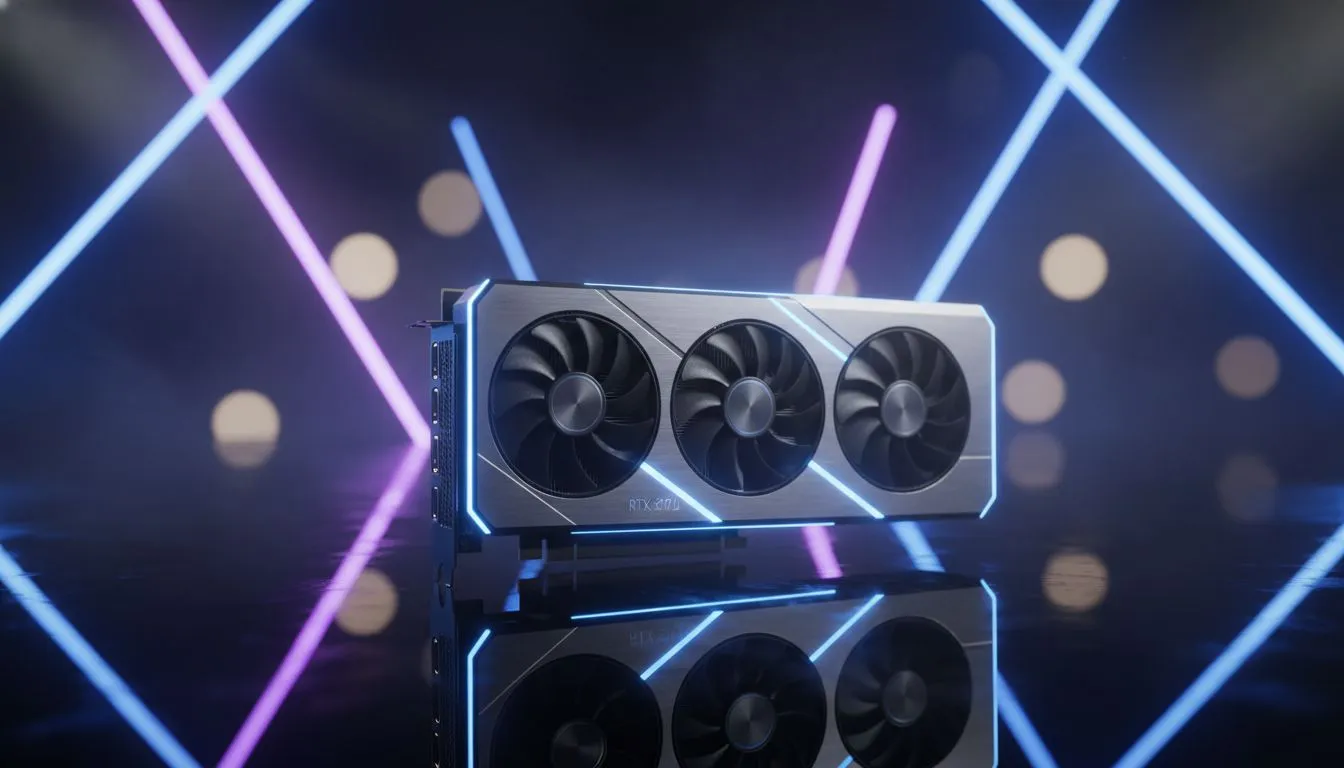
You have just unboxed a powerful new Blackwell card... but those god rays are tanking your frames. Optimising RTX 5070 Volumetric Light Settings to Maximize Performance is the secret to high-fidelity gaming without the stutter. Whether you are wandering through a misty forest or a neon-soaked city, getting the balance right ensures your gameplay remains buttery smooth while looking absolutely incredible. 🚀
Volumetric lighting mimics how light interacts with particles like dust, fog, or moisture in the air. It creates atmosphere... but it is also one of the heaviest taxes on your GPU. If you are browsing our latest NVIDIA graphics card selection, you likely want to see every beam of light in its full glory. However, even with the 50-series architecture, pushing these settings to "Ultra" can lead to diminishing returns in visual quality while eating up precious frames per second.
Finding the Sweet Spot for RTX 5070 Volumetric Light Settings to Maximize Performance
To get the most out of your hardware, start by setting volumetric effects to "Medium" or "High" instead of the maximum preset. In most modern titles, the visual difference between High and Ultra is nearly imperceptible during active gameplay. This simple tweak can often recover 10% to 15% of your performance. If you are using premium MSI graphics cards, you can use their cooling efficiency to maintain higher clock speeds, further stabilising your frame times during intense scenes. 🔧
DLSS Ray Reconstruction ⚡
If you are playing titles like Cyberpunk 2077 or Alan Wake 2, ensure DLSS Ray Reconstruction is enabled. This AI-driven feature replaces manual noise suppressors, significantly improving the visual quality of volumetric lighting and reflections without adding extra load to your RTX 5070.
Balancing Your Build and Alternatives
While NVIDIA leads the pack in ray-traced lighting, it is always worth looking at the broader market. If you are curious about alternatives for a secondary streaming rig or a budget-friendly build, Intel Arc graphics cards offer surprisingly decent ray-tracing capabilities for the price. Similarly, AMD Radeon graphics cards provide massive raw rasterization power, though they may require more aggressive setting adjustments when it comes to heavy volumetric effects. ✨
For those using their rigs for more than just gaming... perhaps 3D rendering or architectural visualisation... you might find that workstation graphics cards handle these lighting calculations with much higher precision. However, for the average South African gamer, the RTX 5070 remains the gold standard for balancing price and performance in 1440p or 4K environments.
Final Optimisation Steps
Always ensure your drivers are updated via GeForce Experience. NVIDIA often releases "Game Ready" drivers that specifically optimise how volumetric lighting is handled in new releases. By fine-tuning these settings, you can enjoy a cinematic experience without the frustration of lag. After all, spending your hard-earned ZAR on a top-tier GPU means you deserve the best possible experience. ⚡
Ready to Find Your Perfect Match? The balance between visual fidelity and performance is key for South African gamers. For maximum power, choice, and value, our range of GPUs has you covered. Explore our massive range of graphics cards and find the perfect machine to conquer your world.











