

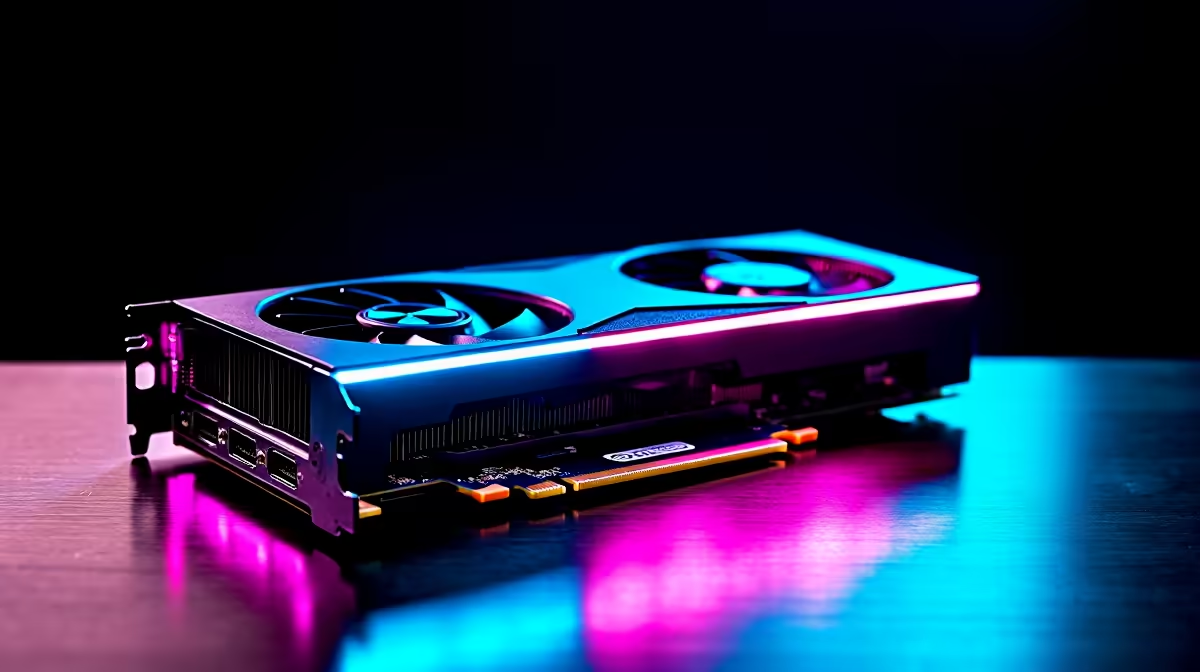
Load-shedding might interrupt your sessions... but low frame rates shouldn't. When you drop serious ZAR on next-gen hardware, you want every pixel pushing maximum performance. Upgrading your rig means understanding modern upscaling technology. Today we are exploring the RTX 5080 DLSS vs FSR vs XeSS: Performance Impact & Recommendations. This guide will help you squeeze every drop of power from your new setup.
The Modern Upscaling Landscape 🚀
Running native 4K with path tracing brings even the strongest GPUs to their knees. That is where upscaling steps in. These technologies render your game at a lower resolution and smartly scale it up.
If you want to upgrade your graphics card, you need to know your options. Nvidia uses Deep Learning Super Sampling (DLSS). AMD offers FidelityFX Super Resolution (FSR). Intel provides Xe Super Sampling (XeSS). Each uses different algorithms to boost your frame rates.
Performance Impact on the RTX 5080
The new 50-series architecture handles AI workloads incredibly well. When testing the RTX 5080 DLSS vs FSR vs XeSS performance impact, the results are clear. Nvidia's native DLSS dominates on its own hardware.
DLSS leverages dedicated Tensor cores to generate stunningly sharp images. It also uses Frame Generation to multiply your FPS. This makes it perfect for premium gaming PCs hooked up to high-refresh-rate monitors. FSR works decently on Nvidia cards... but you might notice slight shimmering during fast motion. XeSS looks fantastic on its highest quality preset but lacks the raw speed of DLSS.
Performance Pro Tip ⚡
Always update your Nvidia drivers before testing new upscaling settings. The latest drivers contain specific profiles that optimise DLSS performance for newly released titles... ensuring you get the sharpest image and highest frame rates possible.
Balancing Visuals and Frame Rates ✨
Choosing the right setting depends on your display. If you game at 1440p, DLSS Quality mode offers visual clarity that rivals native resolution. At 4K, you can comfortably drop down to DLSS Balanced or Performance.
If you are exploring pre-built desktop systems, pairing a 5080 with a fast CPU is crucial. Frame Generation needs a strong processor to prevent bottlenecks. The same logic applies if you are shopping for high-performance gaming laptops featuring next-gen mobile GPUs.
Our Final Recommendations 🔧
For anyone running an RTX 5080, DLSS is your absolute best friend. You should enable it whenever a game supports it. Use FSR or XeSS only if DLSS is missing from the graphics menu.
Building a top-tier gaming rig in South Africa requires smart budgeting. You want to maximise your ZAR while securing top-end performance. Be sure to keep a close watch on our latest tech specials to find the best deals on next-generation components.
Ready to Experience Next-Gen Graphics? The upscaling debate is settled when you have the right hardware. For maximum power and unbeatable value in South Africa, upgrading your system is the best move. Explore our massive range of graphics card deals and find the perfect GPU to conquer your favourite titles.











