

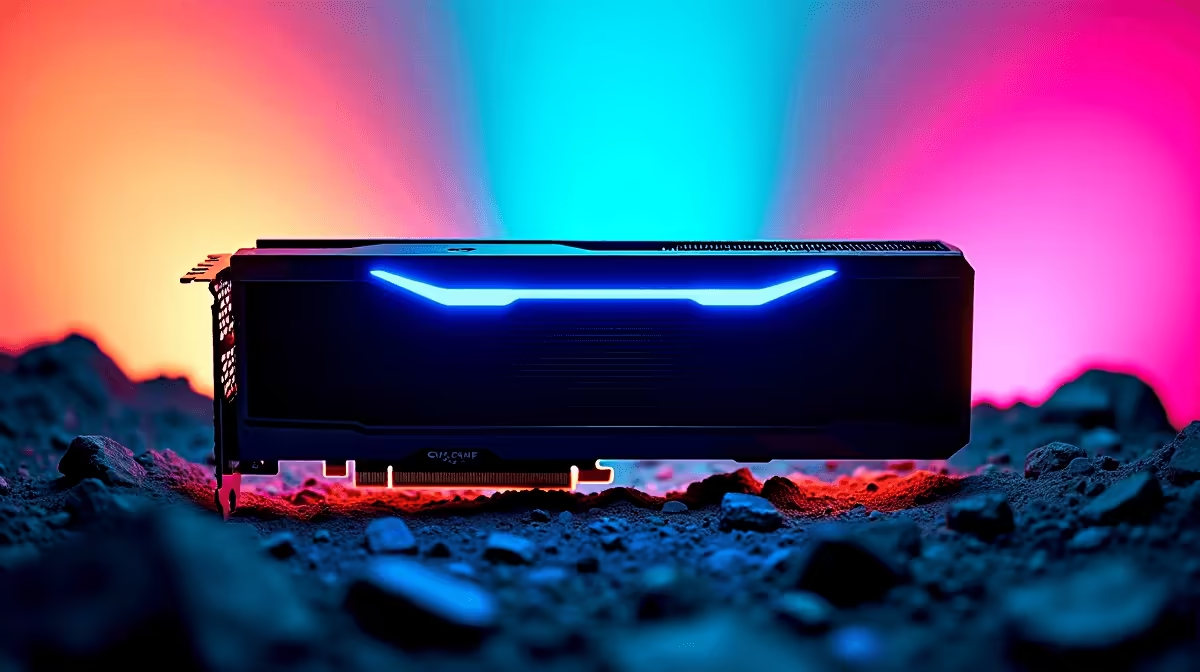
Load shedding might occasionally pause our gaming sessions... but when the power is on, we demand maximum frames. If you are diving into the creature-catching chaos of Palworld, you know the massive open world is surprisingly demanding. So, how does Nvidia's absolute beast handle the heavy load? We tested the RTX 5090 Palworld at 4K performance, bringing you the ultimate FPS benchmark and optimal settings for your next adventure.
Pushing Pixels: The FPS Benchmark Results 🚀
Nvidia's flagship architecture is an absolute monster of silicon. Running Palworld on maximum settings at 3840 x 2160 resolution usually brings lesser systems to their knees. However, our RTX 5090 Palworld at 4K tests revealed mind-blowing numbers. We saw average frame rates hovering well above 140 FPS natively... without even needing to turn on DLSS.
Frame drops in heavily forested areas or during chaotic base raids barely dipped below the 120 FPS mark. Whether you are building a massive multi-level fortress or fighting a level 50 Jetragon, the performance remains buttery smooth. If you want to upgrade your rig to hit these exact numbers and future-proof your setup, exploring the latest graphics cards for sale is your logical first step.
Optimal Settings for Flawless 4K 🔧
Even with a top-tier GPU, optimising your settings ensures you never drop a crucial frame during an intense boss fight. For the best balance of eye-candy and raw performance, keep your textures and view distance set to 'Epic'. You can dial shadows down to 'High' to save on VRAM... though the 5090 has a massive memory pool to spare. Motion blur is entirely optional, but turning it off gives you a much crisper image when tracking fast-moving targets.
If you are running an older system and struggling to keep up with the demands of base building, it might be time to look at some pre-built PC deals that can handle modern titles effortlessly. Prefer taking your Pals on the go? You can also find incredible gaming laptops in South Africa that pack enough punch for smooth 1440p and 4K mobile gaming.
Palworld Performance Tip ⚡
If you experience micro-stutters despite high FPS, try capping your frame rate in the Nvidia Control Panel to match your monitor's exact refresh rate. This smooths out frame pacing and keeps your GPU temperatures much lower during those long weekend grinds.
Building Your Dream 4K Setup ✨
Pairing an RTX 5090 with a bottlenecked CPU is like putting bicycle tyres on a sports car. You need a processor that can feed data to the GPU fast enough to prevent stuttering. High-speed DDR5 RAM is also crucial for loading those massive open-world textures quickly. To get everything perfectly balanced without breaking the bank, keep an eye on the best gaming PC deals available locally. Whether you are exploring dungeons or capturing rare elementals, having a reliable rig makes all the difference.
Upgrading your entire setup can cost a fair chunk of ZAR... especially when aiming for enthusiast-tier hardware. That is why smart South African gamers always hunt for maximum value. Checking out our daily tech specials ensures you get premium components at prices that leave enough budget for your monthly fibre bill.
Ready to Catch 'Em All in Glorious 4K? Experiencing the RTX 5090 Palworld at 4K is truly breathtaking. If you are ready to elevate your gaming experience and leave lag behind, Evetech has everything you need. Explore our custom gaming PCs and build the ultimate monster-taming machine today.











