

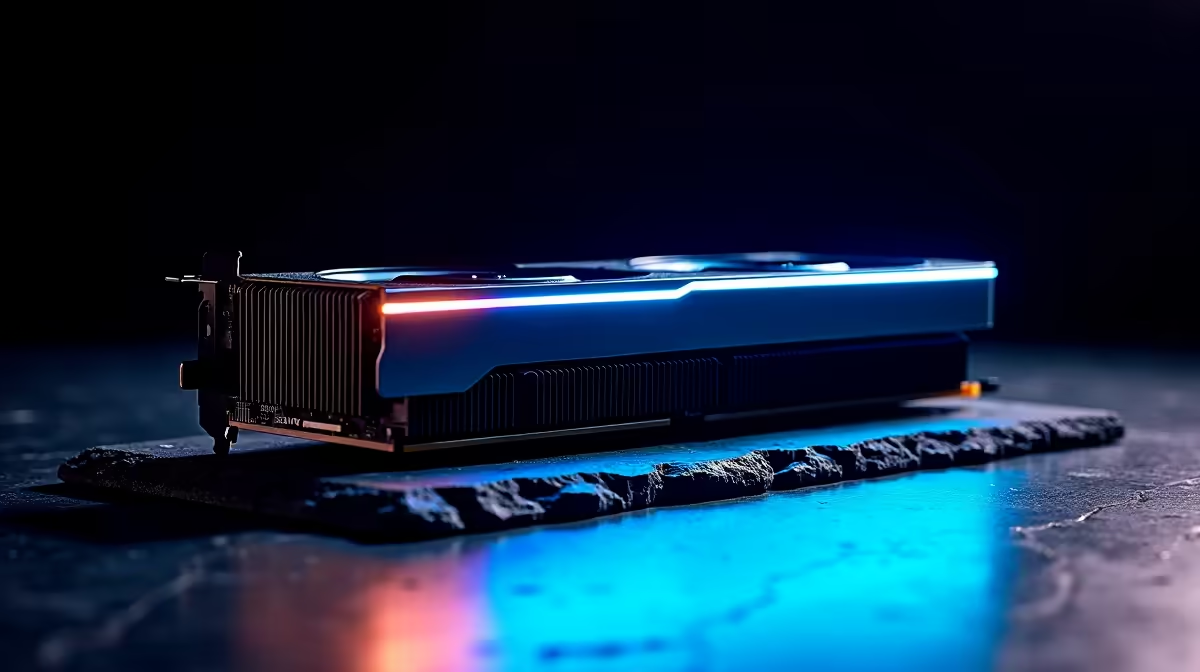
So, you are eyeing the monstrous RTX 5090. With local ZAR pricing looking steep, you might be wondering if you can slot this beast into your older motherboard. The big question is RTX 5090 PCIe bandwidth: does Gen 3 vs Gen 4 matter? Before you rip out your entire rig, let us look at the facts and see if your current setup can handle it. 🚀
Understanding RTX 5090 PCIe Bandwidth
Every time you load up a heavy title like Cyberpunk 2077, massive amounts of texture data travel through your motherboard. PCIe 4.0 offers double the bandwidth of the older PCIe 3.0 standard. For previous generations, this speed difference was barely noticeable.
However, the RTX 5090 is a different beast entirely. It processes unbelievable amounts of data. If you are browsing top-tier graphics cards, you already know this GPU pushes more pixels than ever before. Limiting its data pipeline could spell trouble for maximum performance.
Does Gen 3 Bottleneck the RTX 5090?
The short answer is yes... but the severity depends on your resolution. Testing on older flagship cards showed that dropping to Gen 3 only lost a few frames at 4K. But the RTX 5090 saturates data lanes much faster.
If you are running a high-refresh 4K monitor, a Gen 3 slot will choke that raw performance. Frame pacing might suffer, leading to micro-stutters during intense gaming moments. Modern games also utilise DirectStorage technology. This feature streams assets directly from your NVMe SSD to your GPU. A slower PCIe Gen 3 lane will severely limit this transfer speed.
If you want absolutely zero bottlenecks, exploring custom pre-built PC deals with modern Gen 4 or Gen 5 motherboards is a very smart move.
Hardware Pro Tip 🔧
Unsure what PCIe version your motherboard supports? Download the free GPU-Z utility. It shows your current bus interface and verifies whether your card is actually running at Gen 3 or Gen 4 speeds under a heavy load.
When to Upgrade Your Entire Rig
Let us be totally honest here. If you are spending premium Rands on an RTX 5090, pairing it with a five-year-old motherboard is like putting cheap bicycle tyres on a supercar.
To truly unlock your RTX 5090 PCIe bandwidth, you need a modern foundation. You can find incredible value in our best gaming PC deals that already feature the latest chipsets. Upgrading your CPU and motherboard ensures your new GPU has the breathing room it needs.
Alternatively, if desktop building feels too tedious right now, the mobile market is catching up fast. You might even consider browsing high-end laptops for sale in South Africa for a portable powerhouse that requires zero assembly. ⚡
Making the Right Choice for Your Setup
Does Gen 3 vs Gen 4 matter for the RTX 5090? Absolutely. While a Gen 3 board will technically work, you leave precious performance on the table. You want to maximise your investment and ensure those frame rates stay buttery smooth.
Do not let an outdated motherboard hold back your ultra-high-end GPU. Keep an eye on our weekly component specials to grab a compatible Gen 4 or Gen 5 motherboard without breaking the bank. ✨
Ready to Maximise Your Frame Rates? The PCIe bandwidth debate is complex, but for maximum power, choice, and value in South Africa, a modern platform is hard to beat. Explore our massive range of desktop specials and find the perfect machine to conquer your gaming world.











