

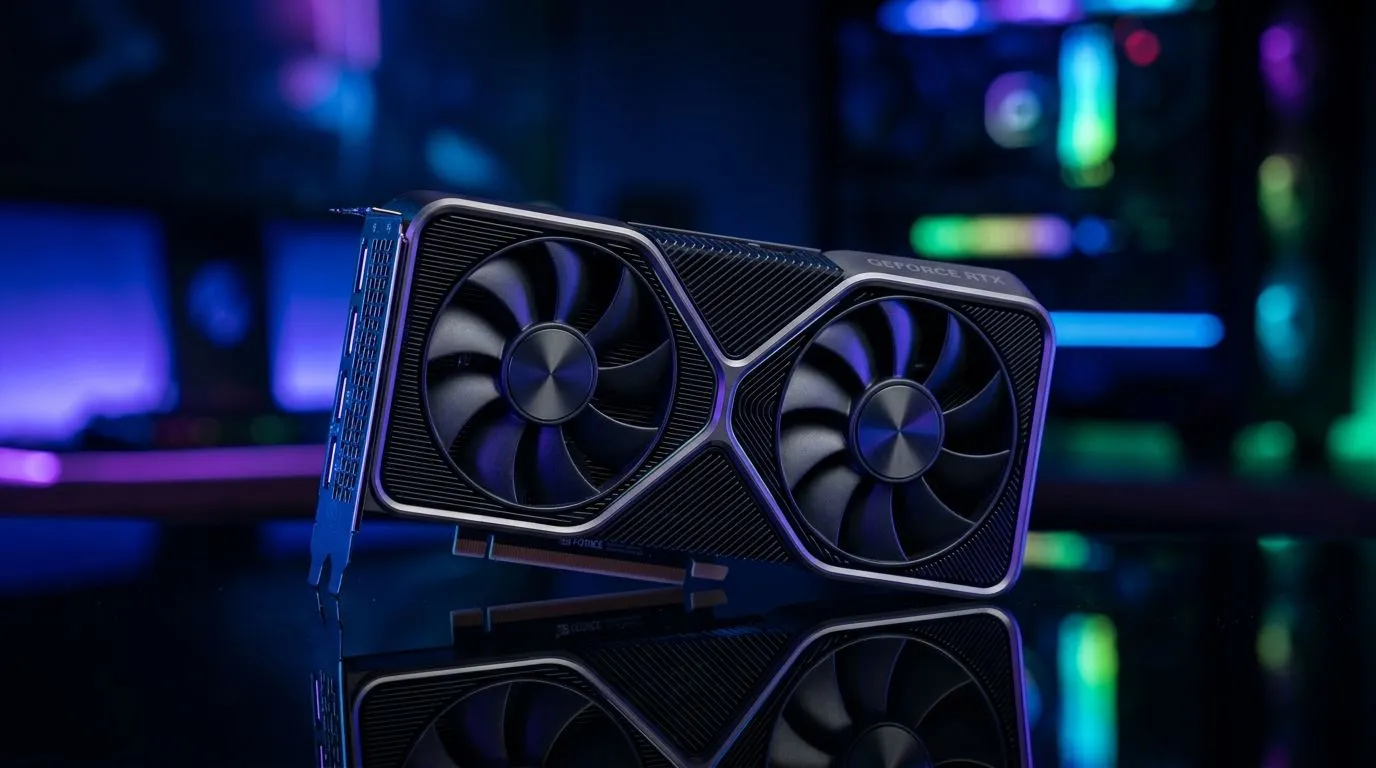
RTX Ray Tracing and AI Upscaling Explained for Mid-Range GPUs: Why South Africans Should Care
If you’ve ever turned your graphics settings down to keep frames smooth… you’re not alone. South African gamers want gorgeous visuals without paying “flagship GPU” prices. That’s exactly where RTX Ray Tracing and AI Upscaling Explained for Mid-Range GPUs becomes useful. These features can deliver a big jump in image quality and performance, but only if you set them up correctly. Let’s break it down in plain language, then help you choose smarter for your build. 🚀
RTX Ray Tracing and AI Upscaling Explained for Mid-Range GPUs: What’s Actually Happening?
RTX ray tracing simulates how light bounces in a scene. The result is more realistic reflections, shadows, and lighting… at a cost. On mid-range GPUs, ray tracing can tank performance if you run it at high resolutions and maximum settings.
AI upscaling is the workaround. Instead of rendering every frame at your target resolution, the GPU renders at a lower internal resolution, then uses AI to reconstruct the final image. This helps you keep FPS higher while still getting crisp visuals.
Here’s the key takeaway: ray tracing and AI upscaling can work together. Ray tracing improves lighting realism, and upscaling helps you maintain playable frame rates.
RTX Ray Tracing and AI Upscaling Explained for Mid-Range GPUs: The Settings That Matter 🔧
Most performance issues aren’t “bad hardware”. They’re mismatched settings. Try this order of operations:
Start with Resolution and Upscaling Mode
- Pick your target resolution (for example, 1080p or 1440p).
- Use AI upscaling to help you hit FPS.
- If the game offers multiple modes (Quality/Balanced/Performance), Quality usually looks best at the same perceived FPS, but it’s heavier.
Use Ray Tracing Wisely
- Turn on ray tracing features one at a time.
- If you get stutter, reduce ray tracing intensity or switch off expensive effects like reflections first (when the game allows per-effect toggles).
- Watch frametime stability, not just average FPS.
Cap FPS to Reduce Flicker and Stutter ⚡
Even with AI upscaling, unstable frame pacing can feel worse than steady performance. If your monitor supports it, a proper frame cap can smooth gameplay.
Productivity Pro Tip ⚡
On Windows, use the NVIDIA Control Panel or your game’s graphics settings to set a consistent frame cap (or enable G-SYNC Compatible if supported). Stable frametimes make ray tracing + upscaling feel smoother, even when your average FPS doesn’t fully increase. This is especially helpful on mid-range GPUs where workloads swing between scenes.
RTX Ray Tracing and AI Upscaling Explained for Mid-Range GPUs: What to Buy in South Africa (and Why)
In the real world, “mid-range” is a moving target. Your experience depends on the game, your target resolution, and whether the GPU ecosystem supports the upscaling features you plan to use.
If you’re shopping locally, consider building around a card that has strong AI upscaling support for the games you play most. Start by comparing available options by brand and category, then match the spec to your target resolution.
You can browse Evetech’s graphics card selection here:
- Browse MSI options: MSI NVIDIA & ATI graphics cards
- Compare Radeon options: Radeon Graphics Cards
- Or view the full category lineup: NVIDIA & ATI graphics cards
- If you’re focused on GeForce: GeForce Graphics Cards
A quick buying mindset for SA gamers: don’t chase “benchmarks alone”. Instead, think “what FPS will I feel in my main games?” If a mid-range GPU helps you reach a smoother experience with ray tracing + AI upscaling, it often beats a higher-priced card that you still can’t drive consistently.
RTX Ray Tracing and AI Upscaling Explained for Mid-Range GPUs: Quick Test Plan Before You Commit
Want to know if your settings are right? Run a simple checklist in any ray tracing-capable title:
- Set upscaling first and confirm you can reach your desired FPS.
- Enable ray tracing effects gradually (don’t turn everything to max at once).
- Check image stability: look for shimmering edges or unstable reflections.
- Compare presets: note which preset keeps the picture clean without large drops in frametime.
- Then lock it in for consistency.
This is how you avoid the “I bought it, but it still doesn’t feel good” scenario… the one nobody wants. ✨
RTX Ray Tracing and AI Upscaling Explained for Mid-Range GPUs: Final Thoughts (So You Can Game, Not Tweak Forever)
RTX ray tracing is gorgeous, but it’s heavy. AI upscaling is the bridge that makes ray tracing more accessible on mid-range GPUs. The smartest approach is careful settings, gradual ray tracing enablement, and a stable FPS target.
If you want the best chance of getting a setup that feels right, match the GPU to your resolution and the upscaling features supported in your favourite games. Then test, adjust once, and enjoy.
Ready to Find Your Perfect Match? The Mac vs Windows debate is complex, but for maximum power, choice, and value in South Africa, Windows is hard to beat. Explore our massive range of laptop specials and find the perfect machine to conquer your world.











