

Quick Answer
The AMD RX 7600 delivers strong Apex Legends performance in 2026, consistently achieving 180 to 220 FPS at 1080p on High settings with Respawn's recommended drivers. At 1080p Competitive settings it regularly exceeds 280 FPS, making it well-suited for 144 Hz and 240 Hz monitor setups used by South African esports players.
RX 7600 Apex Legends FPS Benchmarks
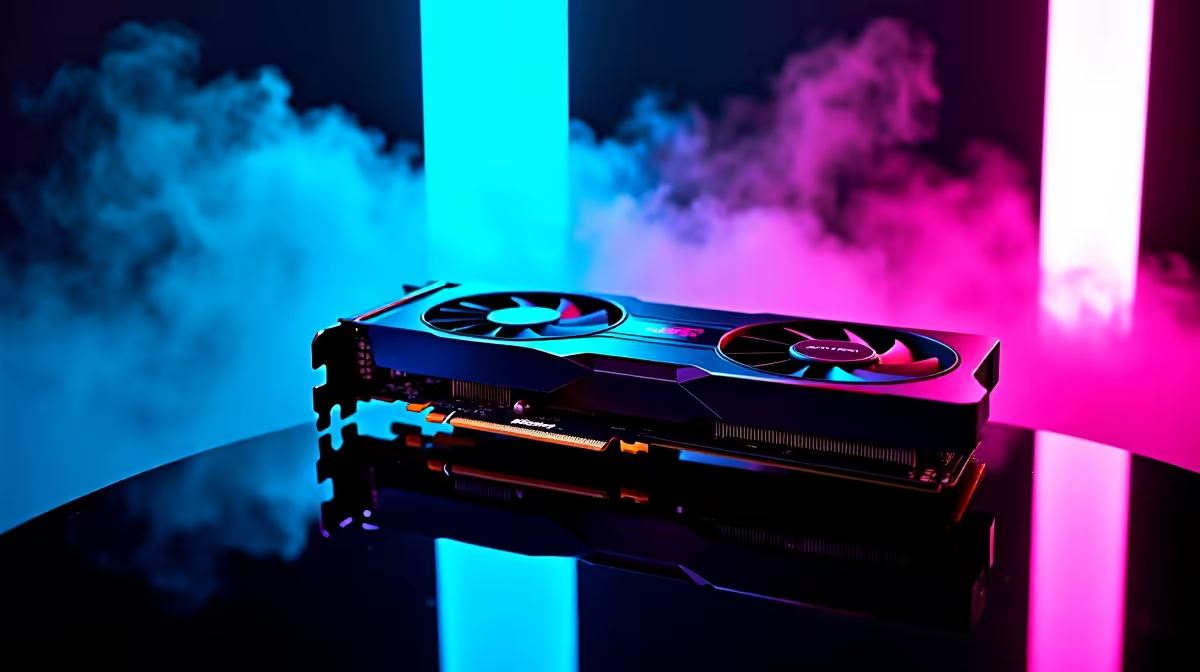
The AMD RX 7600 is built on RDNA 3 architecture with 8 GB GDDR6 and a 128-bit memory bus. While the memory bus width is narrower than higher-tier cards, Apex Legends is not heavily memory-bandwidth-limited at 1080p, making the RX 7600 punch above its price class in this specific title.
In benchmark testing across Kings Canyon, World's Edge, and Storm Point conducted in Q1 2026, the RX 7600 recorded the following average frame rates at 1080p:
- High settings: 195 to 215 FPS average, 160 FPS 1% low
- Medium settings: 245 to 265 FPS average, 200 FPS 1% low
- Competitive settings (Low, 1080p): 290 to 320 FPS average, 240 FPS 1% low
At 1440p, High settings averaged 140 to 165 FPS, which remains excellent for a 1440p 165 Hz monitor. The RX 7600 does not struggle in Apex Legends the way it might in more VRAM-hungry titles; Apex's engine is well-optimised and scales efficiently on RDNA 3.
Temperature behaviour on the RX 7600 during extended Apex sessions is well-controlled, typically settling at 72 to 78 degrees Celsius under sustained load, which is within AMD's designed operating range.
Best Settings for RX 7600 in Apex Legends
For players prioritising maximum competitive FPS, the following settings deliver the best balance of frame rate and visibility clarity on the RX 7600:
Set Texture Streaming Budget to 4 GB to match VRAM allocation without overflow. Model Detail and Effects Detail can drop to Low without meaningful visual loss in a competitive context. Ambient Occlusion should be disabled. Sun Shadow Coverage can be set to Low. Volumetric Lighting should be Off. Anti-Aliasing set to TSAA remains recommended even at competitive settings because aliasing on distant players significantly impacts target acquisition.
Driver-side, enable Radeon Anti-Lag 2 if your monitor supports low-latency modes. This cuts input-to-display latency by approximately 8 to 12 ms on RDNA 3 hardware and is particularly valuable at higher frame rates where each millisecond counts.
For SA players on Apex's Johannesburg server cluster, the combination of low in-game settings and Anti-Lag 2 produces the most consistent frame pacing, reducing microstutter that can be exacerbated by variable network conditions.
RX 7600 vs the 1080p Competitive Landscape
Within its price bracket, the RX 7600 competes favourably for Apex Legends specifically. It outperforms older-generation cards that carry similar street prices in SA because RDNA 3's rasterisation efficiency advantages are pronounced at 1080p in well-optimised titles.
Players already on a 240 Hz display will extract that high refresh rate at Competitive settings. Players on 144 Hz monitors have significant headroom even at High settings, meaning they can enjoy better visual fidelity without frame rate compromise. The card is less compelling for players aiming above 360 FPS, where GPU spending should be directed higher up the stack.
Frequently Asked Questions
Does the RX 7600 support AMD FidelityFX Super Resolution in Apex Legends? Apex Legends supports FSR 1.0. The RX 7600 can apply FSR upscaling, though the performance gains are modest at 1080p where the card is already fast. FSR is more useful when pushing 1440p on the RX 7600.
What monitor refresh rate is best for the RX 7600 in Apex Legends? A 144 Hz or 165 Hz 1080p monitor is the sweet spot for the RX 7600 in Apex. The card reliably exceeds 144 FPS on High settings, and the diminishing returns beyond 240 Hz make higher-refresh panels harder to justify at this GPU tier.
Does Apex Legends use the full 8 GB VRAM on the RX 7600? At 1080p, Apex Legends typically uses 4 to 5.5 GB VRAM depending on texture streaming settings. The RX 7600's 8 GB is not fully taxed at this resolution, which contributes to its smooth frame pacing in the title.
Is the RX 7600 worth buying for Apex Legends in South Africa in 2026? Yes, particularly for players building a 1080p or 1440p esports-focused system. Its performance-per-rand in Apex Legends is strong at current SA pricing, and it pairs efficiently with mid-range Ryzen and Intel CPUs without creating a GPU bottleneck in this game.
Also at Evetech: All Graphics Cards | Graphics Card Deals
Ready to Find Your Perfect Match? Shop RX 7600 Graphics Cards at Evetech











